
A dropped microphone channel in a sports bar costs you a song. In a courtroom it can cost a transcript, and a gap in the transcript can resurface on appeal.
Crunchy Tech started as a support company, fixing systems other people designed. That work taught us where audiovisual systems fail, and courtroom audio visual systems leave the least room for those failures.
This guide walks through each part of a courtroom AV system and what to ask before your court puts one out to bid.
Why Courtroom Technology Starts With the Record
Every courtroom system we design answers one question: will this reach the official record intact? Testimony, a whispered sidebar, a remote witness and the exhibit the jury saw all have to survive into the record and stay retrievable for an appeal.
That standard changes how technology in courts gets engineered. Audio quality turns into a legal issue. Display placement turns into a fairness issue, because the jury has to see exactly what the witness is describing.
Two outside references guide this work. The federal judiciary publishes a courtroom technology infrastructure handbook for new courtroom spaces. AVIXA, the Audiovisual and Integrated Experience Association, publishes the audio and display standards we reference below.
Courtroom Sound Systems That Capture Every Speaker
A courtroom audio system has two audiences. People in the room need to hear every word, and the recording system needs a clean signal from each speaker. The second audience is less forgiving.
Courtroom Microphones
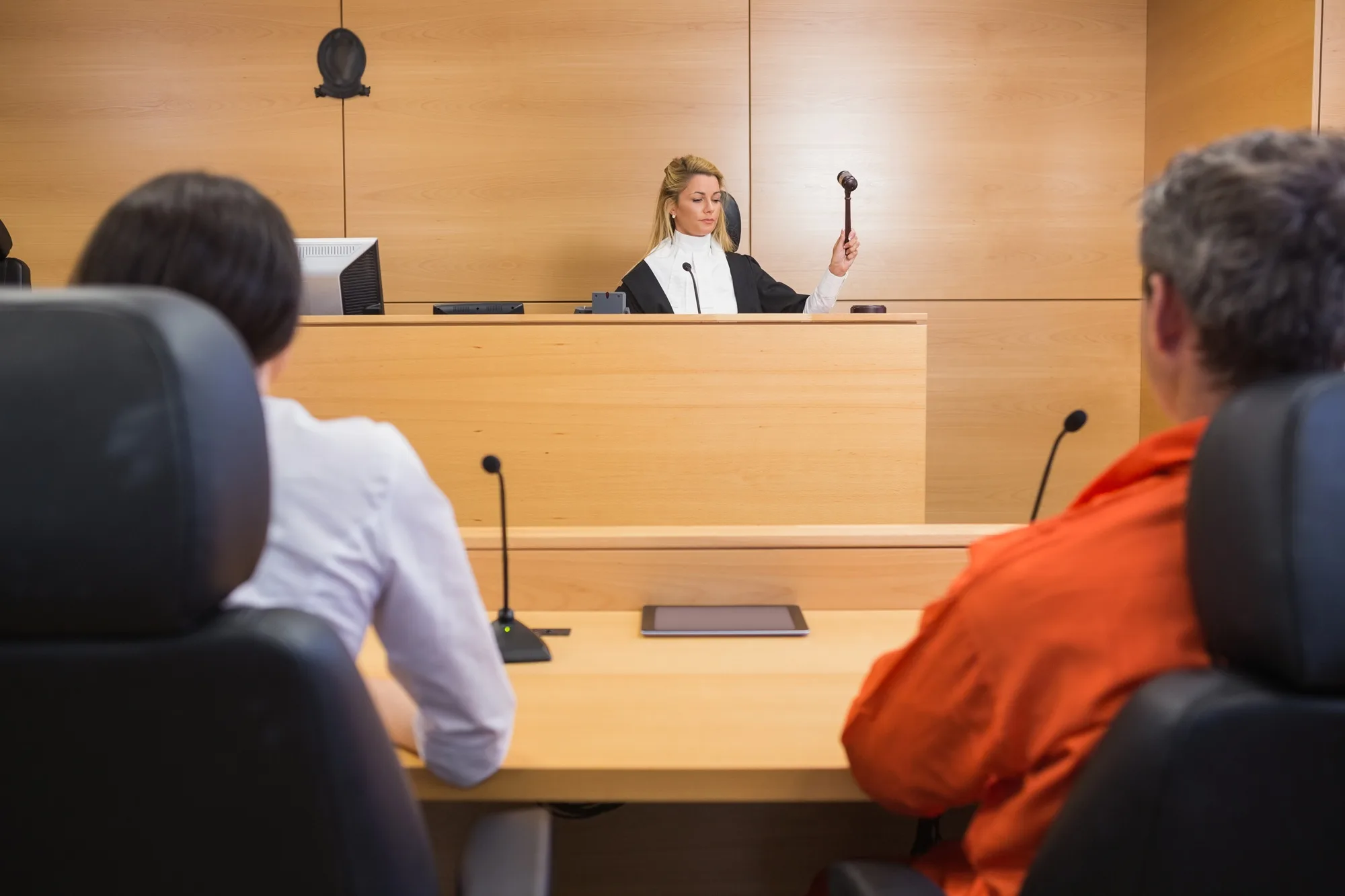
Courtroom microphones go wherever someone speaks on the record: the judge's bench, the witness stand, each counsel table, the lectern and the clerk's station. We specify gooseneck or boundary microphones with a tight pickup pattern. A tight pattern hears the person in front of it and ignores paper shuffling at the next seat.
Counsel tables get a privacy button. An attorney holds it to talk with a client, and that microphone drops out of the room and the recording. Leaving the button off puts attorney-client privilege at risk.
DSP: The Processor That Cleans Up Courtroom Audio
Every microphone feeds a digital signal processor (DSP), a dedicated unit that cleans and routes audio in real time. Automatic mixing is its most important job in a courtroom. It raises the microphone of whoever is talking and lowers the rest. Without it, five open microphones pick up five copies of the room, and the recording sounds like it was made in a stairwell.
Acoustic echo cancellation (AEC) is the second job. It stops a remote participant from hearing their own voice bounce back from the courtroom speakers, and it matters the moment a witness testifies over video.
The DSP can also send each microphone to the court's digital recording system on its own channel when the recorder supports it. A transcriptionist can then isolate a witness from the attorney talking over them. That separation is where courtroom audio recording holds up or falls apart.
Speakers and Coverage
Courtroom speakers run at speech level, loud enough to carry and quiet enough to keep the room formal. The target is even coverage. AVIXA's audio coverage uniformity standard (ANSI/AVIXA A102.01) gives us a measurable way to confirm that the back row of the gallery hears what the jury box hears.
Sidebar Privacy and Sound Masking
When the judge calls a sidebar, the attorneys gather at the bench to talk out of the jury's hearing. A sidebar button on the bench mutes the courtroom speakers and plays sound masking through speakers near the jury box and gallery. Sound masking is a soft, steady background noise, similar to air moving through a vent, that makes nearby speech hard to follow. The bench microphones keep feeding the record the whole time.
Assistive Listening and ADA Requirements
The 2010 ADA Standards for Accessible Design require an assistive listening system in every courtroom, even one with no amplified audio. The system sends courtroom audio to receivers that people with hearing loss wear with earphones or pair with their hearing aids.
At least 25 percent of those receivers, and no fewer than two, must be hearing-aid compatible. That usually means a neckloop, a cord worn around the neck that sends sound to the telecoil inside a hearing aid. A hearing loop covering every seat removes the need for those hearing-aid compatible receivers, because it talks to telecoils directly.
We lean toward infrared systems in courtrooms. Infrared light stays inside the room, which keeps testimony from reaching a receiver in the hallway. The same system can carry an interpreter's channel for a defendant who needs simultaneous interpretation.
Evidence Presentation Systems: What the Jury Sees and When
An evidence presentation system moves exhibits from an attorney's laptop or a document camera onto screens for the judge, witness, jury and gallery. A document camera is a live overhead camera for paper exhibits and physical objects, the modern version of the overhead projector.
The Judge Controls the Jury Feed
Every exhibit reaches the bench and the witness first. The jury displays stay dark until the judge admits the exhibit and releases it. If an attorney puts up something the court hasn't admitted, one button at the bench cuts the jury feed. We treat that control as the single most important feature in the evidence system.
Display Sizing for the Jury Box
Jury displays come in two layouts. One uses individual monitors shared between pairs of jurors. The other uses one large display sized for the farthest seat.
For large displays we work from AVIXA's display image size standard (ANSI/AVIXA V202.01). It ties screen size to viewing distance and the smallest detail a viewer needs to read. Fine print on a contract exhibit is our usual test.
Annotation at the Witness Stand
An annotation monitor is a touchscreen at the witness stand. A witness can circle an intersection on a map or mark a spot on a photo, and the markings show up on every display as they draw. The clerk can save the marked-up image and enter it as its own exhibit.
Counsel Table Connections
Counsel tables need HDMI and USB-C inputs at minimum, because attorneys bring whatever laptop they own. Floor boxes and cable paths get planned before the millwork is built. That step matters most in older courthouses with little spare conduit.
Courtroom Video Conferencing for Hybrid Hearings
A hybrid courtroom runs a proceeding with some participants in the room and others on video. Remote witnesses and video arraignments from a jail facility both depend on it. Courts expanded this capability during the pandemic, and many still use it for routine hearings.
Two details decide whether remote testimony works. The remote participant has to see the person speaking, and the room has to hear the remote participant without echo. Cameras covering each speaking position can switch automatically when the DSP detects which microphone is live. The remote witness sees the attorney asking the question, and the record shows who said what.
Streaming and Network Security
Some courts stream proceedings to the public. We build the streaming-ready platform and hand the court the outlet, and the court's chosen platform carries the broadcast.
Every video connection runs across the court's network. We work out network separation and access rules with court IT before any device connects.
One Control Panel for the Clerk and the Bench
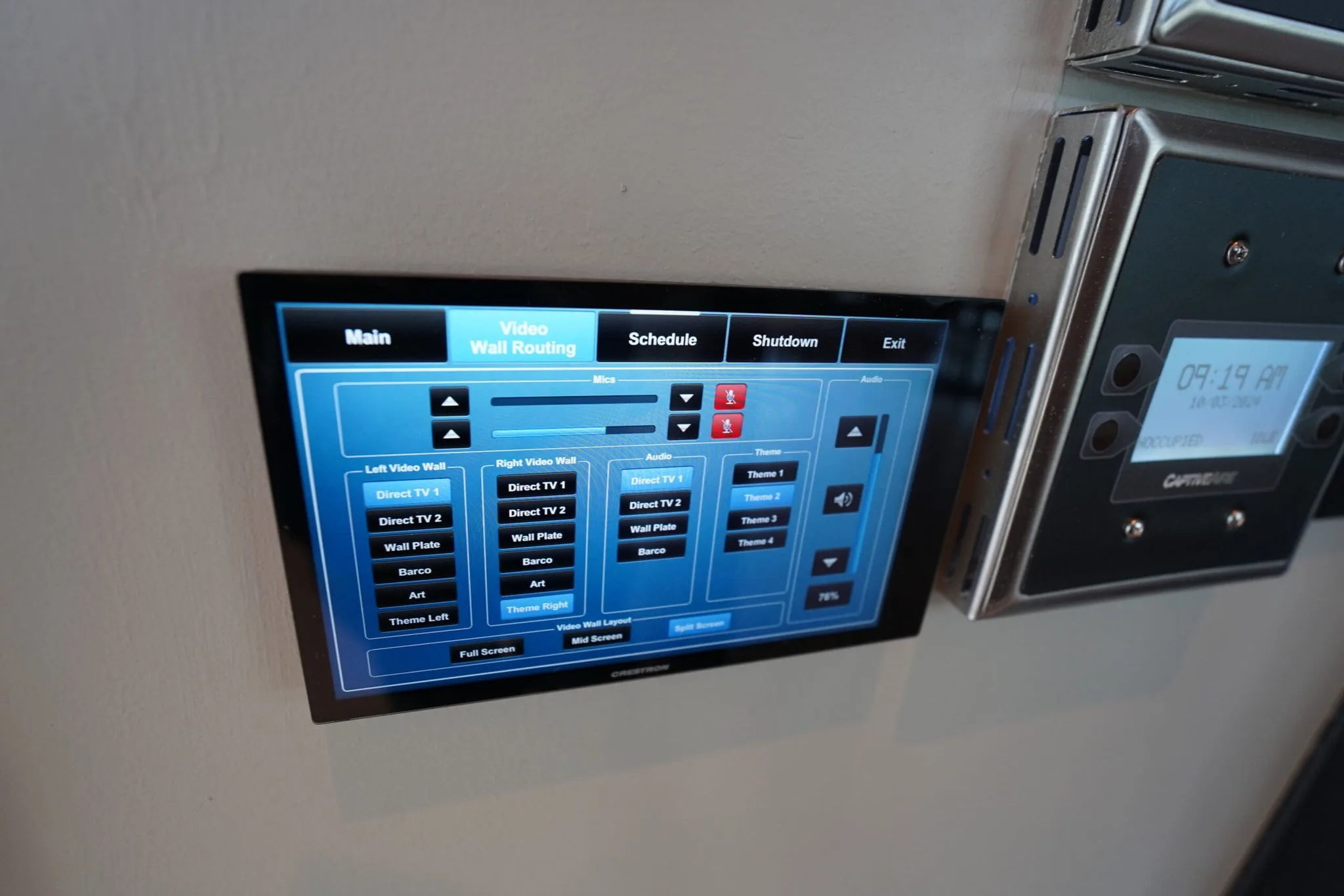
An AV control system ties every part above into one touch panel the clerk or judge runs. The clerk taps Trial, and the room sets itself up for a jury trial, down to which microphones feed the recorder. Other presets cover a video arraignment or a hearing without a jury. For court staff, that panel is the whole courtroom audio video system.
We design these screens around the people using them. A clerk running back-to-back hearings needs plain labels and no technical settings in view. If staff need a technician to start a hearing, the design missed.
How Courthouse AV Systems Get Bid and Built
Courthouse AV systems are public projects, and public projects run on a bid. Our courtroom AV integration work follows the bid's requirements, including its documentation and any rated equipment it calls for. That often means Trade Agreements Act (TAA) compliant hardware, which is equipment made or substantially transformed in the U.S. or a designated partner country.
Older courthouses add their own constraints. Historic millwork and limited conduit shape where equipment can go. We plan cable paths and equipment locations around the room's architecture, which keeps the bench and jury box looking the way the architect drew them.
Support After the System Goes Live
A court can't reschedule a trial because a display won't wake up. Our roots in AV support still shape how we design. Our systems are built to be repaired remotely, which lets our team fix many problems before anyone drives to the courthouse.
We design to a seven-year baseline and plan core equipment refreshes between years seven and ten. Courts can budget for that cycle years ahead.
Planning Courtroom Audio Visual Systems for Your Courthouse?
Crunchy Tech has designed and supported commercial AV systems since 2008. If you're scoping courtroom audio visual systems for a new courthouse or an existing one, talk with our engineering team about your rooms and your bid timeline.