The client call starts at 10:00. At 9:56 the conference room display reads “No Signal,” the laptop can’t find the ceiling microphones and someone is already reaching for a phone to dial in on speaker. Nobody in the room did anything wrong. The system was installed without anyone checking how its parts would talk to each other or to the network underneath them.
Video conferencing rooms rarely fail on day one. They fail the first time someone plugs in a different laptop, when the network gets busy mid-afternoon or when the company opens a second office and wants the rooms to match. Most of those failures trace back to decisions made (or skipped) before installation, when they would have cost almost nothing to fix. Below are the five planning gaps that show up most often in office video rooms, what each looks like in daily use and how to close it before the hardware arrives.
Dedicated Room System or Bring Your Own Device?
Every video room runs on one of two models, and the choice shapes everything downstream. A dedicated room system has its own compute running a meeting platform such as Microsoft Teams Rooms or Zoom Rooms. People join from a tabletop touch panel, and the laptop only shares content. In a bring-your-own-device (BYOD) room, the laptop runs the call and borrows the room’s camera, microphones and speakers over a single USB connection.
Both models work. Trouble starts when a room is built for one and used as the other. A Teams room in an office whose sales team lives on Zoom is a common example. Dedicated systems can usually join another platform’s meetings, though the hosting platform controls that experience and someone has to enable and test the interoperability before the first client call.
BYOD rooms have their own failure points. USB 2.0 is specified for cable runs of about 5 meters, so a camera at the far end of a boardroom table needs an active extender over network cable. On the HDMI side, many “No Signal” complaints come from HDCP, the copy-protection handshake between a laptop and a display. A switcher or adapter that mishandles the handshake blanks the screen even when every cable is good.
Audio decides whether a call sounds professional. The room’s microphones need acoustic echo cancellation (AEC), processing that subtracts the room’s own speaker output from the microphone feed. Without it, remote participants hear their own voices come back with a delay. A conference room AV system designed around how the room is actually used settles these questions before any hardware ships.
Network Readiness for Video Calls
A video room is only as reliable as the network behind it. Zoom’s published guidance puts a 1080p group call at roughly 3.8 Mbps upstream and 3.0 Mbps downstream, and download bandwidth climbs with each additional display in a Zoom Room. Ten rooms on calls at once can pull close to 38 Mbps of upstream capacity before anyone else in the building opens an email attachment.
Room systems belong on wired connections. Wi-Fi shares airtime with every phone and laptop in range, and a crowded afternoon network shows up as frozen faces and clipped audio. Quality of service (QoS) settings tag call traffic so switches and routers forward it ahead of file downloads and backups. That tagging has to be configured end to end, from the room switch to the firewall.
Power is the other network question. Ceiling microphones and touch panels often run on Power over Ethernet (PoE), which delivers power through the same cable as data. A switch without enough total PoE budget will drop devices once the last few are plugged in, usually on installation day. The client’s IT team should sign off on IP addressing and firewall rules before any equipment goes on the wall.
Room Standards That Scale Across Offices
Growth exposes inconsistency. A company that adds rooms one at a time, each specified by whoever was available that quarter, ends up with four different touch panel layouts and employees who avoid half the rooms. A room standard fixes that. It defines the camera, microphone coverage, display size, control interface and cabling for each room type: huddle rooms for two to four people, conference rooms, boardrooms and divisible training rooms. The tenth room then behaves exactly like the first.
The Audiovisual and Integrated Experience Association (AVIXA) publishes standards that give those templates measurable targets. AVIXA V202.01:2016, Display Image Size for 2D Content, calculates the minimum screen size based on the distance to the farthest viewer and the kind of content on screen. ANSI/AVIXA A102.01:2022, Audio Coverage Uniformity, measures how evenly sound reaches every listening position. A room built to both standards can be replicated in another city with predictable results.
Centralized device management carries the standard forward after installation. Management platforms let IT check room status across every site and get an alert when a microphone drops offline, often before anyone books the room. Building that layer into the AV system design costs far less than retrofitting it across a portfolio of corporate offices later.
Security for Networked Room Devices
Every camera, microphone, touch panel and room computer is a network endpoint, and attackers treat it like one. Two gaps show up repeatedly: default administrator passwords left unchanged after installation and firmware that falls months behind the manufacturer’s security patches. Both are easy to close at commissioning and easy to forget afterward.
Network segmentation limits the damage if a device is compromised. Placing AV equipment on its own VLAN (a separate virtual network on the same physical switches) keeps a hacked display controller away from accounting servers and HR files. AVIXA RP-C303.01:2018, Recommended Practices for Security in Networked AV Systems, covers this ground in detail and gives IT teams a shared reference with their AV integrator.
Recordings deserve the same scrutiny. Decide where meeting recordings are stored and who can access them. Regulated industries carry extra requirements. A healthcare organization discussing patient information on video calls needs a business associate agreement (BAA) with the platform provider under HIPAA, along with platform settings that match it. Most major platforms offer BAAs on qualifying paid plans, and the agreement only protects the organization once it is in place and the room systems are configured accordingly.
Planning the Room Before Buying Hardware
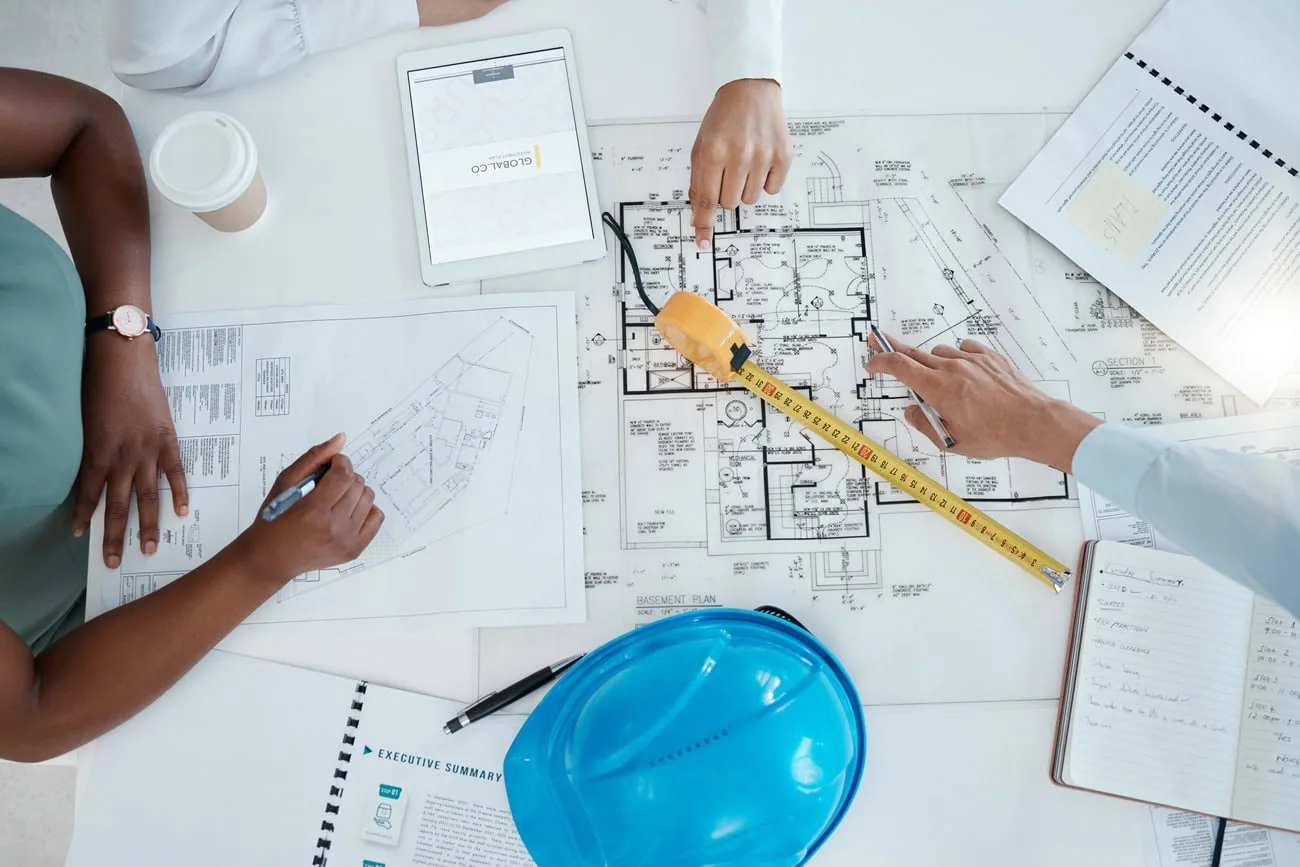
Each fix above costs almost nothing during design and a great deal after installation. A sound project starts with discovery. How many people use the room, and which platforms do they call on? Design follows, then installation and commissioning, then training. A short walkthrough with each team and a quick-start card on the table head off a large share of “the room is broken” tickets, many of which turn out to be a display set to the wrong input.
Support closes the loop. Crunchy Tech started in 2008 as a support company, and that background shapes how we design audiovisual systems today: every room should be monitored and documented so it is easy to service when something does fail. Our support and service team picks up where the install crew leaves off.
If a video room project is coming up, or existing rooms keep generating complaints, talk with our team about where the gaps are.