
It's 7 p.m. on a game-day Saturday and every table is full. The music from the bar is drowning out conversations in the back, and half the dining floor is watching the game from the side. Over by the kitchen, an order gets called and nobody hears it. A server needs golf on the corner TV and starts digging through a drawer of remotes.
Our team runs the same test in every restaurant we walk into: listen first, then look. Bad audio drives customers away, and so does no audio. Next come the screens, and how many guests have to twist in their chairs to see one.
Owners spend months on the menu and the buildout, while the AV tends to get designed last. Guests feel it even when they can't name what's off.
Below are the four AV problems we see most often in restaurants and bars, starting with the ones you hear, and how our team fixes each one.
SEE ALSO: Top 7 Mistakes Restaurant Owners Make with Audiovisual Tech
Problem 1: One Volume for the Whole Venue
A single volume level guarantees someone in the venue is uncomfortable.
The bar crowd wants energy while the tables in back want to hear each other. Turn it up for the game and the dining area starts shouting over dinner. Turn it down and the bar goes flat.
Work with the restaurant acoustics you have
Before we add a single speaker, we look at the space itself. A concrete box bounces sound everywhere, and cranking the volume only pushes restaurant noise levels higher. Hard bar tops and glass shelving make bar acoustics harsher still.
Speaker placement has to account for direction and mounting height. We spread sound across more speakers at a lower volume, then tune the EQ on site across every zone. That tuning takes a couple of days in the finished space. We can test it in our shop, but we can only finish it in yours.
Zone the venue the way guests use it
Lunch is different from game day, and a private event is different from both. Private dining wants a quieter level than the front of the house, and the patio may need a separate setting entirely.
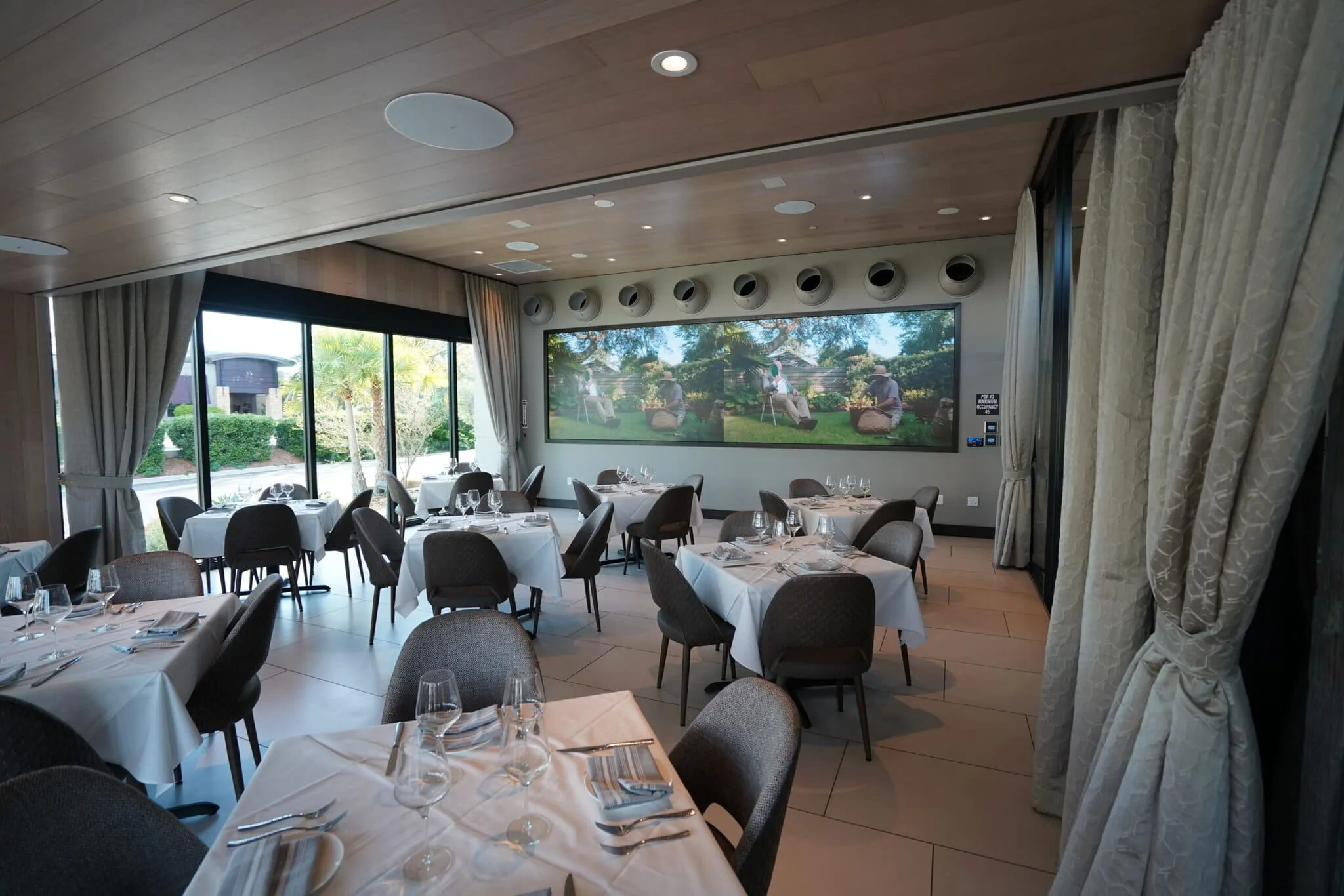
We build adaptive multi-zone systems that run louder at the bar and quieter where guests want conversation. A typical layout gives the lobby, main dining area, bar and patio their own zones. On a big night, staff can send game audio to every zone at once.
For more on separating bar and dining sound, see Restaurant Background Music: Creating Distinct Bar & Dining Zones.
Choose gear your staff won't have to babysit
Guests can't see cheap speakers and amplifiers from the front of the house. Your team feels them in constant reboots.
Commercial amplifiers can only drive so many speakers per channel before the power stops coming through clean. We design the zone count and the channel count together, and we don't put 100 speakers on a single channel.
Problem 2: Pages That Never Reach the Back
"Order for Lisa" should get to Lisa on the first try.
Shouting over the music works at the host stand and nowhere past it. A kitchen call nobody hears on the floor means a cold plate. A manager who misses a page ends up doing a lap around the building to find out what's wrong.
Give paging its own zone
We run paging through the speakers that already carry your music, on a dedicated zone. That zone covers the restrooms and back of house, where a raised voice from the floor never carries.
Patio speakers are weather-rated and run on their own amplifier channel. A page plays there just as it does in the dining area, and staff start it from the control panel that runs everything else.
Keep paging on a wired connection
Wireless works fine for guest Wi-Fi. It's a poor fit for anything your staff depends on during service, and dropouts tend to show up in the busiest hour.
Predictability is the goal. Without it, you end up with areas you can't control, and anything you can't control is hard to fix quickly. Mission-critical audio and video get a wired, direct connection in every install.
Problem 3: Screens Placed for Walls Instead of Seats
Screens belong where guests sit. Plenty of restaurants hang them on whatever wall is open.
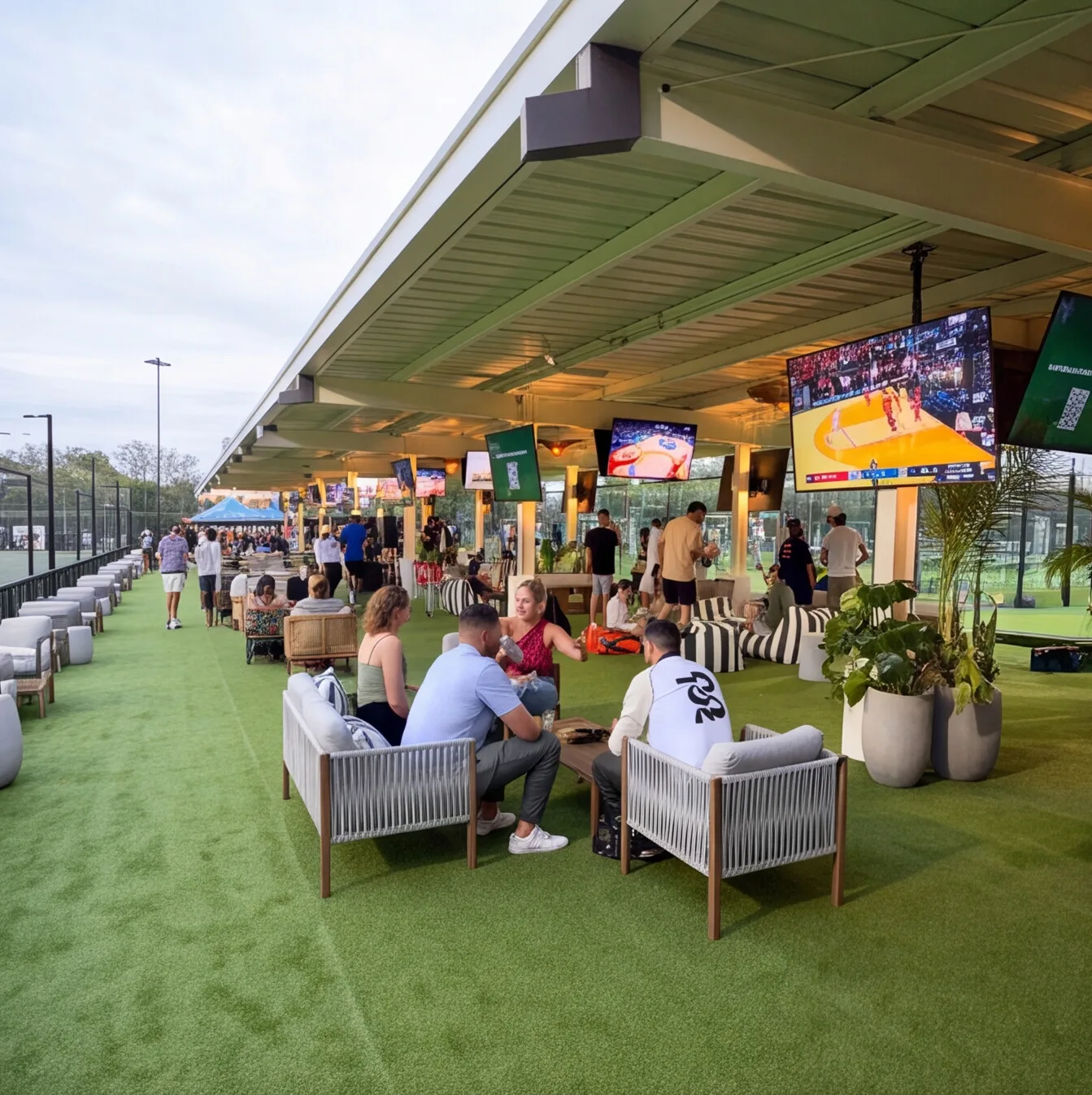
The result shows up on game night. The bar gets a clear view while the dining area squints from the side, and the biggest screen faces the fewest seats. Anyone stuck craning for four quarters has a worse night, and they're less likely to come back.
Map the sight lines before choosing a display
We run a sight-line analysis of the tables before we pick a single screen. Each seat gets checked for what it can see without anyone moving a chair, and the display plan comes out of that map.
Each mounting spot gets a look too. We don't quote a display until we've walked the wall and checked its backing, the lighting it faces and whether a mount there is safe.
Spend on the screens most guests face
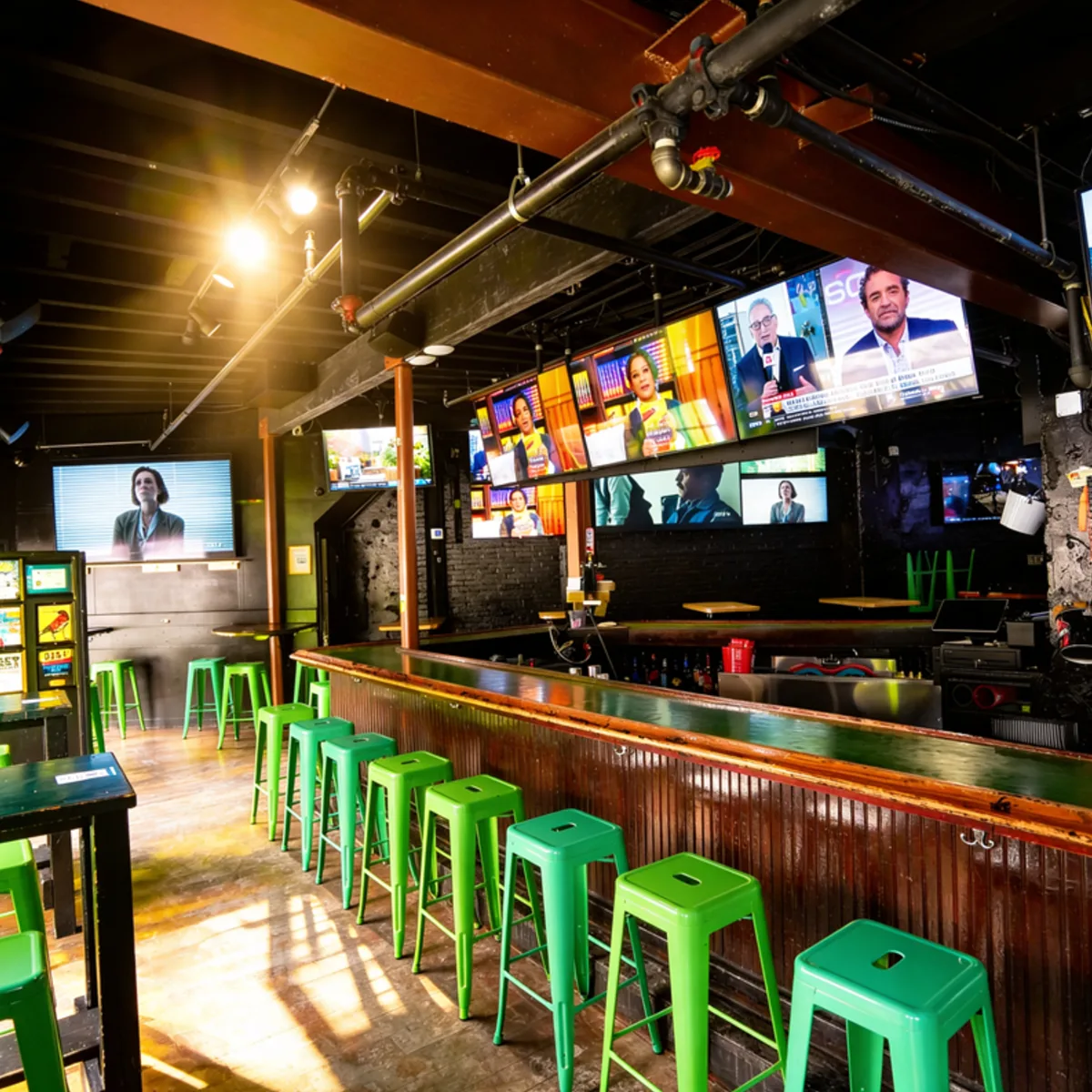
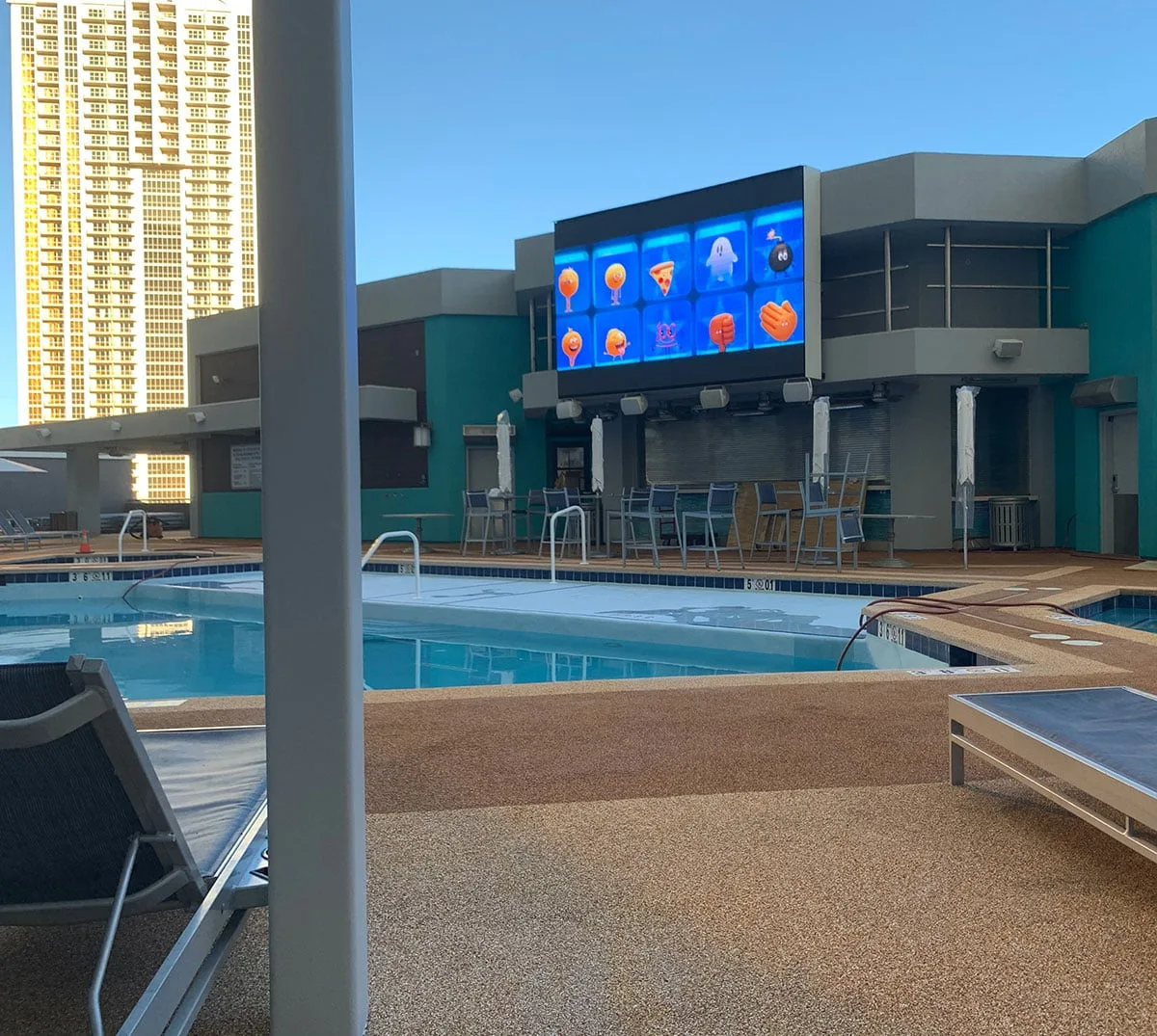
If the bar seats 14 and the rest of the venue seats 180, an LED wall behind the bar is probably a waste of money. A 2x2 LED wall with a couple of TVs makes more sense for that floor plan.
Another option is a 98-inch display driven as four 49-inch screens. You get that LED-wall feel without buying an LED wall. Any sports bar TV setup should follow the same rule: put the best technology where you're driving the most experience.
Our guide to sports bar TV distribution systems covers how one rack sends any game to any screen.
Make every screen earn its spot
Ask an owner what a TV does and the answer is usually "plays the game." We'd rather treat each display as a content source. A commercial display can show live TV and your own signage side by side, controlled down to the pixel.
Picture a drink special sitting right next to the game. You don't think at least 10% of your guests would order it? If it's in their eye line without getting in the way, you've won.
Commercial displays also cut the failure points between a source and the screen. Fewer failure points mean fewer dark TVs during the dinner rush.
Problem 4: A Drawer Full of Remotes
A server should be able to switch the corner TV to golf in seconds.
When every screen has its own remote and its own cable box, that one request pulls someone off the floor. Multiply it across a full game day and your staff spend more time on the TVs than on guests.
Run the venue from one panel
The first question we ask owners: do you want to turn on every TV individually, or run the whole venue from an iPad or a wall panel? View the control system as the operating system for your venue. It's what runs your venue.
Which control platform sits underneath is less important than whether it can handle what your business needs. We work that out with you during design, before any hardware is chosen.
Once the iPad is set up, the cable and satellite remotes go inside the rack. They're still there if someone needs them. If staff can reach a remote, they'll skip the iPad, and the system loses its single source of truth.
Change the whole venue with one tap
At 4 p.m., happy hour specials appear on the screens where guests can see them. At dinnertime, the lighting shifts on its own. A private party takes over the back section with the client's slideshow, and putting "Happy Birthday" on the screens takes a tap instead of a project.
Those shifts depend on audio and video running through one system, ideally with lighting on it too. Without a control system, every one of those changes is a manual job.
Small moments like these add up. It takes one great customer review for every other customer to come. Reliability counts just as much. A sports bar with dark TVs in plain view is the kind of place guests don't come back to.
Build Your Restaurant AV Around How the Venue Runs
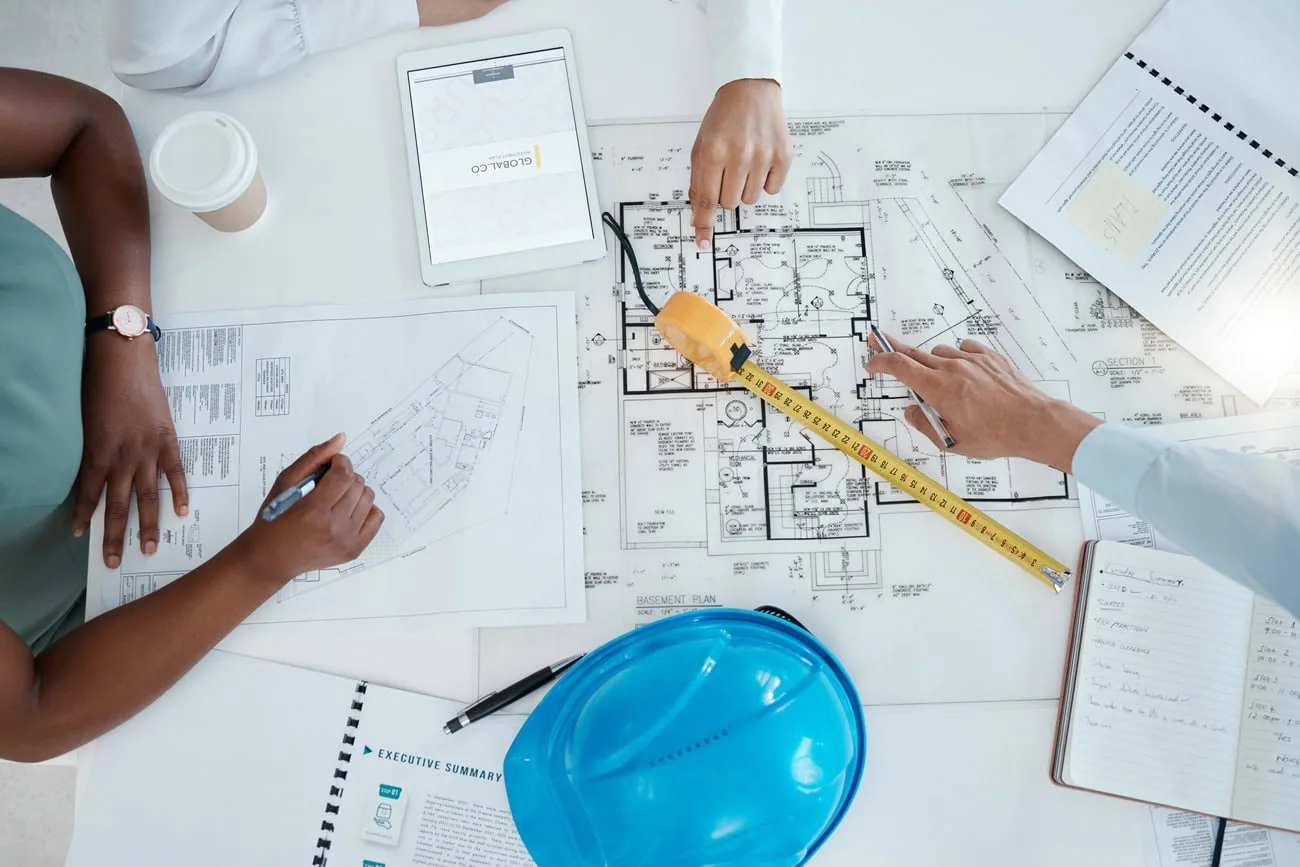
Each of these problems has a design fix, and every fix is easier to build in before construction wraps up. Open venues can still be retrofitted, often one zone at a time.
On new construction, AV design often lands with the architect. Asking an architect to design your AV is like asking them to spec your kitchen equipment. They know a feed goes there, but they don't know the right gear or what it needs to run.
Crunchy Tech has been in commercial AV since 2008, and we design every system and install it ourselves. See how we approach restaurants and sports bars, or talk to our team about your venue.