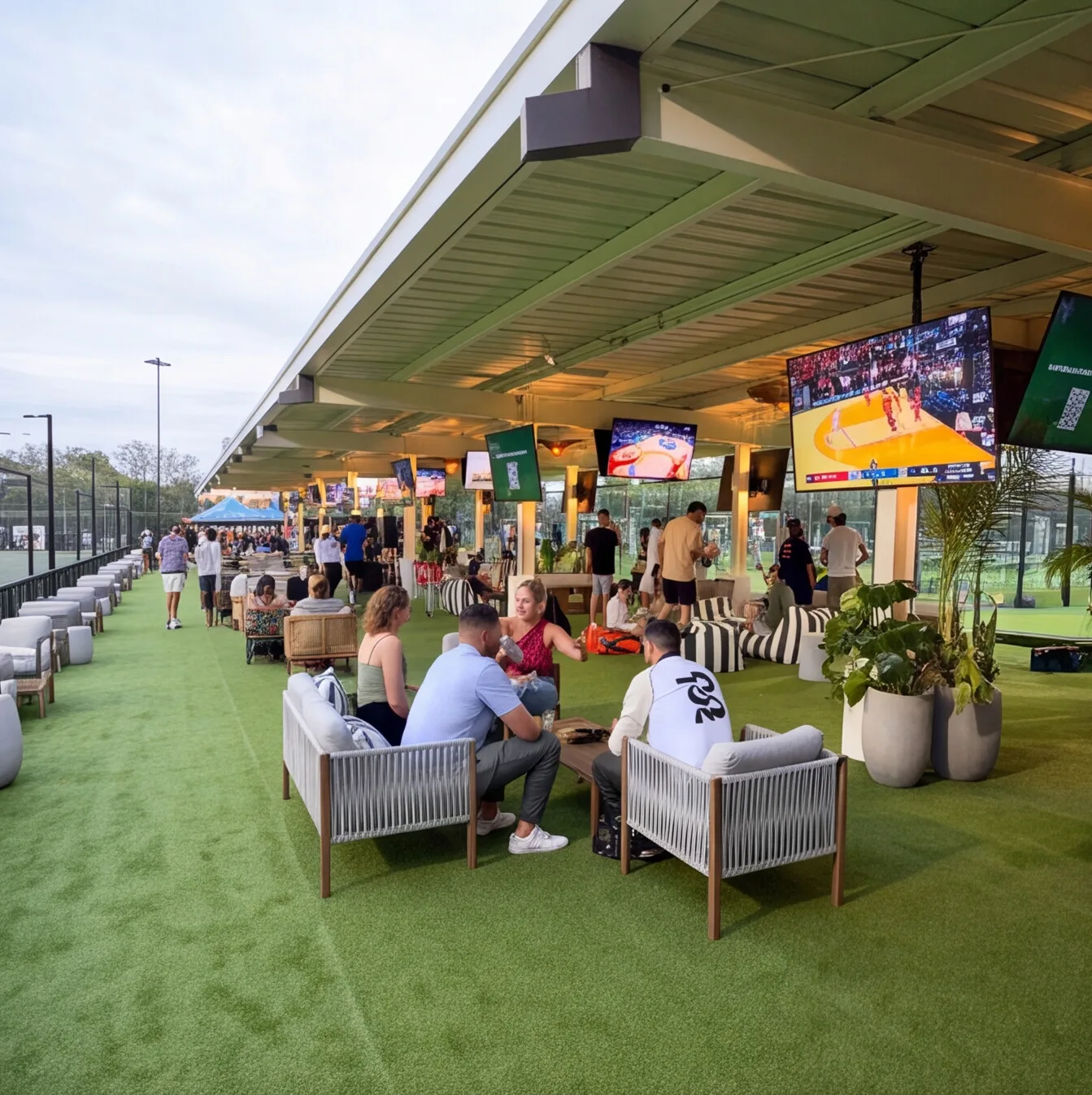
A company all-hands rarely falls apart because of the streaming platform. It falls apart in the room. Remote employees hear the CEO clearly, then lose every audience question. Or the camera holds a wide shot where nobody’s face is readable on a laptop.
Corporate live streaming depends on the cameras and audio that capture the event, plus the network path that carries it out of the building. This guide covers what a stream-ready town hall space needs and where the AV system hands off to your streaming platform.
The Signal Path From Stage to Stream
Every corporate live stream follows the same path, whether it’s a quarterly all-hands or a product announcement:
-
Capture. Cameras and microphones pick up the presenters, while a laptop or media player supplies slides and video.
-
Production. A video switcher picks which camera or slide goes out, and an audio DSP builds the mix remote viewers hear.
-
Encoding. An encoder compresses that program feed into a format a streaming platform accepts.
-
Delivery. The encoded stream travels over a wired network connection to the platform your company already uses.
Our build covers capture through encoding, plus the outlet into delivery. We hand off a finished program feed and a tested connection, and your team runs the event on its own streaming platform. That split leaves the platform decision with IT, where it usually already lives.
Cameras and Framing for Remote Viewers
Remote viewers watch a town hall on a laptop or a phone, where a wide shot of a stage turns presenters into small figures. PTZ cameras (pan, tilt and zoom, controlled remotely) solve this with saved presets. One preset frames the podium, and another covers the audience mic during Q&A.
A single camera can carry a small all-hands. A larger town hall usually needs at least two: a tight shot on whoever is speaking and a wider angle the switcher cuts to during transitions.
Light the presenters too. A camera needs more light on faces than the people sitting in the room do. Front lighting on the stage area keeps presenters from looking washed out or shadowed on screen. Lighting control can bring the room into its streaming scene with one button.
Audio for the People Who Aren’t in the Room
Remote viewers will tolerate a soft image. They’ll leave a stream they can’t hear.
The stream needs its own mix. The room’s sound system plays presenters at a level that fills the space without feeding back into the microphones. The stream needs a different balance, with every voice at a consistent level and no room echo. A DSP builds both mixes from the same microphones and sends each one where it belongs.
Match the microphone to the moment. Lavalier mics clip to a presenter and keep their voice steady as they move around the stage. Handheld wireless mics work for audience Q&A when someone walks them to the person asking.
Echo cancellation protects hybrid Q&A. When a remote employee asks a question live, their voice plays through the room speakers. Acoustic echo cancellation (AEC) in the DSP removes that voice from the microphone pickup before it returns to the stream. Without it, the remote speaker hears their own question a beat late.
Encoding and the Network
Hardware and software encoders fit different schedules. A software encoder runs on a computer and works for occasional, simpler streams. A hardware encoder is a dedicated box built for one job. It holds up better for recurring events, where nobody wants to troubleshoot a PC an hour before the CEO goes live.
Upload bandwidth sets the ceiling. Streaming pushes video out of the building, which puts the load on your upload speed rather than your download speed. Each streaming platform publishes a recommended bitrate for each resolution. We plan the uplink with comfortable headroom above that number, because a stream competing with office traffic drops frames at the worst moment.
The encoder gets its own lane. A wired connection on a dedicated VLAN keeps stream traffic separate from everything else on the corporate network. IT should approve that configuration and join a test stream before the first live event.
Enterprise live streaming platforms also differ in how they take a feed. Some accept an RTMP stream (a common protocol for sending live video to a platform) from any encoder. Others expect a meeting room system to join the event directly. Knowing which one your company uses shapes the encoder choice early.
“Even if they want to stream, we give them the outlet.”
Adi Khanna, CEO, Crunchy Tech
Making a Hybrid Town Hall Two-Way
A hybrid town hall puts part of the company in the room and part of it on the stream. Both groups should be able to ask questions.
Bring remote questions into the room. A moderator can read questions submitted through the platform. Remote employees can also join live and be heard through the room speakers, which relies on the echo cancellation covered above.
Give presenters a confidence monitor. A screen facing the stage shows presenters their slides and incoming remote questions without making them turn their backs to the audience.
Send the feed to overflow rooms. When the main space fills up, the same program feed can play in break rooms or on other floors through the building’s video distribution system. Overflow viewing then stays off the internet connection entirely.
Running the Stream Without a Production Crew
A dedicated production team makes sense for a launch event with outside press. A monthly town hall needs a system an office manager can start without help.
A control system handles that with presets. One touch puts the cameras and microphones in position for the event, and a second press starts the encoder.
Retrofitting a Boardroom or Building a Town Hall Space
An existing conference room can often stream smaller all-hands meetings once it has camera presets and a stream-ready audio mix. A dedicated town hall space for a larger company starts with camera positions and cable paths planned before construction.
Plan Your Next Town Hall Around the Room
Whether you’re streaming from an existing boardroom or planning a dedicated town hall space, the work starts with seeing the space in person. Our engineers map the camera and audio needs for your events, then build the stream-ready feed your team runs from there. Tell us about your next all-hands.