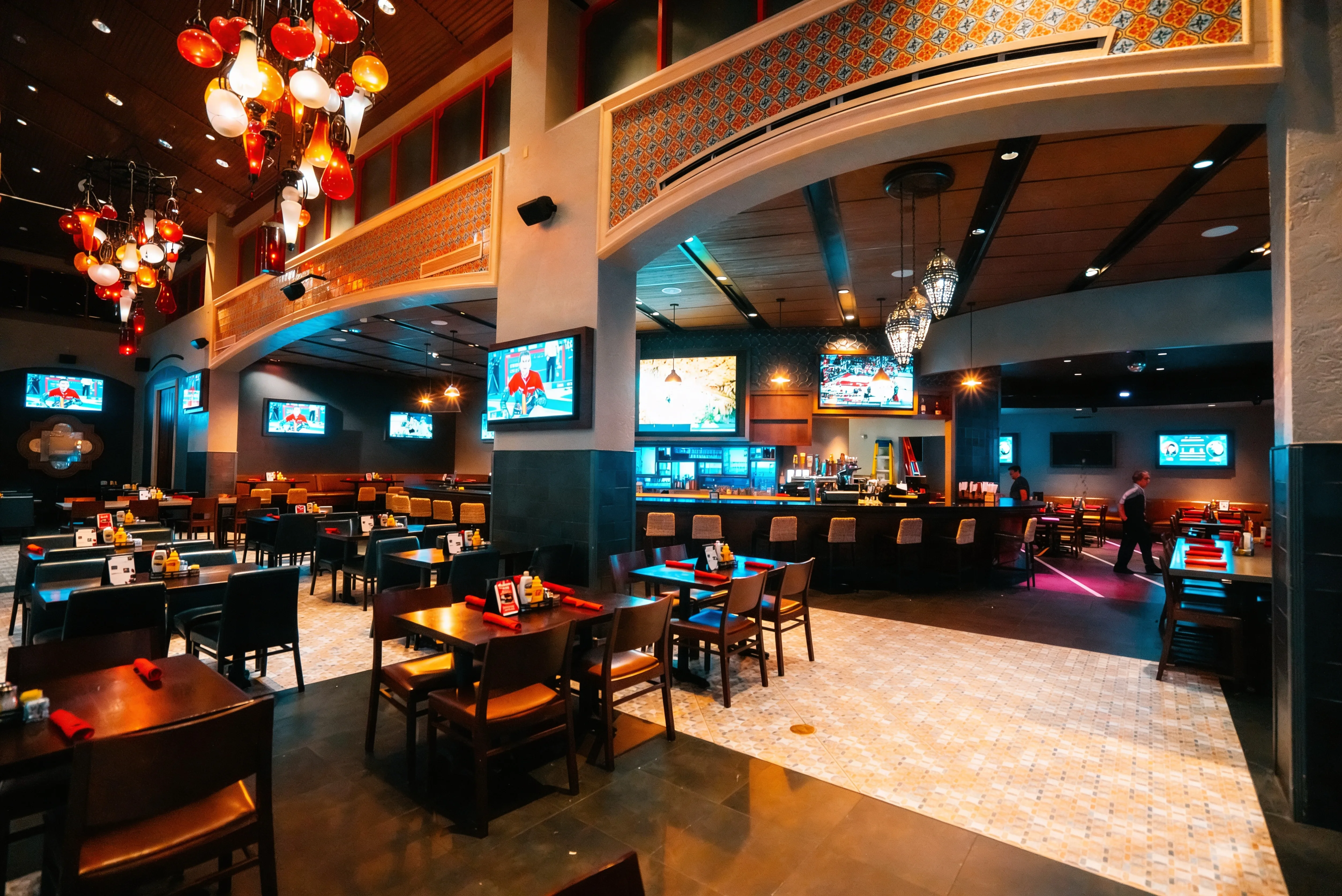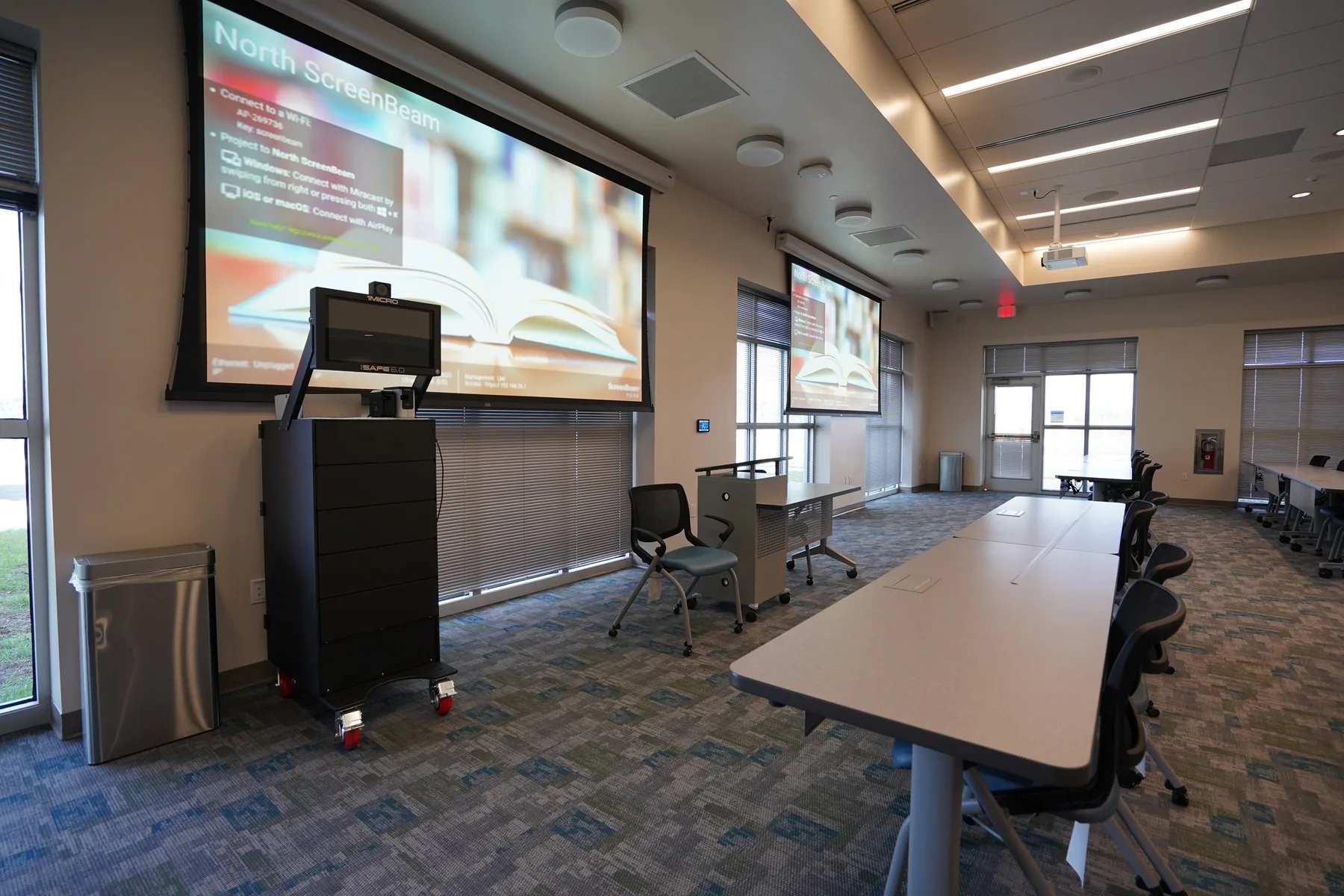

A restaurant with a massive video wall but muffled, distorted audio feels incomplete. A corporate boardroom with 4K displays becomes a liability if the first ten minutes of every meeting are spent wrestling with a faulty HDMI connection.
In a commercial environment, technology is the silent partner that either facilitates a perfect customer experience or creates a barrier to it. High-performance audio and video have moved past the luxury phase. Today, they are the backbone of how a brand communicates its value and keeps people in the building.
Quality AV in Austin, Texas is the difference between a sports bar that feels like a stadium and one that feels like a living room. It’s what allows a hybrid team to collaborate without the can-you-hear-me-now? fatigue that kills productivity. When these systems are engineered correctly, they drive the atmosphere, revenue, and daily workflow.
SEE ALSO: 3 Types of Businesses That NEED a Commercial Audio System
What Are Commercial AV Solutions?
Commercial AV refers to the specialized hardware and software used to manage audio and visual media within a professional environment. While many people assume a screen is just a screen, the distinction between a home setup and a business-grade ecosystem is massive.
These solutions are engineered to run 24/7, withstand public environments, and integrate into a larger network of controllable devices.
The gap between consumer and commercial AV
Walking into a big-box retailer and buying a 75-inch television for a conference room is a common mistake that leads to premature hardware failure. Commercial displays are built with heavy-duty power supplies and heat-dissipation systems that allow them to stay on for 16 to 24 hours a day without burn-in or overheating.
Furthermore, commercial systems offer "Pro" features like RS-232 or IP control, which allow a central processor to turn all screens on or off simultaneously. Something a standard home remote simply cannot handle.
Why professional systems are a business necessity
Professional AV systems remove the friction that wrecks productivity and customer engagement.
In a corporate setting, a reliable system means a meeting starts exactly at 9:00 AM without ten minutes of troubleshooting cables.
In retail or hospitality, it guarantees the atmosphere remains consistent, with audio levels that adjust automatically based on the ambient noise of the crowd.
Industries that rely on integrated technology
The application of these systems varies wildly depending on the vertical, but the core goal remains the same: reliability.
- Retail: Dynamic digital signage that can update pricing or promotions globally in seconds.
- Sports Bars: High-density video distribution that allows a single tablet to control 50+ screens and multiple audio zones.
- Corporate Offices: Hybrid meeting equity, so remote participants are seen and heard as clearly as those in the room.
- Hospitality & Hotels: Immersive lobby displays and massive ballroom audio for gala events.
- Healthcare: Wayfinding kiosks and patient education displays in waiting areas.
- Higher Education: Lecture capture and large-format projection for auditoriums.
What Is Included in a Commercial AV System?
It’s helpful to think of a commercial AV system as a biological ecosystem as opposed to a collection of gadgetry. If the displays are the eyes and the speakers are the mouth, the control system is the brain and the cabling the nervous system.
When ONE part is neglected, the ENTIRE experience suffers.
Displays
The visual element is usually the centerpiece. Depending on the space, this could involve:
- Digital Signage: High-brightness screens designed for advertising and information.
- Video Walls: Multiple panels tiled together to create a massive, seamless canvas for "wow-factor" branding.
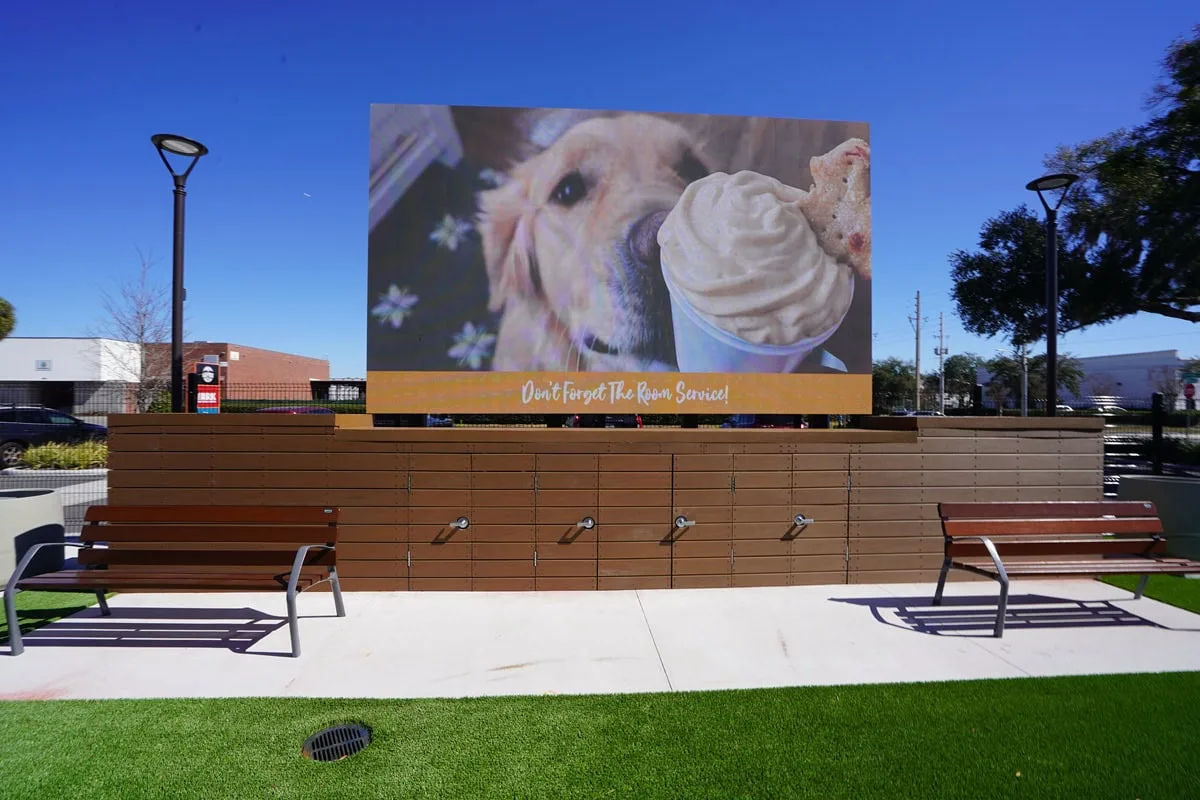
- Direct View LED (dvLED): The gold standard for seamless, bright visuals that perform well even in direct sunlight.
Audio systems
Commercial audio has less to do with volume and more about coverage. A well-designed system uses distributed audio, often via ceiling or pendant speakers, to make sure there are no hot spots where the music is too loud or dead zones where it can’t be heard.
Sound reinforcement is also critical in large spaces to make sure a speaker’s voice carries naturally to the back of the room without straining.
Centralized control systems
The mark of a truly professional installation is the absence of a drawer full of remotes. Instead, a wall-mounted touch panel or a mobile tablet provides a custom interface. With one button press, the "Presentation Mode" can lower the shades, dim the lights, drop the projector screen, switch the audio source, etc.
The shift toward AV over IP
Traditional hardware used to rely on short-range cables like HDMI, which lose signal quality over long distances. Modern systems utilize AV over IP, sending high-definition video and audio signals across standard network cables. This allows for nearly infinite scalability, as you can add new screens anywhere there is a network jack.
Conferencing and collaboration tools
In the era of hybrid work, the huddle room has become a tech hub. This includes 4K cameras with auto-framing capabilities, beamforming microphone arrays that track the person speaking, and dedicated "Teams" or "Zoom" rooms that allow for one-touch join functionality.
Types of Commercial AV Solutions (By Application)

The hardware chosen for a project is only as effective as the strategy behind its application. A system that works for a high-end restaurant would be a total failure in a corporate training room.
Understanding the specific demands of each environment allows for a design that addresses the unique pain points of the users, whether those are frustrated employees or distracted customers.
Corporate AV systems
Modern office spaces rely on meeting equity or the idea that every participant should have an equal experience irrespective of their physical location. This requires a shift from simple projectors to fully integrated collaboration hubs. For examples:
Conference Room AV
These spaces now feature 4K wide-angle cameras and beamforming microphones that automatically filter out the sound of papers shuffling or HVAC hums.
Boardroom Technology
High-stakes environments often utilize hidden technology, such as motorized pop-up microphones and large-format displays that retract into the ceiling when not in use.
Huddle Spaces
Small, informal areas equipped with all-in-one video bars that allow teams to start a Zoom or Teams call in seconds.
Sports bar AV systems
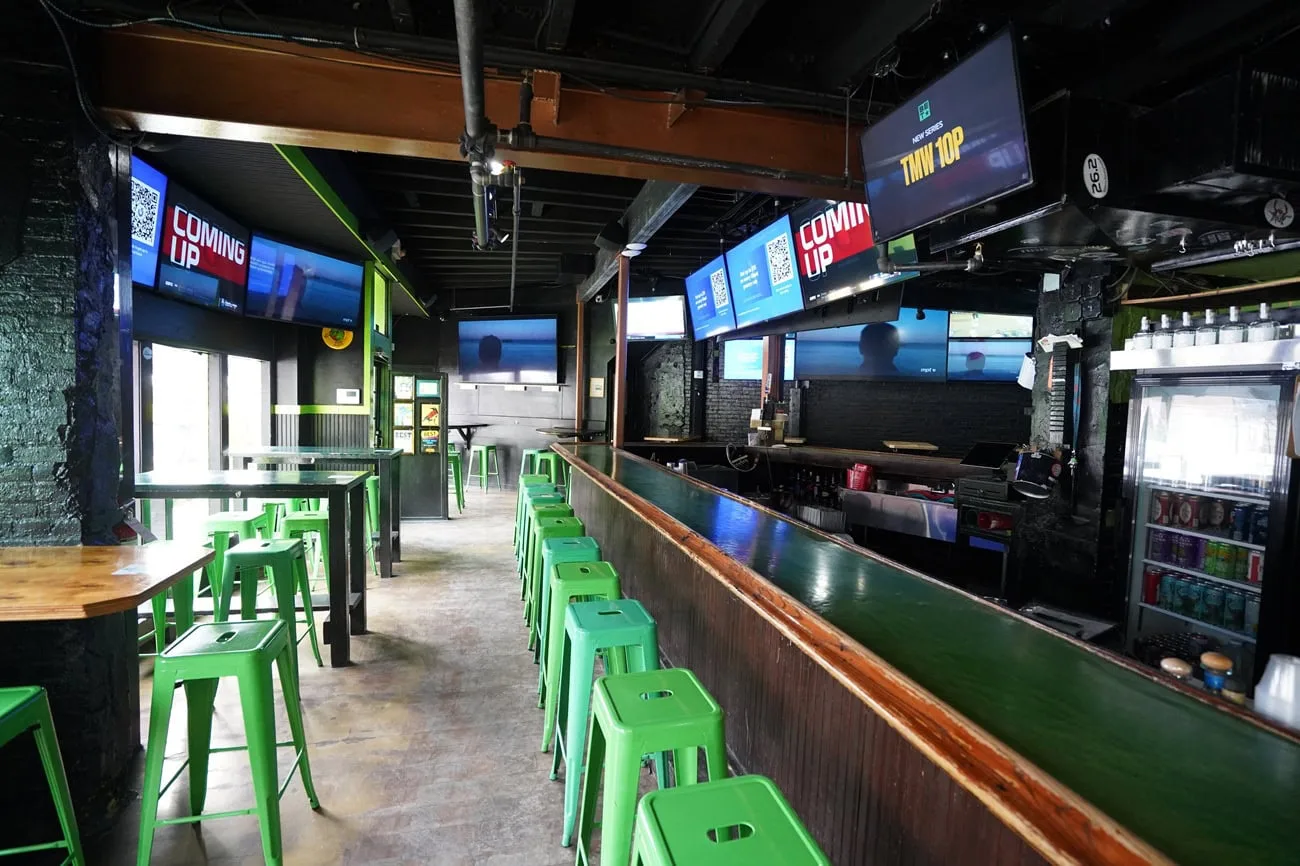
In a sports bar, the system must be bulletproof and easy for a busy server to operate during a championship game. The goal is to create an immersive stadium feel without the clutter of a hundred individual cable boxes.
For multi-TV video distribution, using a centralized rack, any game can be routed to any screen (or group of screens) instantly. Whereas zoned audio allows the bar area to have high-energy commentary while the dining area maintains a lower volume for conversation.
Meanwhile, custom interfaces on iPads allow staff to change channels across the entire floor with a single tap, avoiding the remote control shuffle in front of guests.
Digital signage networks
Consider static posters as a relic of the recent past. Digital signage allows for dynamic, real-time updates that keep content fresh and relevant.
- Menu Boards: Restaurants can automate price changes or switch from breakfast to lunch menus based on the time of day.
- Retail Advertising: High-brightness window displays cut through glare to grab the attention of passersby with motion graphics.
- Information Displays: Large corporations use these in lobbies to display wayfinding maps, weather updates, internal company news, and so on.
Hospitality AV
Hotels and event venues require a blend of aesthetics and high-performance output. The technology must disappear into the decor until it is needed for a massive presentation.
- Ballroom Systems: Massive spaces require sophisticated audio delay lines so that guests in the back hear the sound at the exact same moment they see the speaker’s lips move on the screen.
- Hotel Lobby Displays: Large-scale LED walls serve as digital art installations, setting the tone for the brand the moment a guest walks through the door.
Key Commercial AV Technologies Explained
To make an informed investment, business owners need to look under the hood of the buzzwords. The underlying technology determines how long a system will last and how easily it can grow alongside the business.
AV over IP is the new industry standard
For decades, the Matrix Switcher was the heart of every AV system. It was a physical box with a set number of inputs and outputs. If you bought an $8 times 8$ switcher and later needed a 9th TV, you had to buy a brand-new, expensive box.
AV over IP (Audio-Visual over Internet Protocol) changed this by treating every screen and every source as an address on a network.
- Infinite Scalability: You can add one display or one hundred just by adding a small encoder/decoder to the network.
- Long Distance: Traditional cables fail after 50 feet; network-based AV can travel across an entire campus without losing a single pixel of quality.
The difference between LCD and LED video walls
When choosing a large-format display, the decision usually comes down to LCD or LED.
LCD Walls
These are made of multiple professional monitors with very thin frames (bezels). While cost-effective, you will always see thin lines between the screens.
Direct View LED (dvLED)
These comprise small modules that snap together like LEGOs. They have no bezels, meaning the image is 100% seamless. Because they are brighter and have higher contrast, they are the preferred choice for flagship lobbies and bright sports bars.
Wireless presentation systems and BYOD
The Bring Your Own Device (BYOD) movement has made the messy HDMI cable on the conference table obsolete. Technologies like Barco ClickShare or Crestron AirMedia allow employees to walk into a room and cast their laptop screen to the main display wirelessly.
This removes the dongle dilemma where a presenter has a Mac but the room only has a PC connection.
Cloud-based AV management
The latest shift in the industry is the move toward Managed Services. Instead of waiting for a screen to break, IT teams use cloud platforms to monitor the health of every device in the building. This means:
You can program the entire building to shut down at 10:00 PM and wake up at 7:00 AM, significantly extending the lifespan of the hardware.
An integrator can fix a software glitch from their office before the client even realizes there was a problem.
The Business Benefits of Commercial AV Solutions
Investing in professional-grade technology is understandably viewed through the lens of cost, but the most successful enterprises view it as a high-yield asset.
When a system is designed correctly, it moves the needle on everything from employee retention to the average check size in a restaurant. It’s the invisible infrastructure that supports every interaction within your four walls.
Immersive environments drive customer retention
In the hospitality and retail sectors, the environment is the product. A sports bar with a massive, seamless video wall creates an event that fans cannot replicate at home. This translates to longer dwell times.
- Sports Bars: Guests who are engaged by high-fidelity audio and crystal-clear visuals stay for the second half of the game, increasing food and beverage sales.
- Retail Stores: Interactive kiosks and vibrant digital signage turn a chore into an experience, allowing brands to tell a story that a static shelf cannot.
- Restaurants: Carefully tuned acoustic systems make sure that background music adds to the "vibe" without forcing guests to shout over their meals.
It increases revenue through digital upsells
Digital signage is a silent salesperson that literally never takes a break. Unlike printed posters, digital displays can be updated in real-time to reflect inventory levels or high-margin items.
For instance, if a coffee shop runs low on a specific pastry, the manager can remove it from the screen instantly, avoiding customer frustration.
Also, large venues can sell airtime on their screens to partners and sponsors, creating a secondary revenue stream that eventually pays for the hardware itself.
It streamlines communication and meeting productivity
In a corporate environment, the ROI of AV is measured in time saved. If a company has 200 employees and every meeting starts five minutes late due to technological friction, the lost labor costs are staggering.
Digital signage in breakrooms or hallways keeps non-desk workers informed about safety protocols and company wins without requiring them to check an email.
High-quality video conferencing tools for remote workers to feel like a part of the room, reducing the turnover that often stems from professional isolation.
How Commercial AV Systems Are Designed

A common misconception is that AV installation starts with a drill and a bracket. In reality, the physical installation is the final stage of a much more rigorous engineering process. Skipping the design phase is the number one reason why systems fail to meet user expectations or require expensive fixes six months later.
Step 1: Conducting a thorough needs assessment
Every project begins not with a catalog but with a human conversation. An integrator must understand the Who, What, and Where of the space.
Step 2: System design and signal flow
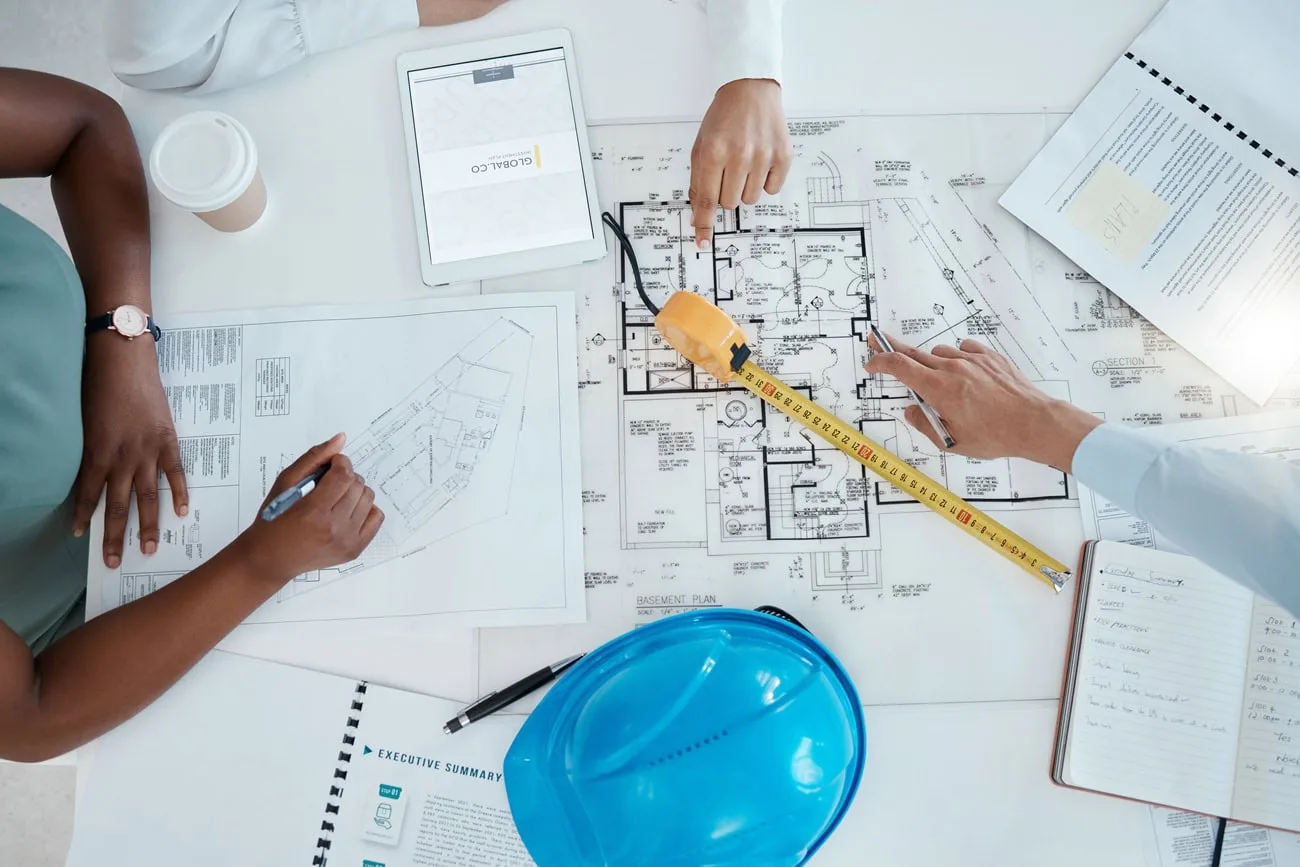
Once the goals are set, engineers create a blueprints for the data. This involves mapping out the signal flow (that a video signal from a laptop can travel through a switcher, into a processor, and out to three different displays without any lag or resolution loss).
This stage also includes choosing the right logic for the control system to make the interface intuitive.
Step 3: Infrastructure and behind-the-scenes planning
Before a single screen is mounted, the bones of the building must be ready.
- Cabling: Pulling Category 6 (Cat6) or fiber optic cables through walls and ceilings.
- Networking: Coordinating with the internal IT team so the AV equipment has enough bandwidth on the network to operate without crashing the company’s internet.
- Power: Making certain there are dedicated circuits for heavy-duty items like LED walls to prevent blown fuses.
Step 4: Installation and physical integration
This is the heavy lifting phase. It involves mounting displays to structural studs, flying speakers from the ceiling, and organizing the head-end rack. A professional rack is a work of art - labeled, organized, and ventilated to make sure the equipment doesn't overheat.
Step 5: Programming, testing, and commissioning
The final step is the most critical. This is where the programmer writes the code that tells the touch panel what to do. Once programmed, the system undergoes commissioning - a rigorous testing phase where every single input, output, and button is verified.
We test the worst-case scenarios so that the system is stable before handing over the keys to the client.
Commercial AV Installation: What Businesses Should Expect
The transition from a blueprint to a functional system is the most disruptive phase of any technology project. For a business, the goal is a "silent" installation; one that integrates seamlessly with existing operations but will not cause downtime or aesthetic compromises.
Understanding the timeline and the coordination involved ensures there are no surprises when the AV technicians arrive on-site.
Coordinating with multiple trades
An AV installation rarely happens in a vacuum. Often it requires a symphony of coordination between electricians, general contractors, and internal IT departments.
If a display needs to be recessed into a wall, the framing and drywall must be ready; if a projector needs power, the electrician must have the conduit in place. A professional integrator manages these dependencies so the business owner doesn't have to act as a middleman between four different companies.
Minimizing downtime and operational impact
In the world of retail and hospitality, every hour the doors are closed is lost revenue. Integrators work in staged phases or during off-hours in order for the business to remain operational.
Commercial AV System Costs
Pricing in the AV industry is notoriously difficult to standardize because every room has different acoustic and structural needs. However, transparency in budgeting is the only way to avoid scope creep, where a project slowly becomes more expensive than originally intended.
Variables that influence the final invoice
The total investment for a commercial system is driven by these main factors:
The number of end points
Every additional display or speaker increases the cost of the hardware, the labor to mount it, and the ports required on the network switch.
Signal complexity
A system that merely shows a single laptop on a screen is significantly cheaper than a Matrix system that can send 10 different video sources to 20 different screens simultaneously.
Control sophistication
Moving from a basic wall-switch to a fully customized 10-inch touch panel with lighting and HVAC integration adds to the programming labor.
Structural requirements
Mounting a 500-pound LED wall requires structural engineering and reinforcement that a standard 55-inch TV does not.
Why consumer-grade savings are a trap
It is tempting to look at a $500 television at a retailer and wonder why a commercial display costs double. The cheap route almost always fails within the first 12 to 18 months in a business environment.
Consumer warranties are voided the moment a TV is used in a commercial space and the internal components are not rated for the high-heat, high-dust environments of a busy office or restaurant.
Commercial AV Maintenance & Support
The day the installation is finished is not the end of the relationship; it’s only the beginning!
Like a fleet of vehicles or a server room, an AV system requires ongoing tuning to remain at peak performance. Without a maintenance plan, a small software glitch can turn into a total system blackout during a crucial presentation.
The shift toward AV managed services
Modern systems are now software-defined, meaning they rely on firmware and network stability as much as physical wires. Managed services provide a safety net for the business.
- Proactive Monitoring - Cloud-based tools alert the integrator if a projector bulb is nearing its end-of-life or if a network switch has gone offline before the client even notices.
- Firmware Updates - Guaranteeing that your Teams Room or Zoom Room software is always compatible with the latest security patches.
- Preventative Maintenance - Physical "health checks" where technicians clean filters, tighten mounts, and recalibrate audio levels that may have drifted over time.
Choosing the Right Commercial AV Integrator

Selecting an integrator is the most consequential decision in the entire project lifecycle. A common mistake is treating an AV firm like a hardware vendor; in reality, you are hiring a technology partner who will be responsible for the nervous system of your business.
The right AV integrator bridges the gap between complex engineering and a user-friendly experience.
Look for industry certifications and partnerships
A reputable firm should be able to prove their expertise through third-party validation.
- CTS Certifications: Look for technicians with Certified Technology Specialist (CTS) credentials from AVIXA, which certifies they follow global standards for design and installation.
- Manufacturer Partnerships: Top-tier integrators hold Platinum or Gold status with brands like Crestron, Q-SYS, or LG, giving them priority access to technical support and better pricing for you.
- Niche Experience: If you are a sports bar, you want an integrator who understands high-density video distribution, not just one who specializes in classroom projectors.
Questions to ask before signing a contract
Don't be afraid to interview your integrator as if they were a high-level employee.
How do you handle system service after the warranty expires?
You need to know if they offer 24/7 remote support or if you'll be waiting three days for a technician to show up.
Can this system be scaled if we double our footprint?
A good design leaves room for ports and bandwidth to grow without a full rip-and-replace.
Who handles the network security for the AV devices?
Make sure they have a plan to keep your cameras and displays from becoming vulnerabilities on your company network.
Commercial AV Trends Businesses Should Know
As we move through the year, the industry has shifted from making-things-work to making-things-intelligent. The goal of current technology is to remove the cognitive load from the user. That is, the room should essentially prepare itself for you.
AI-powered autonomous meeting rooms
Artificial Intelligence has moved beyond a buzzword and into the hardware. Modern cameras now use AI to identify who is speaking and frame them perfectly even if they are walking around the room.
AI-driven audio processors can also identify the sound of a crinkling bag of chips and digitally remove it from the microphone feed while keeping the speaker's voice crystal clear.
Immersive LED and "The Experience Economy"
Static lobbies are being replaced by immersive environments. dvLED has become more affordable, leading to "architectural video" where screens wrap around corners or cover entire walls to create digital art installations. This is particularly popular in flagship retail and hospitality where the visuals are meant to be a primary attraction.
Remote monitoring and AV-as-a-Service
A lot of businesses are moving away from owning their equipment and toward a subscription-based model. This "AV-as-a-Service" includes the hardware, installation, and 24/7 monitoring for a single monthly fee. This ensures the business always has the latest technology without the massive upfront capital expenditure.
Common Commercial AV Mistakes Businesses Make
Even with a healthy budget, not a few projects fail because of fundamental oversights during the planning phase. Avoiding these silent killers of AV performance will save you thousands of dollars in future repairs and lost productivity.
Treating AV as a secondary thought to IT
While AV and IT have merged, they are not the same thing.
Often, businesses ask their IT department to set up the Zoom room. However, IT professionals are trained in data security and network uptime, not in room acoustics, lighting angles, or speaker placement. This results in a system that connects but sounds hollow and looks unprofessional.
Underestimating the importance of acoustics
A $10,000 microphone system will sound terrible in a room with glass walls and no carpeting.
- The Echo Problem: Hard surfaces reflect sound, creating a "muddy" audio experience for remote participants.
- The Solution: A professional integrator will recommend acoustic treatments like felt panels or "sound masking" to make certain the technology can actually do its job.
Neglecting the content strategy for digital signage
The most expensive video wall in the world is useless if it is displaying low-reso images or out-of-stock items.
- Maintenance of Content: Many businesses forget to budget for the creation of the visuals.
Scheduling: Failing to automate content schedules often leads to dead screens or irrelevant information being shown to customers, which harms the brand's image.
Stop Fighting Your Technology and Start Powering Your Space.
A professional AV system should work so seamlessly that you forget the hardware is even there. At Crunchy Tech, we strip away the technical friction, replacing plug-and-pray setups with engineered ecosystems built for 24/7 reliability.
You deserve a partner who understands that a 4K display is only as good as the network supporting it and the interface controlling it. If you’re ready to eliminate the dongle dilemma and elevate your brand’s physical environment, we are just as geared up to engineer the solution.
Reach out to our team today for a consultation. Let’s map out a system that actually works for your business.
SEE ALSO: Commercial Sound Systems