
You're a great partner with Florida Hospital and this project will make a difference in Children's Health.

Des Cummings
Vice President of Florida Hospital · Florida Hospital
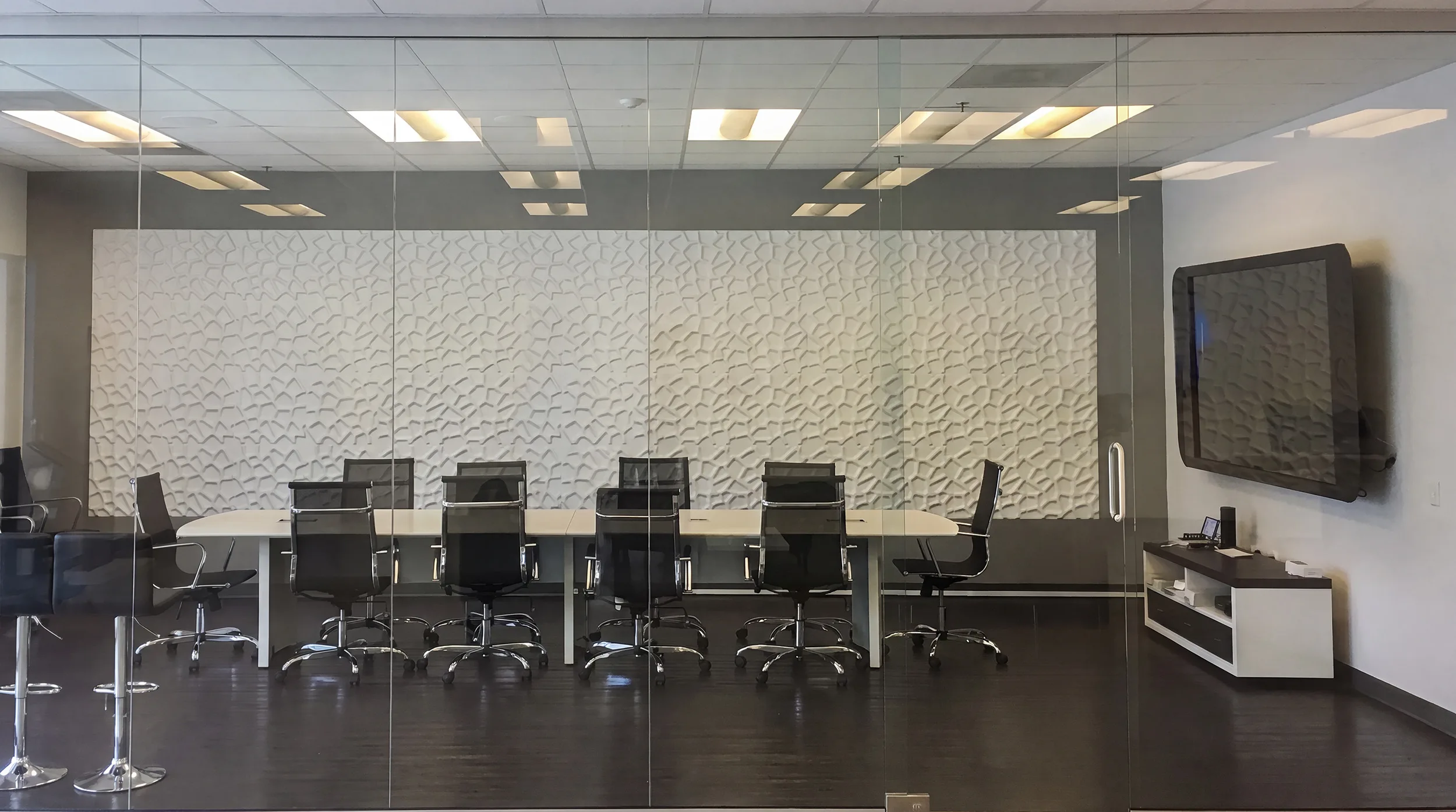
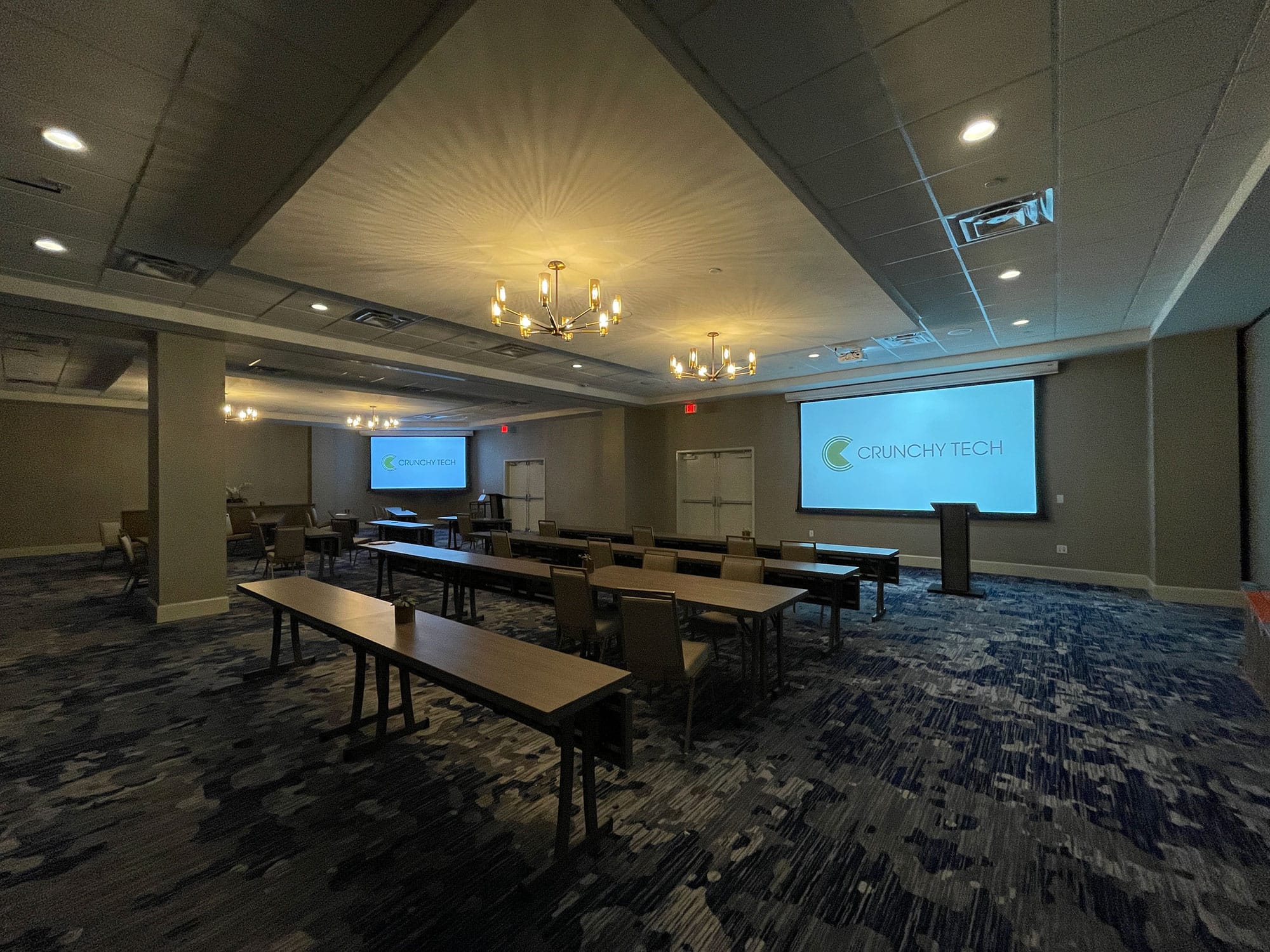
Conference room AV specified for the platforms your people actually use, so a room joins whatever is in the calendar invitation rather than only your standard.
An Austin office standardizes on a platform and then discovers how little that settles. A client sends a link on something else. A contractor joins from a tool nobody has installed. An engineer walks in with a laptop, plugs in, and runs the call from their own machine because it is faster than fighting the room. So the room built for one service becomes the room where somebody unplugs the system and passes a cable around, and the expensive part sits unused while a meeting happens over a laptop speaker on a hard table.
Our founder puts the problem plainly: there is a limited set of hardware that supports everything and a limited set that supports one thing very well. Which side you want is a business decision, not a technical one, and it depends on how your people genuinely work rather than on which platform IT prefers. In most Austin offices the answer leans toward flexibility, which means a room that joins a scheduled meeting in one action on your primary platform and also accepts a laptop cleanly, using the room's camera and microphones rather than the laptop's.
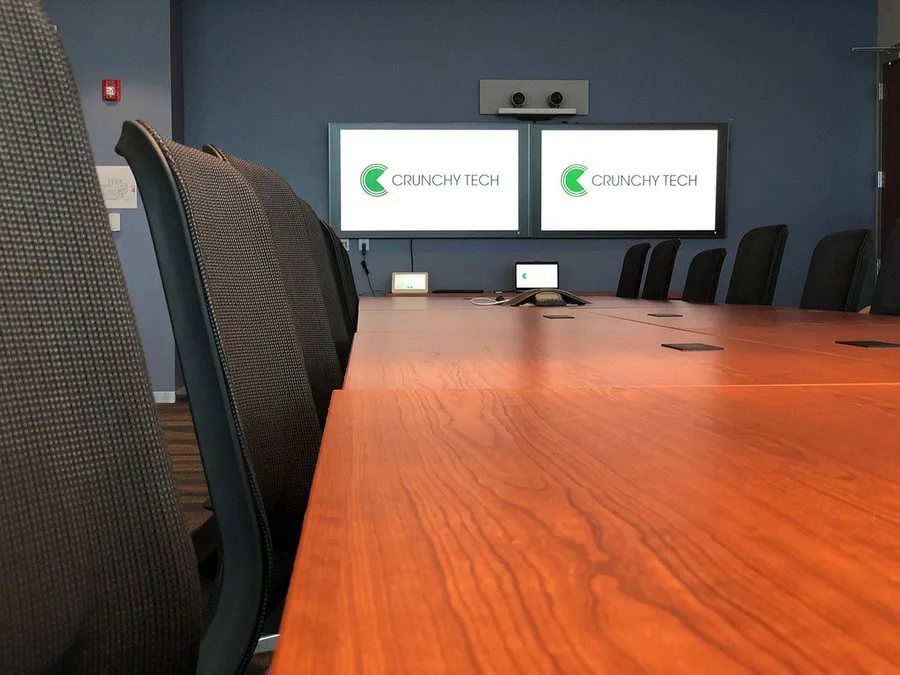
From downtown and the Domain to the Arboretum, East Austin, and the northern suburbs, we design and install conference room AV, training rooms, and meeting spaces.
Heat is the single most expensive variable in how long a system lasts, so equipment spaces get cooling and stay at or below 75 degrees.
Spring storms bring hail and surges, so room racks get real surge protection and conditioning rather than a power strip.
Extended outages have happened here, so equipment shuts down cleanly rather than dropping mid-cycle on a system your meetings depend on.
Humid air reaches equipment spaces that are not properly conditioned, and enclosed furniture traps both heat and moisture.
How we work
We do not start with a hardware list. We start by finding out what shows up in your calendar, including the invitations that come from outside.
Most requests arrive as a specification: a Zoom and Teams experience for rooms A, B, and C. That is a fine place to start and a poor place to finish, because the request usually carries assumptions a manufacturer put there. So we run a needs assessment: what the space is, what the surfaces are, what happens in the room, who is on the far end, and which platforms your people really use. We ask specifically what arrives from clients and contractors, since that set is usually wider than the internal standard and it is where rooms get embarrassed.
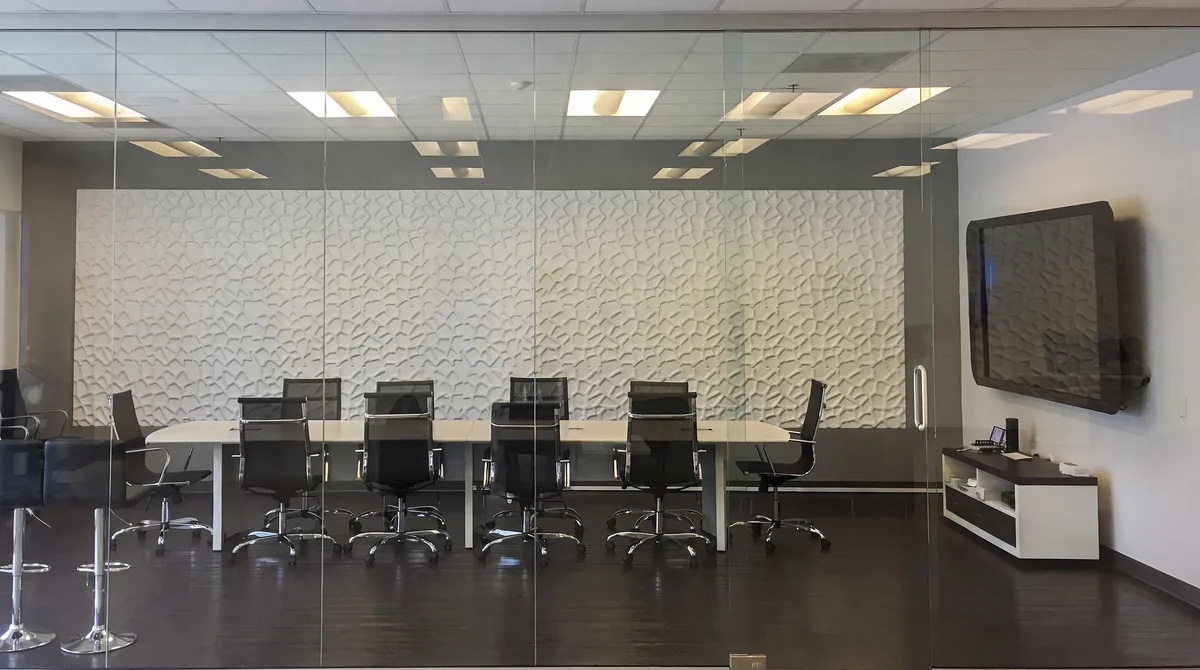
You see the design before you commit to equipment, including exactly how a laptop connects and what the room does with it. Control gets built so joining your primary platform is one action and connecting a device is equally obvious, because a room with two hard paths gets used through neither. One team handles the install, calibration, staff training, and documentation, and coordinates with your general contractor, electrician, and IT department, whose network and security requirements shape what is possible and get treated as a design input rather than an obstacle.
Conference rooms fail on stakeholders more often than on equipment. IT specifies a system for a room, an executive has a picture of what it should feel like, and nobody asks the employees who use it daily, so the three requirements never reconcile and the change requests arrive a month or six months after handover. Platform choice is where that shows up fastest, since IT's standard and the workforce's habits are rarely identical. We get those views into one conversation early and confirm what the room has to accept before anything is ordered.
What we build
A conference room is a handful of systems that have to behave like one, and here it also has to accept whatever people walk in with. Here is what we design, program, and install.
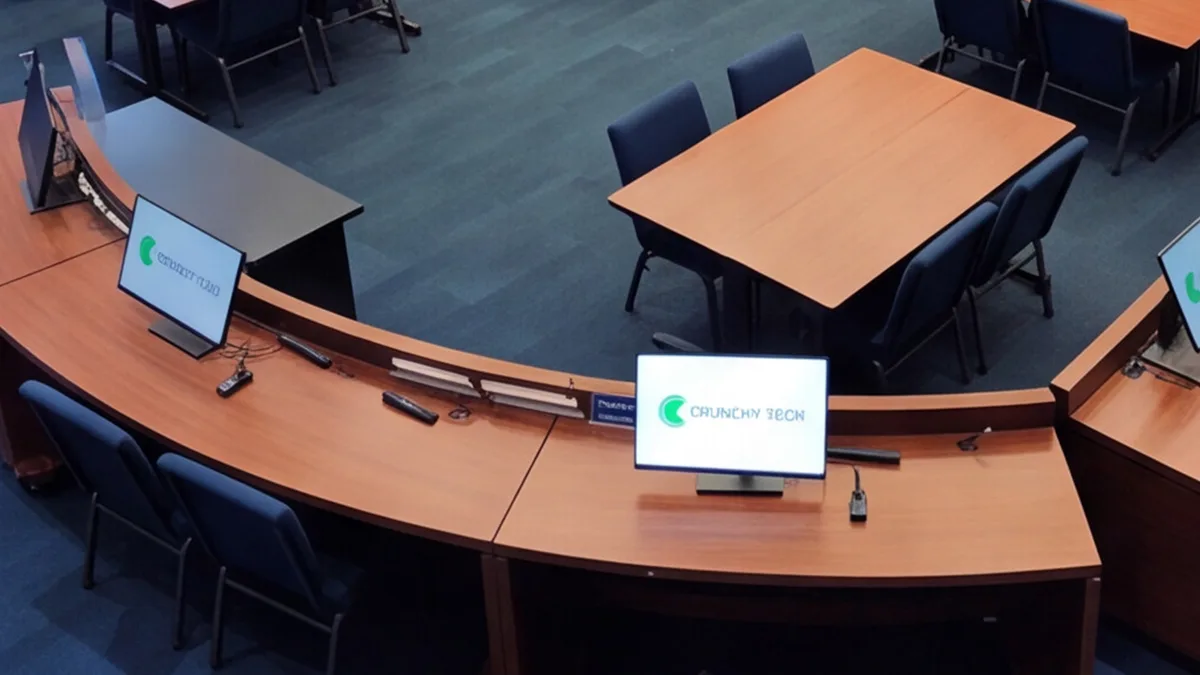
The room joins a scheduled meeting on your primary platform in one action, and it accepts a laptop just as cleanly for everything else. The second path matters more than it sounds: connecting a device should hand the room's camera and microphones to that laptop rather than leaving someone on the laptop's own microphone with the room's system idle beside them. One obvious connection point at the table, the adapters people actually arrive with present there, tested at handover. That combination is what stops the cable-passing workaround that makes good equipment look pointless.
Camera position and lens come off the real seating distances so the far end can read faces at the end of the table. Microphone type and count follow the table's shape, length, and surface, with coverage checked seat by seat, because a platform-flexible room is worth nothing if the far end cannot hear the far seats. Display size comes off the distance to the farthest chair and the content the room actually shows. Conferencing cameras and microphones are part of the room we install. Production camera work, video production, and streaming as a service are not.
A training room presents locally with no remote conferencing capability, which is the real distinction: same core equipment, different job. A conference room can serve as a training room, and a training room cannot conference. Sorting that per space stops you paying for conferencing where nobody ever takes a call. Across a floor, one design approach keeps every room behaving alike, scaled per size rather than copied, so a person who can use one room can use the next. The same approach covers town halls, lobbies, and executive briefing spaces.
The technical part
Platform flexibility has real trade-offs, the network is somebody else's domain, and the equipment still has to survive an Austin summer.
Hardware built to support one platform deeply tends to give the smoothest single-platform experience, and hardware built to support many tends to be more capable and slightly less polished on any one of them. That is the trade, and it is worth deciding deliberately rather than by default. What we will not do is claim certification lists we cannot stand behind, since those specifics belong to the platform vendors and change. We will tell you plainly what a given approach does and does not support, and where the compromise sits.
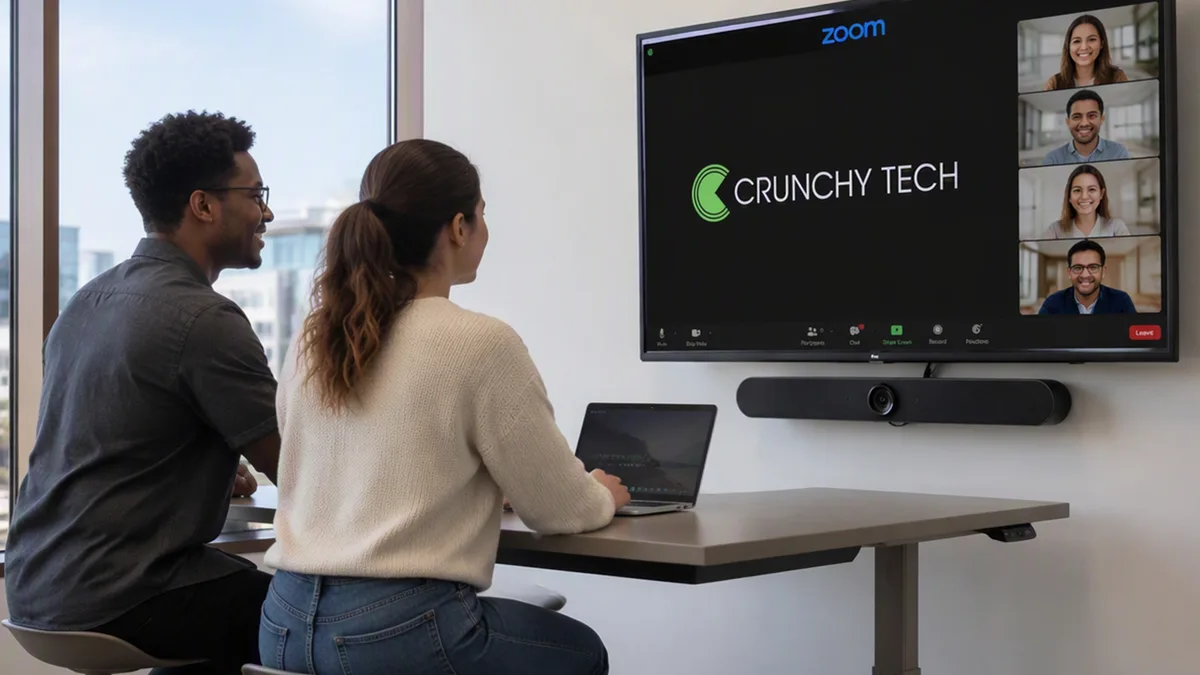
Equipment ends up in a credenza, a closet, or a small rack, and in Central Texas that placement decides its lifespan. Enclosed furniture traps heat, so it gets ventilation rather than a closed door, and a shared closet gets cooling and stays at or below 75 degrees, since temperature is the single most expensive variable in how long a system lasts. Severe weather brings hail, surges, and occasional extended grid events here, so racks get real surge protection and conditioning and shut down cleanly rather than dropping mid-cycle.
Room systems live on your network, so IT's requirements are part of the design rather than something to work around after the fact. Bandwidth, segmentation, device management, firewall behavior, and who administers what all get agreed early, and the result gets documented so nobody is guessing during a service call. That collaboration is also what makes remote diagnosis possible, which is how the common problems get resolved without a visit. Around 47 percent of our support tickets close inside an hour and roughly 72 percent within a day.
Almost certainly, and the reason has nothing to do with your standard being wrong. Standardizing controls what your people schedule; it does not control what arrives. Clients, contractors, investors, and candidates send invitations on whatever they use, and a room that can only join your internal service becomes the room where somebody unplugs the system and passes a cable around. Our founder's framing is that there is a limited set of hardware that supports everything and a limited set that supports one thing very well, and choosing between those is a business decision rather than a technical one. In most Austin offices the balance favors flexibility: one action to join your primary platform, plus a genuinely clean way to run a meeting from a laptop that uses the room's camera and microphones rather than the laptop's. What we will not do is claim certification lists we cannot stand behind.
Accept it and design for it, because fighting it loses. People run meetings from their own machines when that is the fastest path to a working call, and no amount of policy changes that. What you can change is what happens when they do. Done badly, plugging in means the laptop's own microphone and camera carry the meeting while several thousand dollars of room equipment sits idle two feet away, which is the worst of both worlds and exactly what we walk into most often. Done properly, connecting a device hands the room's camera and microphones to that laptop, so the far end gets proper coverage and framing regardless of which application is running the call. That requires it to be designed in rather than bolted on, and it wants one obvious connection point at the table with the right adapters present and tested, not borrowed from somebody's bag.
Early and genuinely, because the room lives on their network and their requirements shape what is possible. Bandwidth, network segmentation, device management, firewall behavior, and who administers which parts all get agreed during design rather than negotiated during installation, and we document the result so nobody is guessing on a service call two years later. Treating those requirements as a design input rather than an obstacle also gets you something practical: a documented network path is what makes remote diagnosis possible, and remote diagnosis is how the most common problems get resolved without anyone driving out. Around 47 percent of our support tickets close inside an hour and roughly 72 percent within a day, and that number reflects how systems were built as much as how fast we answer.
No. We design, install, program, calibrate, document, and support the room, including the conferencing cameras and microphones that are part of it, and we train your team to use it. What we do not do is production or broadcast camera work, video production, editing, or streaming as a service. Where you want an all-hands or an event produced or streamed, we build the infrastructure that makes that straightforward for whoever does it: clean audio feeds, documented signal paths, and a network path agreed with your IT department. The distinction matters because a room built to conference well and a room built to produce content are different specifications, and being clear about which one you are buying keeps the budget honest.
What We Do Here
Every system is designed, installed, and supported by our own team in Austin — never subcontracted.
 01 / AUSTIN
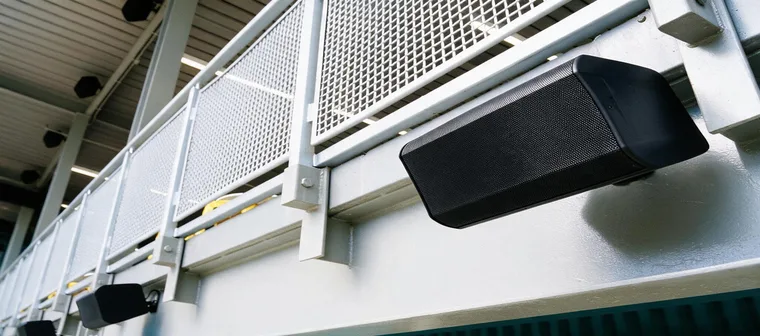
Commercial sound system design and installation: multi-zone audio engineered around how your space is used, wired and tuned on site, and supported as a partner.
Commercial Sound Systems in Austinarrow_forward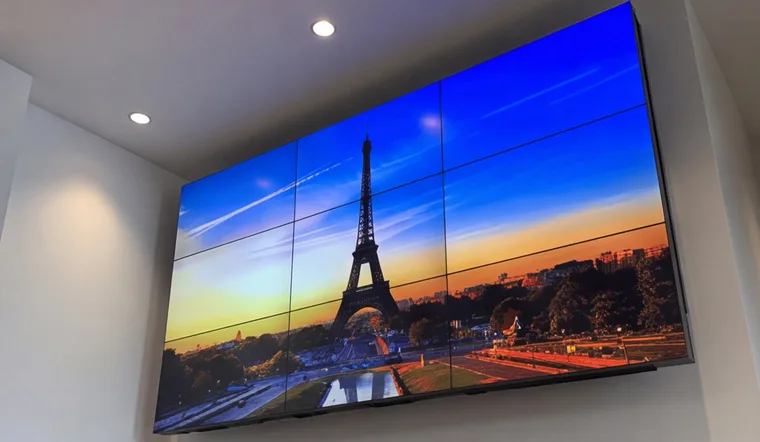
Commercial video walls across LED, LCD and Direct View. Designed, integrated, installed and supported by a national design-build AV integrator.
Video Wall Solutions in Austinarrow_forward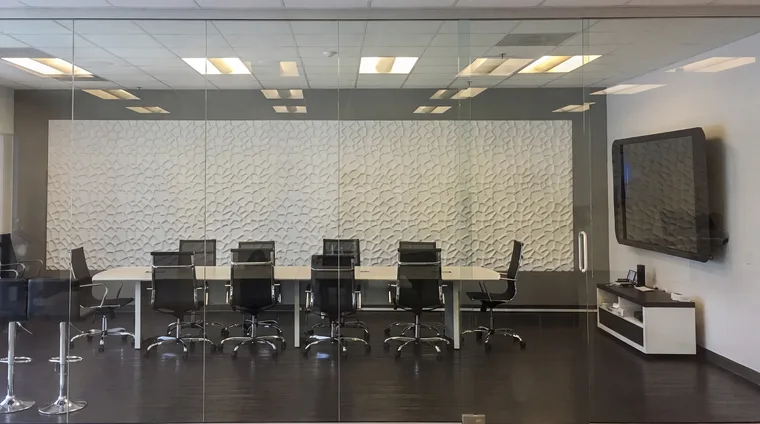
Conference room AV designed around the people using the room: video conferencing, Zoom and Teams Rooms, displays, and audio, installed and supported as a partner.
Conference Room AV in Austinarrow_forwardClient successes drive Crunchy Tech to become better. Below is how our customers feel about us.
You're a great partner with Florida Hospital and this project will make a difference in Children's Health.
Crunchy's AV Services are outstanding. Staff members are experts, who really extend themselves to find the right technology for helping us reach our marketing goals in creative ways. The best thing about working with Crunchy is collaborating with the staff – they are patient, responsive, knowledgeable, and available.

Crunchy has been great to work with. They communicate well and deliver as promised.

The work Crunchy has been doing is a game changer for this industry.

Being able to reuse the existing structure created a much lower cost for the client and they were ecstatic.

You're a great partner with Florida Hospital and this project will make a difference in Children's Health.
Crunchy's AV Services are outstanding. Staff members are experts, who really extend themselves to find the right technology for helping us reach our marketing goals in creative ways. The best thing about working with Crunchy is collaborating with the staff – they are patient, responsive, knowledgeable, and available.
Crunchy has been great to work with. They communicate well and deliver as promised.
The work Crunchy has been doing is a game changer for this industry.
Being able to reuse the existing structure created a much lower cost for the client and they were ecstatic.
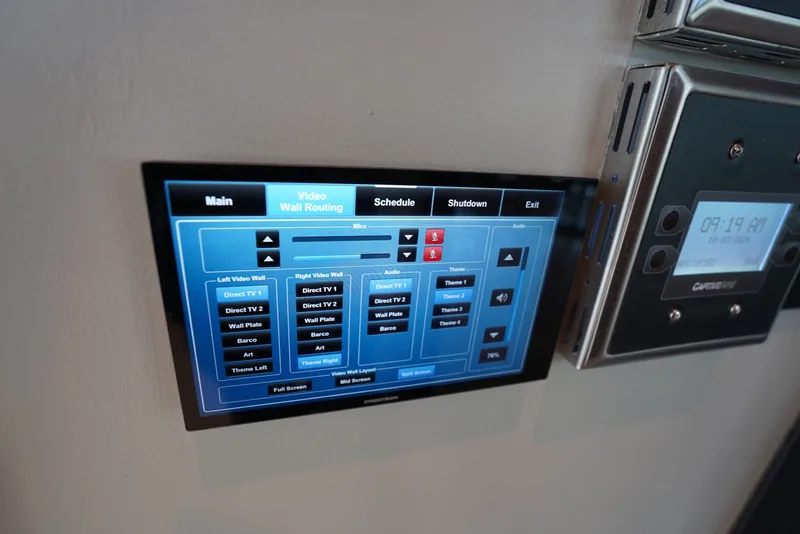
How hidden speakers, recessed displays, and invisible technology create elegant commercial environments.
Read article arrow_forward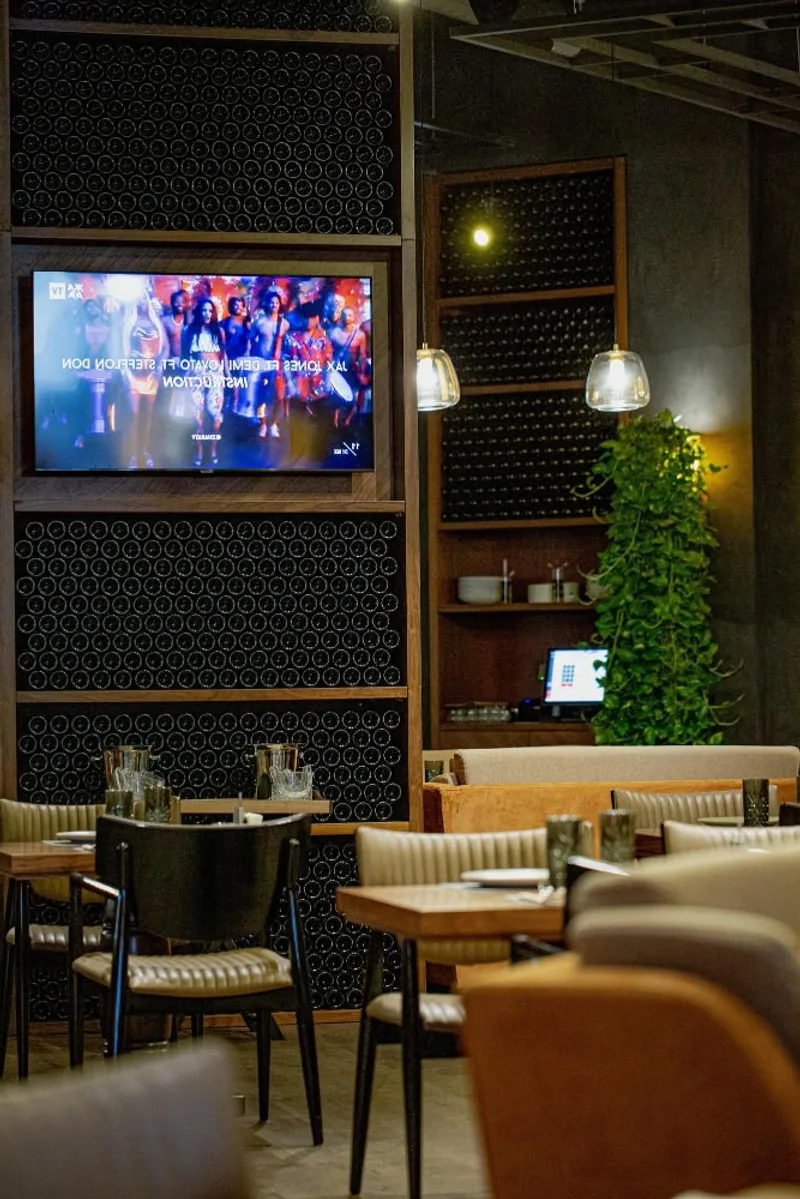
A comprehensive guide to commercial audiovisual installation — what it includes, how it differs from consumer setups, and what to expect.
Read article arrow_forward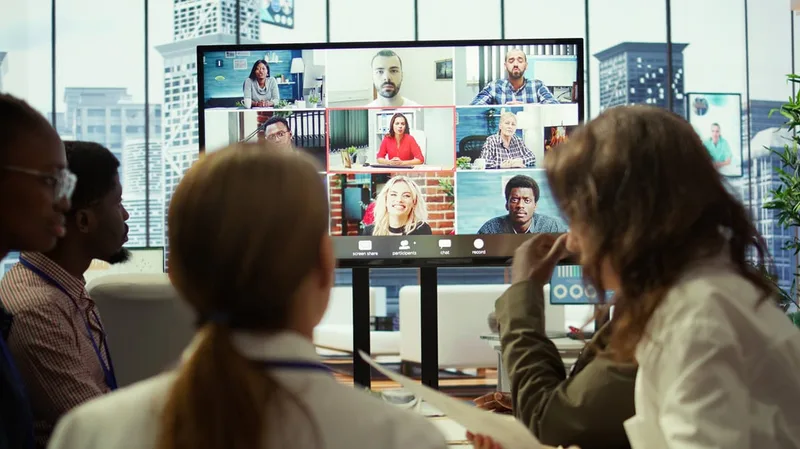
From boardrooms to open offices, how professional audio systems improve communication and productivity.
Read article arrow_forwardTell us about the rooms: how many you have and what sizes, which platform you standardized on, what actually arrives from clients and contractors, whether people currently run meetings off their laptops, what the ceilings are, and what IT requires. We will start with a needs assessment rather than a hardware list, then sit in the seats and take the measurements, and come back with one engineered recommendation.