Conference Room AV
Collaborative

Conference Room AV

Meeting rooms that workeverytime

Most conference rooms fail because the people who'll actually use the room were never asked what it needs. We design from the room, the platform, and the people, then build it and support it.

Collaborative

A conference room is a peopleproblem

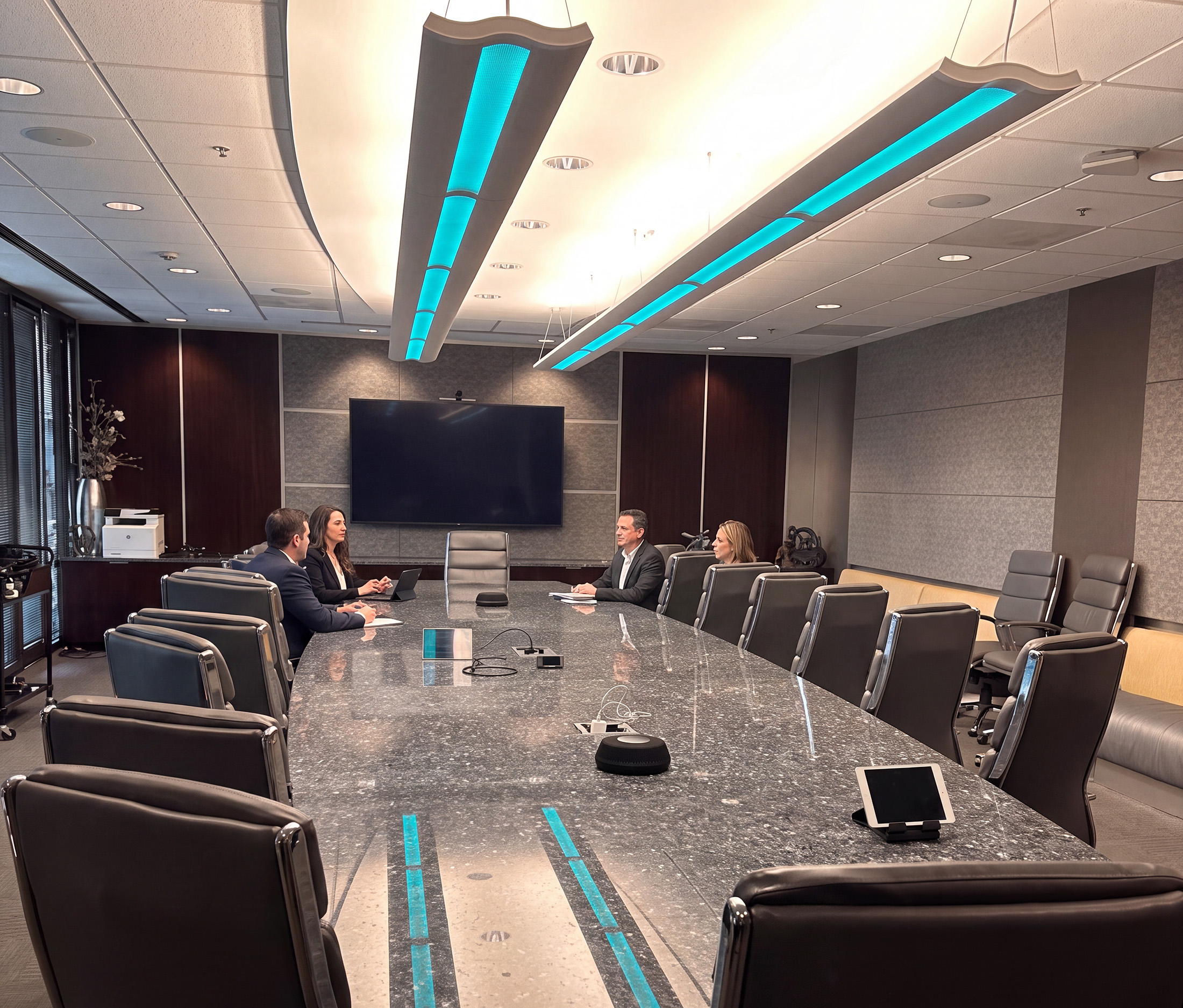
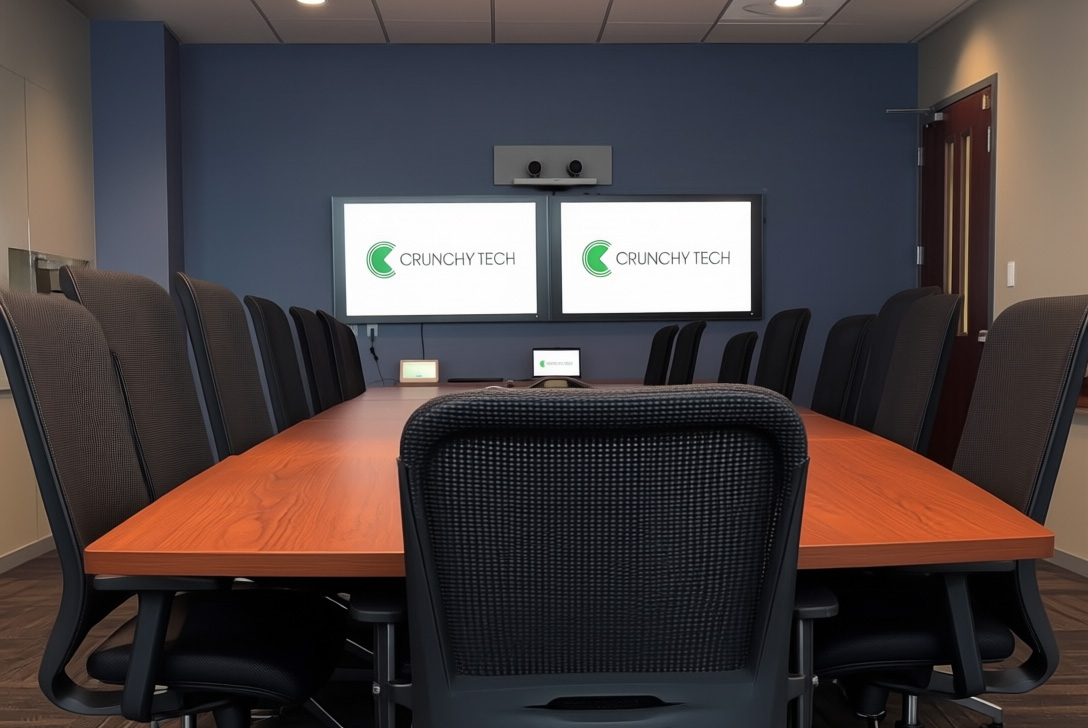
AV for conference room is the camera, audio, display and control that lets a room run a meeting cleanly, whether everyone's in the room or half the team is remote. The reason so many rooms disappoint is that the room was specified without asking who actually uses it. Resultingly, the executive's vision, IT's requirement and the employee's daily experience never line up.

Conferencing is genuinely hard because there are many platforms and tools, and not every team uses the same one. Some hardware supports everything, some supports only one thing. This is exactly why we start with a needs assessment - filter out the manufacturer-driven assumptions and design from the actual space: its size, acoustics, the meetings held in it and the platforms your team runs.

A conference room is a ==people problem==
InstallConference Room AV

Design the room around thepeopleinit

Tell us about the rooms and the platforms your team runs. We'll assess the space and come back with a design that fits how you actually meet.

Let's Talk
Industries We Serve

Who we design conferenceroomAVsetups for

Corporate, government, and education, plus boardrooms and training spaces.

What we deliver

Five capabilities for everyroom

Each one is designed against the space and the platform, never pulled off a catalog.

Capability 01

Needs Assessment & Design

The Challenge

Rooms specified without the end user end up missing the functionality that mattered.

What We Deliver

We put the real stakeholders at the table and design from the space, acoustics, and platforms in use.
  • Stakeholder needs assessment
  • Design from size, acoustics, and meeting types
  • Platform requirements mapped first
  • Right-sized, not over- or under-built
Why rooms fail

Why most conference rooms disappoint

The most common reason a room underperforms has nothing to do with the AV equipment.

Communication is scattered

The pattern repeats everywhere. IT says the room needs a certain system, but nobody asks the people who'll actually run meetings in it what they need. The executive's vision, IT's spec and the end user's day-to-day never reconcile, and the room ends up missing the functionality that mattered. Then the change requests start, a month later or six months later, once everyone's living with what got installed.

How we design

We design the other way around. The needs assessment puts the real stakeholders at the table and lets them see the outcome before it's built, which is what prevents the expensive we-need-to-change-this conversation after the fact. A room designed around the people using it is a room that still works a year in.

How we design

Conference room AVdesign

Design from the space and the platform.

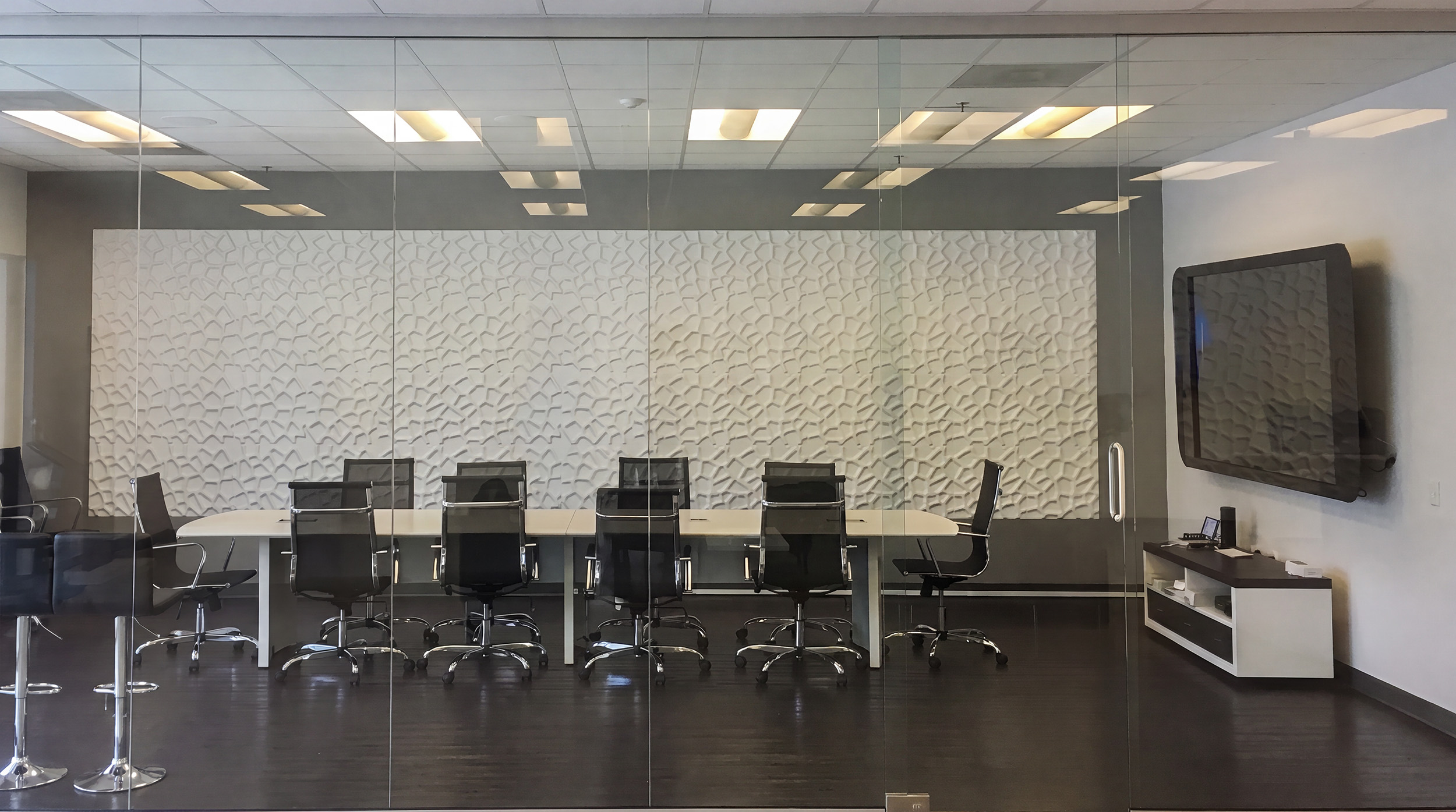
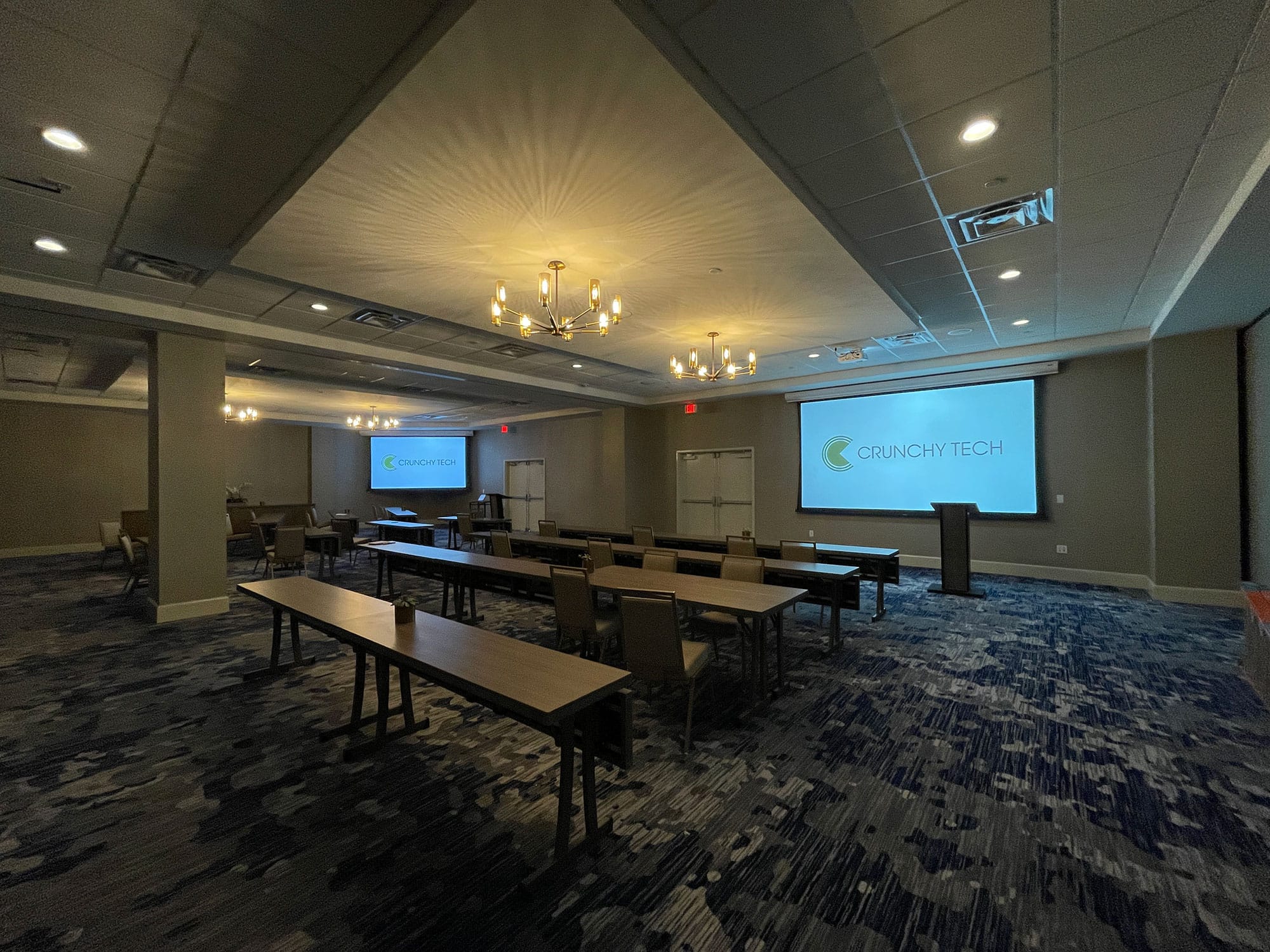
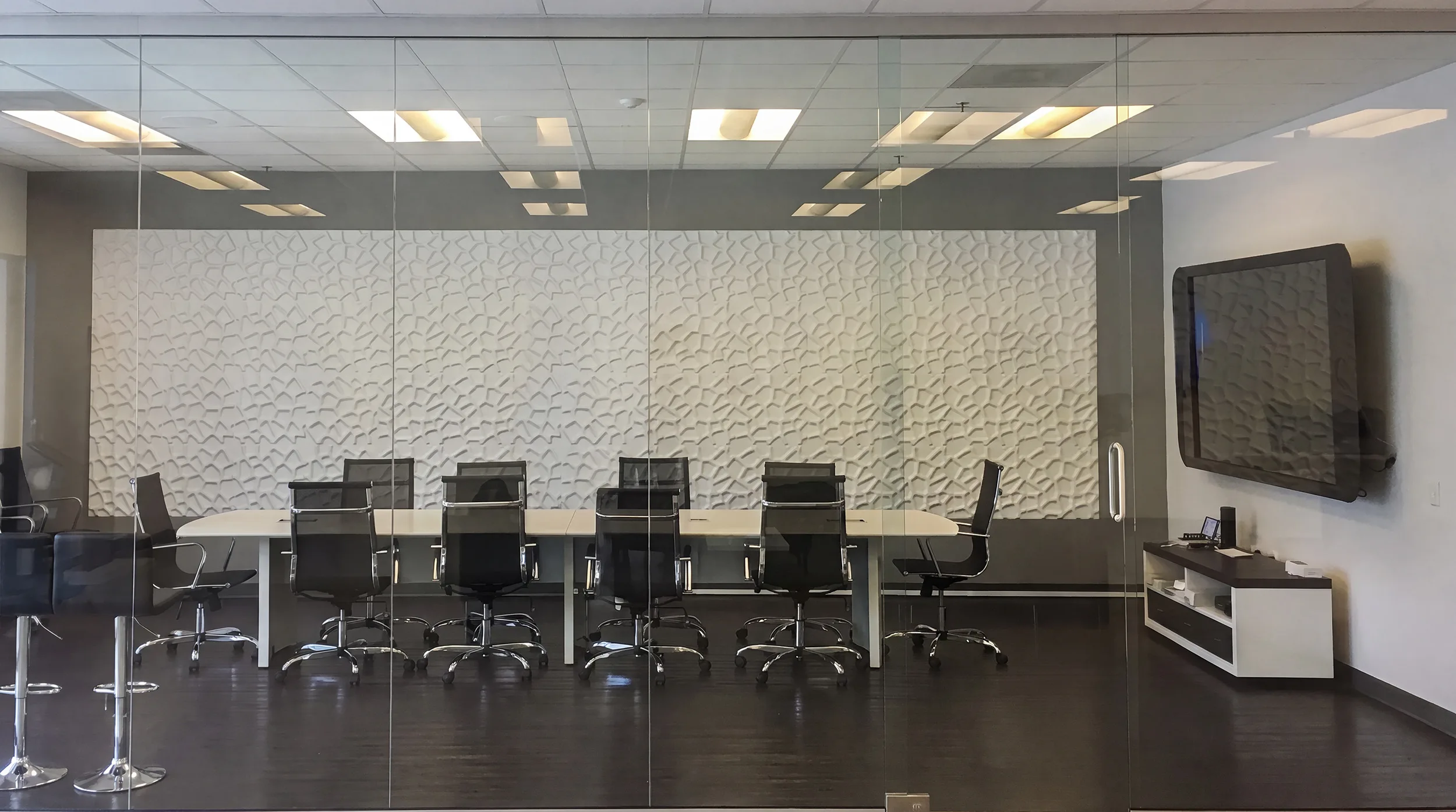
Buyers often arrive certain they know what the room needs because a manufacturer's page told them. A huddle system sized for five people will make a twenty-person room miserable (the reverse wastes money). So we design from the room itself: its size and shape, its acoustics (a concrete-walled room behaves nothing like a carpeted one), the kind of meetings held there, and the platforms your team uses.

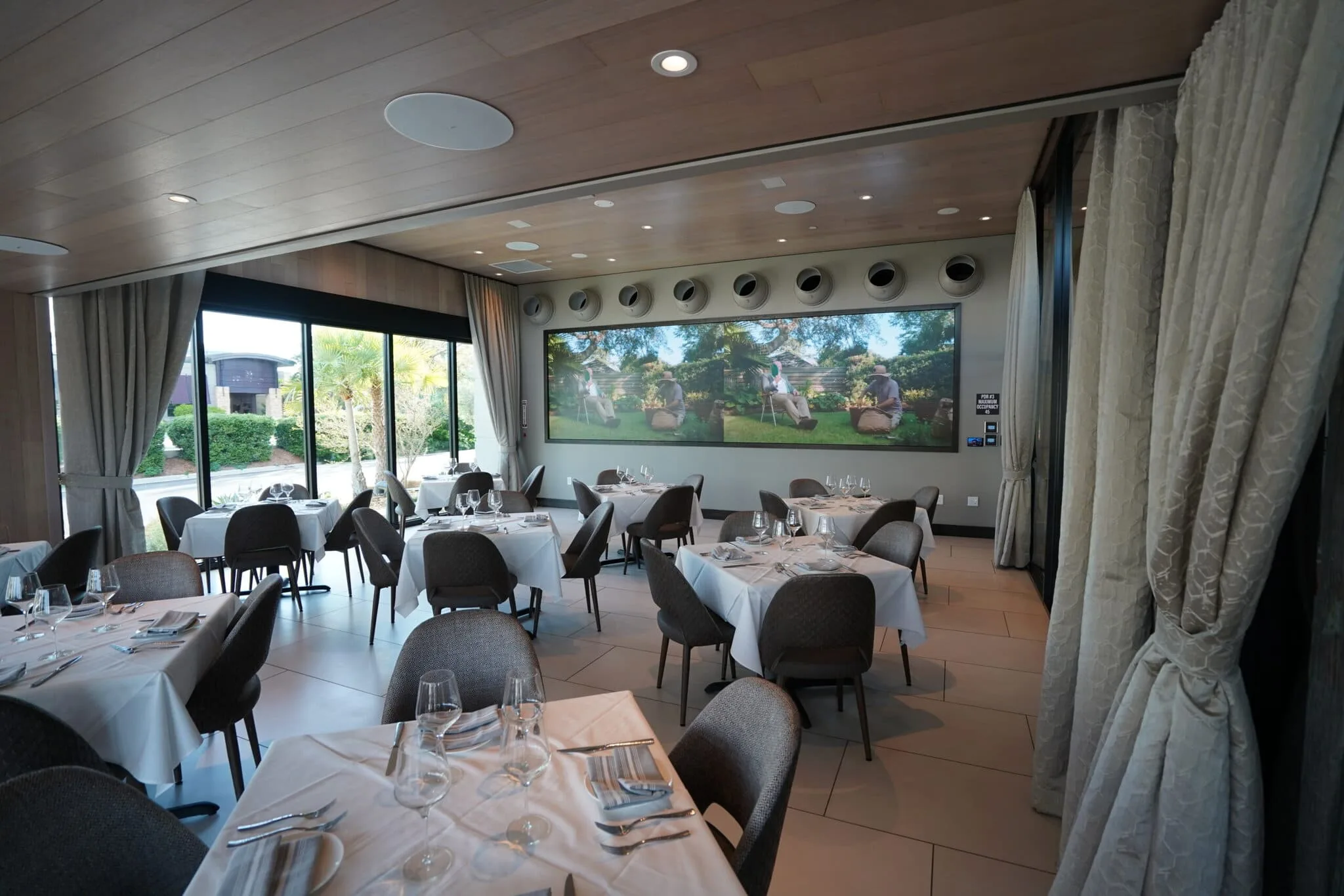
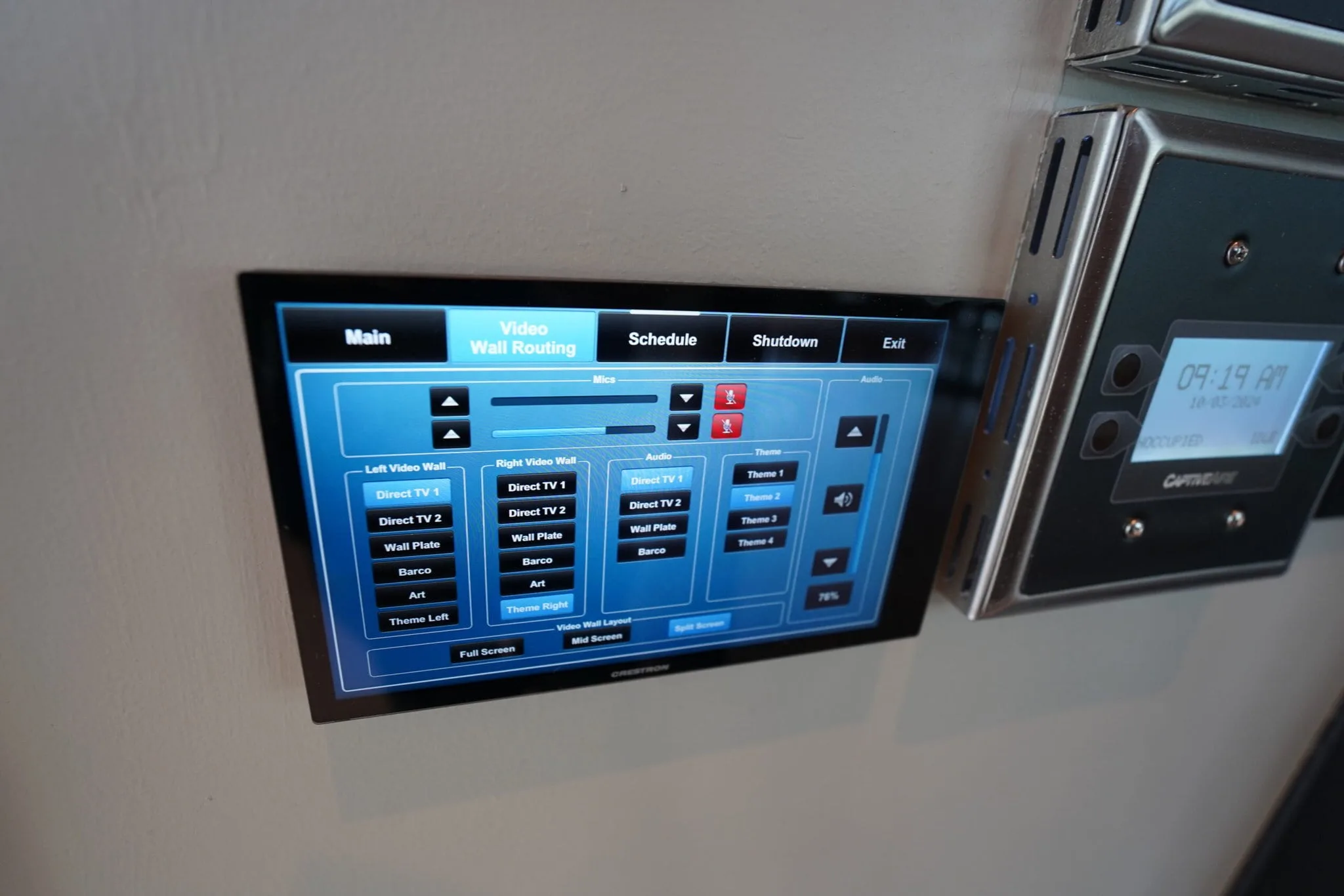
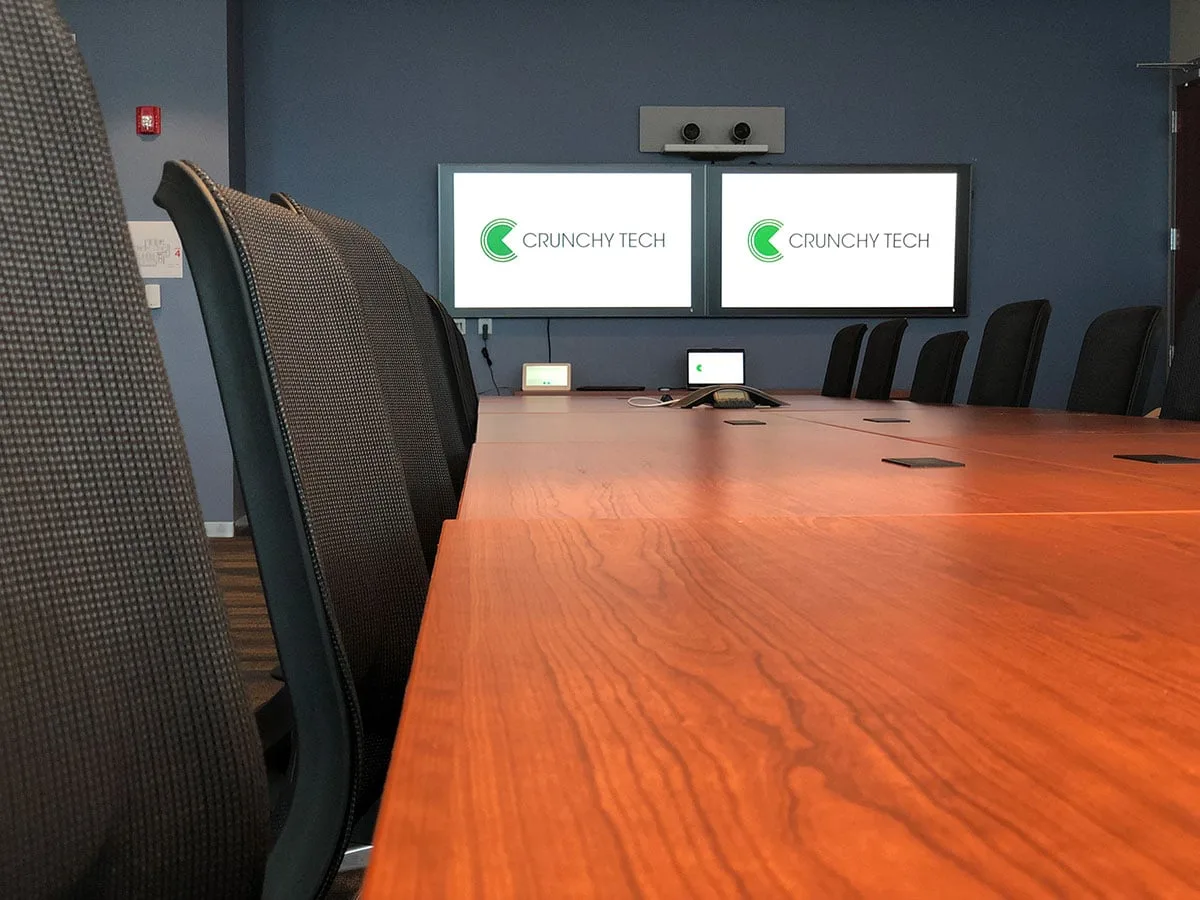
From there we spec the camera coverage, the microphone and speaker layout for clean intelligibility, the displays, the wireless presentation and BYOD, and the control that ties it together so anyone can start a meeting without a help-desk ticket. One team designs, builds and proves the rack in our shop, installs it, and supports it. The layers work together instead of being stitched from separate vendors.

Custom Conference Room
InstallConference room AV design

Video conferencing

Video conferencing that justconnects

The AV layer behind every platform: cameras that frame the room, audio everyone can hear, and one-touch join.

meeting room av installation
InstallMeeting room AV that connects

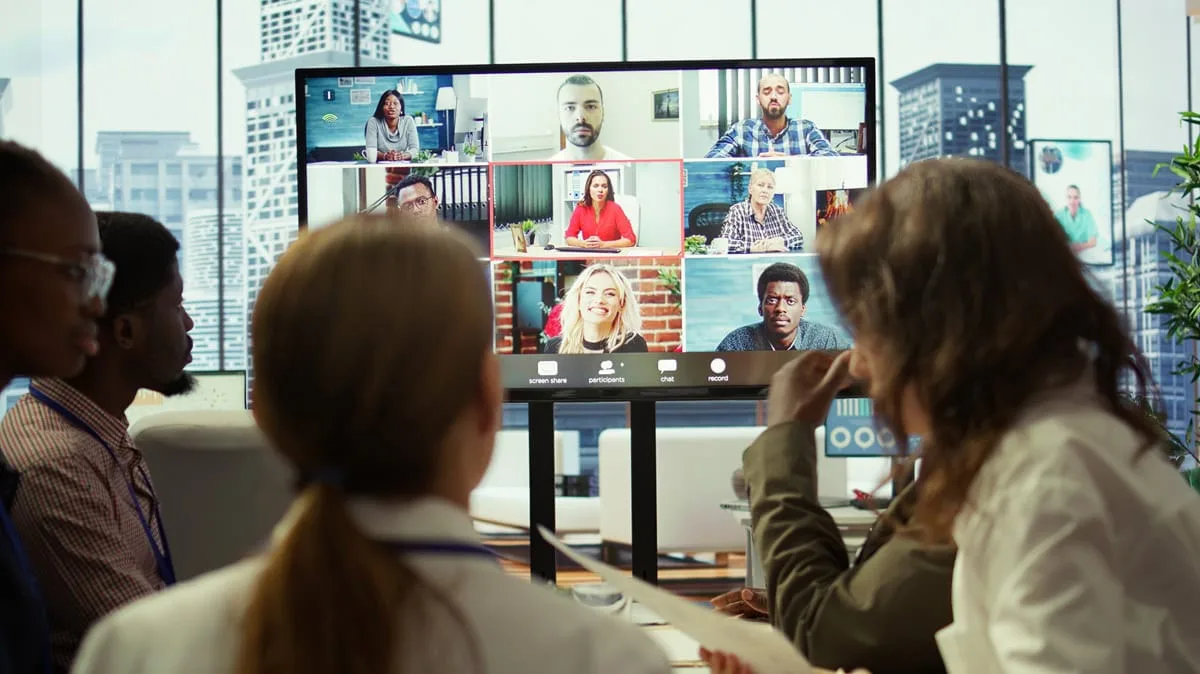
Whatever platform you run, the room-side hardware decides whether a meeting feels effortless or painful. High-definition cameras frame in-room participants clearly. Ceiling or tabletop microphones and speakers are tuned for the room itself, and remote attendees hear the meeting without echo. Displays are sized for the seats. Wireless presentation and BYOD let anyone share straight from a laptop or tablet, and a simple controller starts the meeting in one tap.

The goal is a room where the technology disappears. Someone walks in, presses one button, and the meeting works, whether everyone's in the same room or scattered across the globe.

Platform-certified rooms

Built for yourplatform

We design and certify rooms around the platform your team already uses. Each has its own strengths; we match the hardware to it.

Zoom Rooms. Known for an easy, scalable experience that fits businesses of any size. We outfit Zoom Rooms with the cameras, audio, scheduling display and a tablet controller that make starting and running a Zoom meeting effortless for everyone in the room.

Microsoft Teams Rooms. The natural fit when your organization runs Microsoft 365, with deep native integration. We build Teams Rooms with certified cameras, ceiling or tabletop mics and speakers, interactive displays for content and annotation, and dial-in support, so the room works the way Teams users expect.

Google Meet. A straightforward, reliable choice for Google Workspace organizations. We design Meet rooms that connect simply and stay easy to manage, without adding complexity your team doesn't need.

Cisco Webex. The choice when security, compliance, and scale matter most, common in larger and regulated organizations. We design Webex rooms around those requirements with the camera, audio, and control to match.

Not sure which fits? Book a consultation. We can assess your size, budget, security needs, and the tools you already use, then recommend the platform and the room to match.

Install + support

Clean conference room AVinstallation+support

The install is the start of the relationship. We build it to last and we stand behind it.

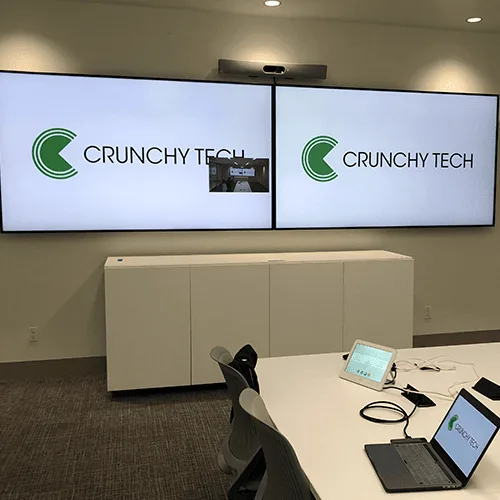
Every rack is built, wired and proven in our shop before it reaches your office, with every cable labeled on both ends. The install is fast and a future technician can read every run. We commission the room, set it up for your platform and walk your team through running it.

Then we support it as a partner. Most issues are solved remotely, with around 47% of tickets closed in under an hour and roughly 72% within 24 hours, without sending anyone on site. For a room your team depends on every day, that response is the difference between a five-minute fix and a meeting that doesn't happen.

Custom Conference Room AV
InstallClean conference room AV installation + support

Before you spec a room

Design the room around thepeopleinit

Let's Talk
Conference room AV solutions

Specialized meetingspaces

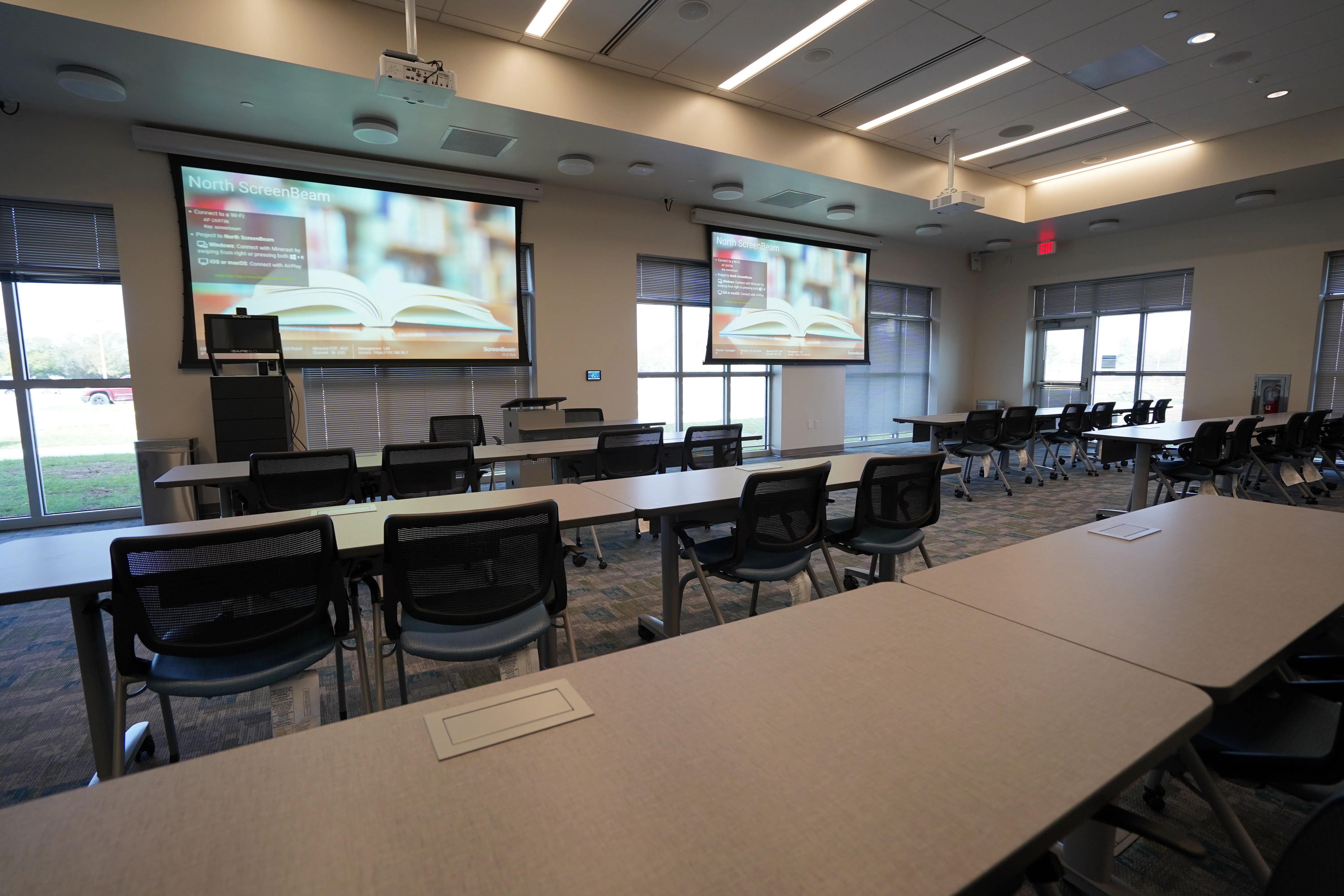
Different rooms ask different things of their AV. Two get their own deep dive: small team huddle rooms and instructional training rooms.

What makes a good conference room AV system?

A good AV system for conference rooms chiefly considers the people who use it. The most common reason these rooms fail is that IT specified a system without reconciling the executive's vision and the end user's daily needs. A good system is designed from the room itself: camera coverage framed for the space, microphones and speakers tuned to its acoustics for clear, echo-free audio on the remote end, displays sized for the seats, and control simple enough that anyone starts a meeting in one tap. It's matched to the platform your team runs day to day, and it's built to be supported.

What's the difference between a huddle room and a conference room?

Two things mainly: size and purpose. A huddle room is a small, intimate space for quick, focused sessions among a few people. It's designed around a compact camera that captures the whole room, omnidirectional mics, a single display, and easy BYOD sharing. A conference or boardroom is larger and more formal, with camera coverage and audio engineered for more seats and a wider range of meeting types. The mistake we see most is sizing one like the other - a huddle system in a twenty-person room or an overbuilt boardroom rig in a space that needed something simple. We design each to its actual size and use.

How much does conference room AV cost?

It depends on the size of the room, the platform, the camera and audio coverage the space needs, and how many rooms you're outfitting. A single huddle room sits in a different budget than a large boardroom with multiple displays, and a multi-room standardization program is different again. Rather than quoting off a generic spec, we run a needs assessment, design the right system for the space, and scope it against what you're actually looking to spend.

Can you standardize rooms across multiple offices?

Yes, and for multi-location organizations it's the smart move. A standardized room design means every office runs the same platform experience and the same hardware. There's one system for your team to learn and for us to support, and the meeting works the same whether someone's in the headquarters boardroom or a branch huddle room. We design the standard around how your teams actually meet, document it and support it as a partner, which keeps spares predictable and rollouts consistent.

What clients say

Operators who run on our systems

Client successes drive Crunchy Tech to become better. Below is how our customers feel about us.

You're a great partner with Florida Hospital and this project will make a difference in Children's Health.

Des Cummings logo
Des Cummings
Vice President of Florida Hospital · Florida Hospital

Crunchy's AV Services are outstanding. Staff members are experts, who really extend themselves to find the right technology for helping us reach our marketing goals in creative ways. The best thing about working with Crunchy is collaborating with the staff – they are patient, responsive, knowledgeable, and available.

Shannon McHale logo
Shannon McHale
Marketing Specialist · IGT

Crunchy has been great to work with. They communicate well and deliver as promised.

Brian Dornbush logo
Brian Dornbush
Facilities & Operations Manager · Orange County Library System

The work Crunchy has been doing is a game changer for this industry.

Steven Fandozzi logo
Steven Fandozzi
VP of Information Technology · Foundation Partners

Being able to reuse the existing structure created a much lower cost for the client and they were ecstatic.

Seminole State College logo
Seminole State College
Facilities · Seminole State College

Areas We Served

Where we've already delivered

Digital signage and AV systems. Designed, installed and supported on the ground in every market below.

Proven Results
8
Cities
2
States
2
Regions
Get Started

Ready to Transform Your Space?

Tell us about your vision and we'll put together a custom proposal.

  • Free 1-on-1 phone consultation
  • Professional installation with minimal downtime