Education AV
Enterprise Vertical

Education AV

Every seat hearsandseesthelesson

Classrooms, lecture halls, auditoriums and campus-wide systems. We design education AV built around teaching: the instructor teaches, every student follows and IT manages one platform.

Enterprise Industry

The instructor should teach, nottroubleshoot

Most classrooms fail in small, familiar ways. The laptop will not connect. The first few minutes go to swapping cables. The microphone picks up the air conditioning more than the teacher. The back row cannot hear, and the two students on the video call are staring at a camera pointed at an empty whiteboard. The gear is fine. It was equipped. It was never designed for how the room actually gets used.

We design education AV to get the technology out of the way. The instructor walks in, connects in a few seconds and teaches. Every seat can hear and see, and remote students take part. Every room on campus works the same way: faculty learns one system, and IT manages one platform. Accessibility is part of the plan from day one.

The instructor should teach, ==not troubleshoot==
InstallEducation AV
Two ways we engage

Two paths. Same methodology.

New construction? Retrofitting classrooms still in session? Either way, the work starts with a plan built around improving day-to-day instruction and school operations.

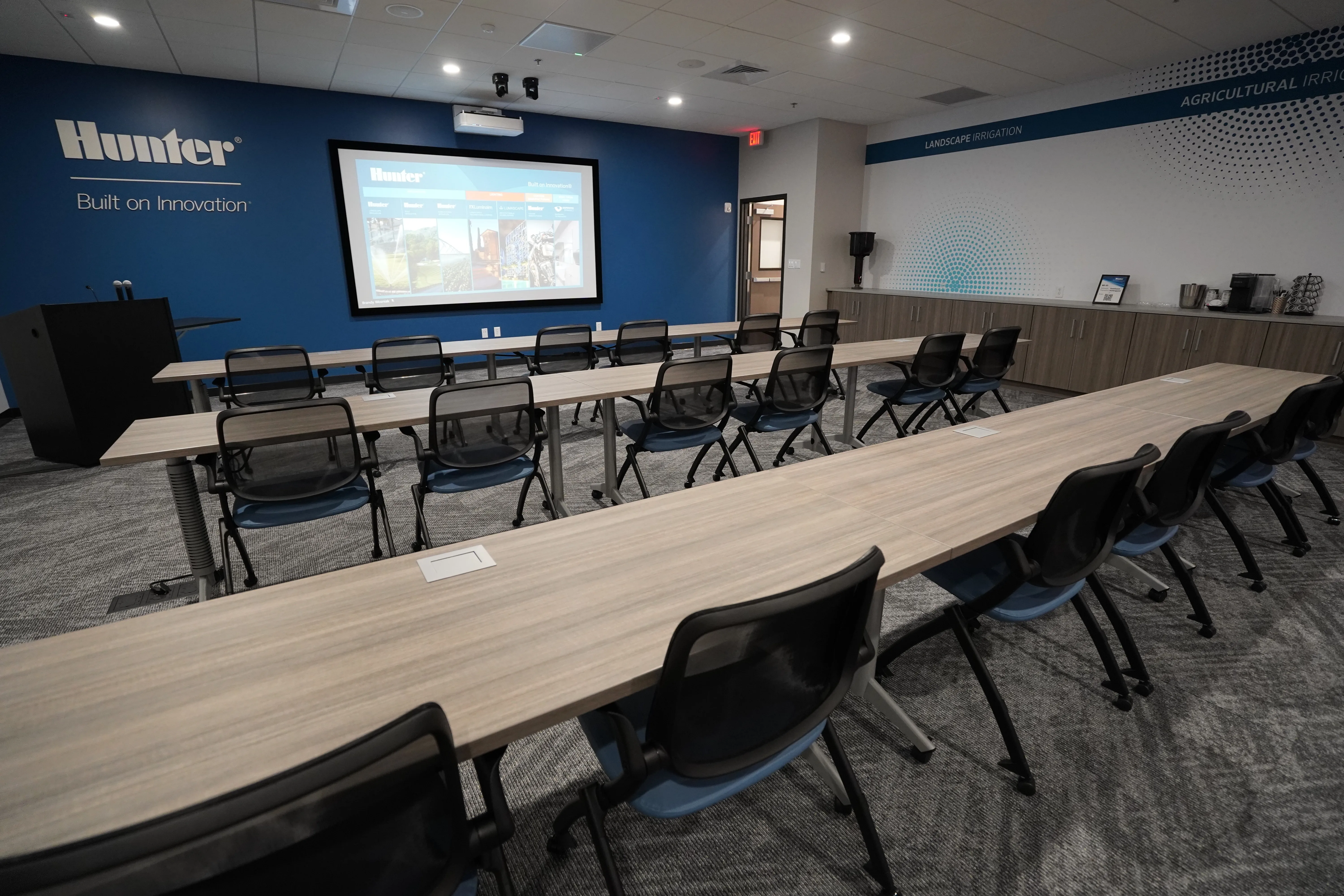
PATH 01 New building or renovation

Learning spaces built right the firsttime

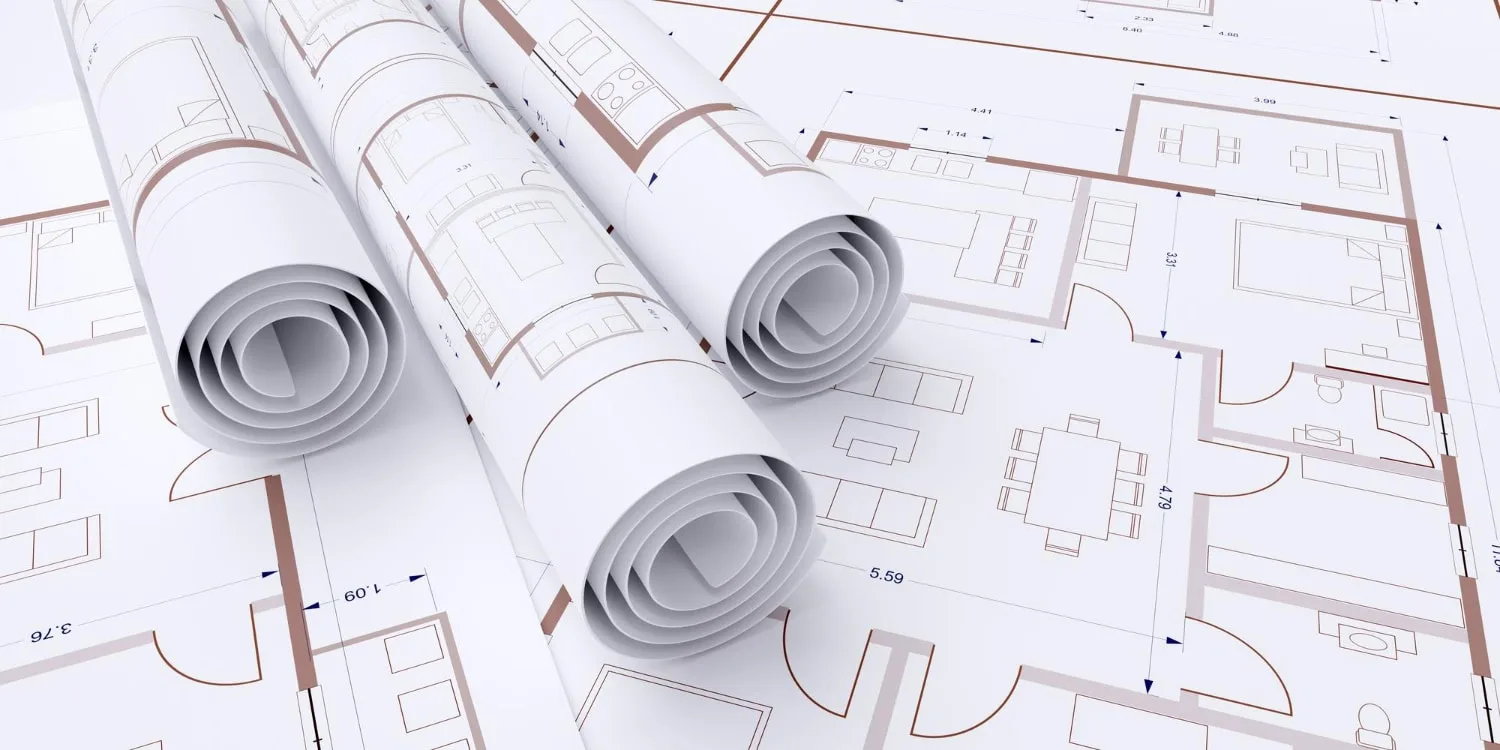
If you are building or renovating, AV belongs in the drawings and the procurement package. We design it with your architect, GC, and IT team so it clears the bid and works on the first day of class.

Show 3 commitments
  • Designed into the build Display placement, audio, conduit, power, and control routed into the construction and procurement documents.
  • One standard across campus A single room design repeated building to building, so every space works the same for faculty and IT.
  • Accessibility from day one Assistive listening and ADA requirements designed in, not added during punch list.
PATH 02 Upgrade rooms in use

Standardize dated rooms withoutlosingaterm

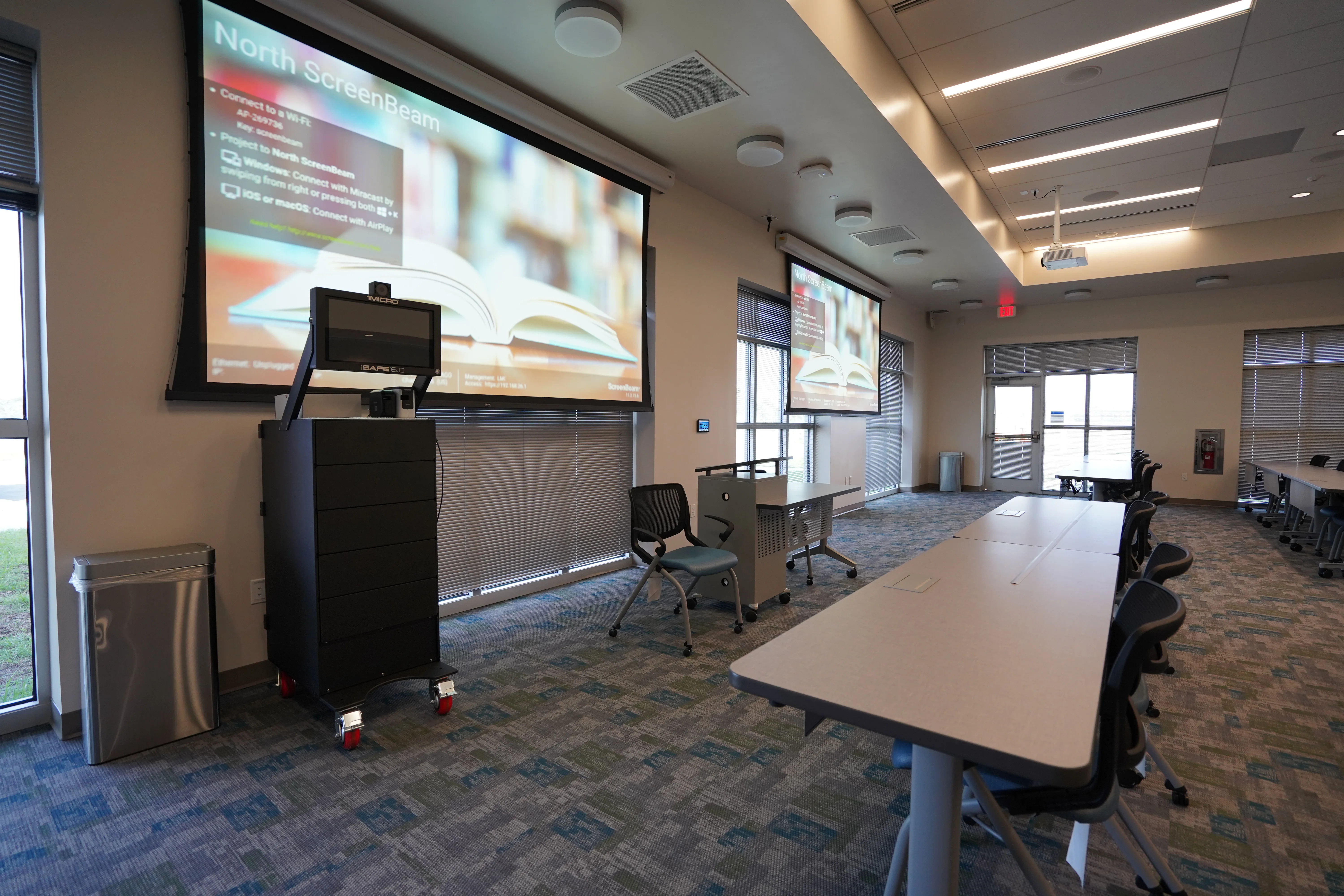
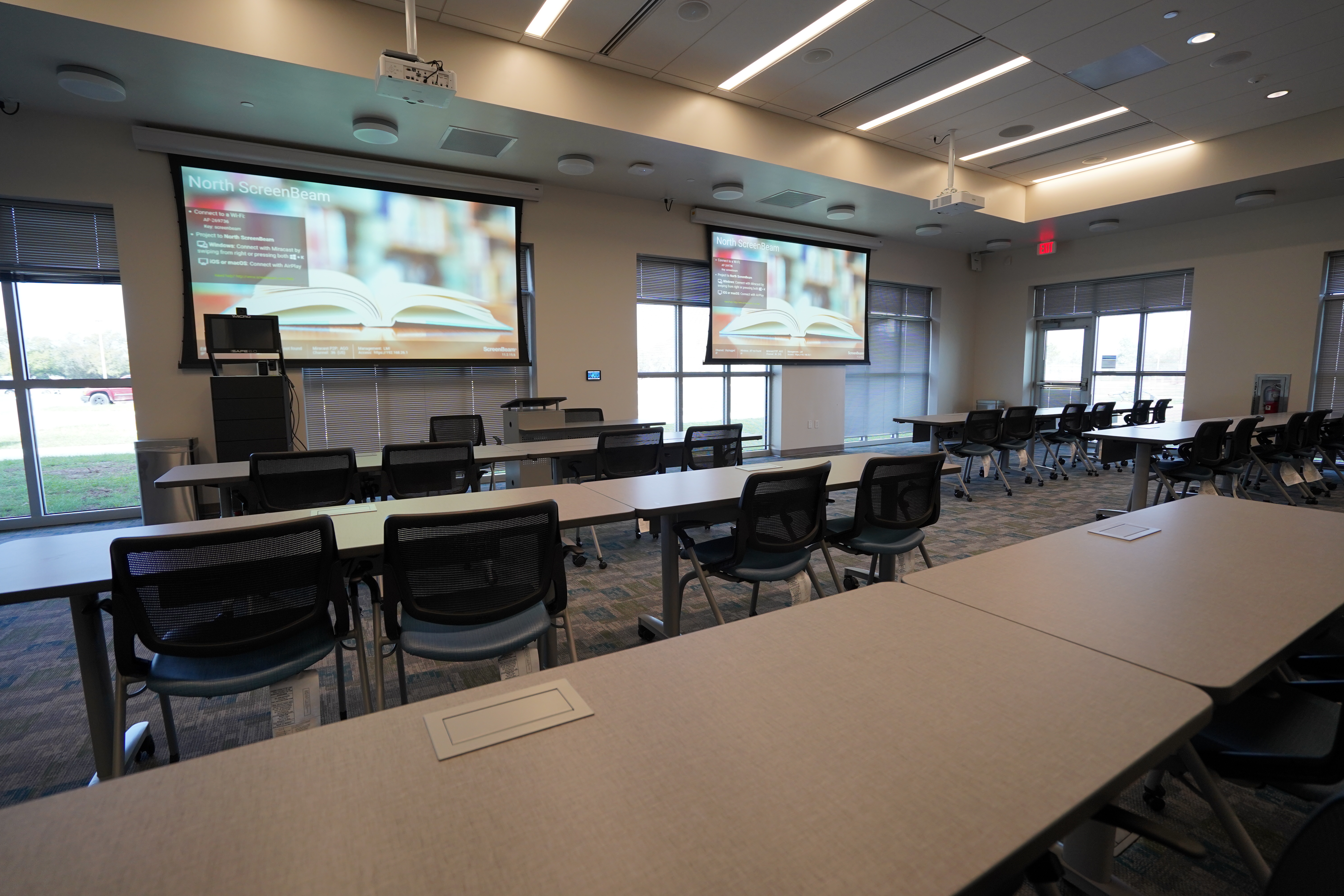
If your rooms are a patchwork from years of one-off installs, we bring them onto one standard, scheduled around the academic calendar so teaching keeps happening.

Show 3 commitments
  • One interface, every room Mismatched rooms brought onto a single control standard, so faculty and substitutes learn one system.
  • Scheduled around the calendar Breaks and off-hours work so classes are not displaced while rooms are upgraded.
  • Hybrid and capture added Reliable remote participation and lecture capture retrofitted into rooms that never had them.
Not sure which path fits? A 20-minute conversation is usually enough to know. Let's Talk

Design and standardization

How We Design AVSolutionsforEducation

One standard across campus, designed around teaching and built to your budget cycle.

One standard, every room

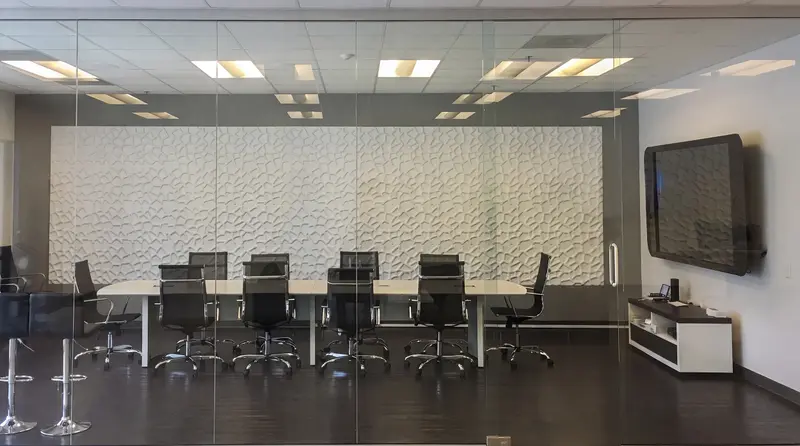
Campuses accumulate AV in layers: rooms installed by different vendors over fifteen years, each with its own remote and its own way of failing. We design a single standard and apply it room by room. Every classroom, lecture hall and meeting space works the same way. Faculty learns the system once. Any substitute can step in and start teaching without a walkthrough, and IT manages one platform with one set of spare parts.

Designed to the budget and the bid

Education buys AV under real constraints. Think competitive bids, budget cycles and board approval. We design to those constraints and hand over drawings, specifications and equipment schedules that hold up in a procurement package and a board presentation. We work with your IT and facilities teams, and we build permanent systems meant to last well past the next capital request. We do not handle event production or rentals.

Classrooms

ClassroomAVTechnology That Just Works

The instructor connects in seconds and teaches. No adapters, no IT call.

Connect and go

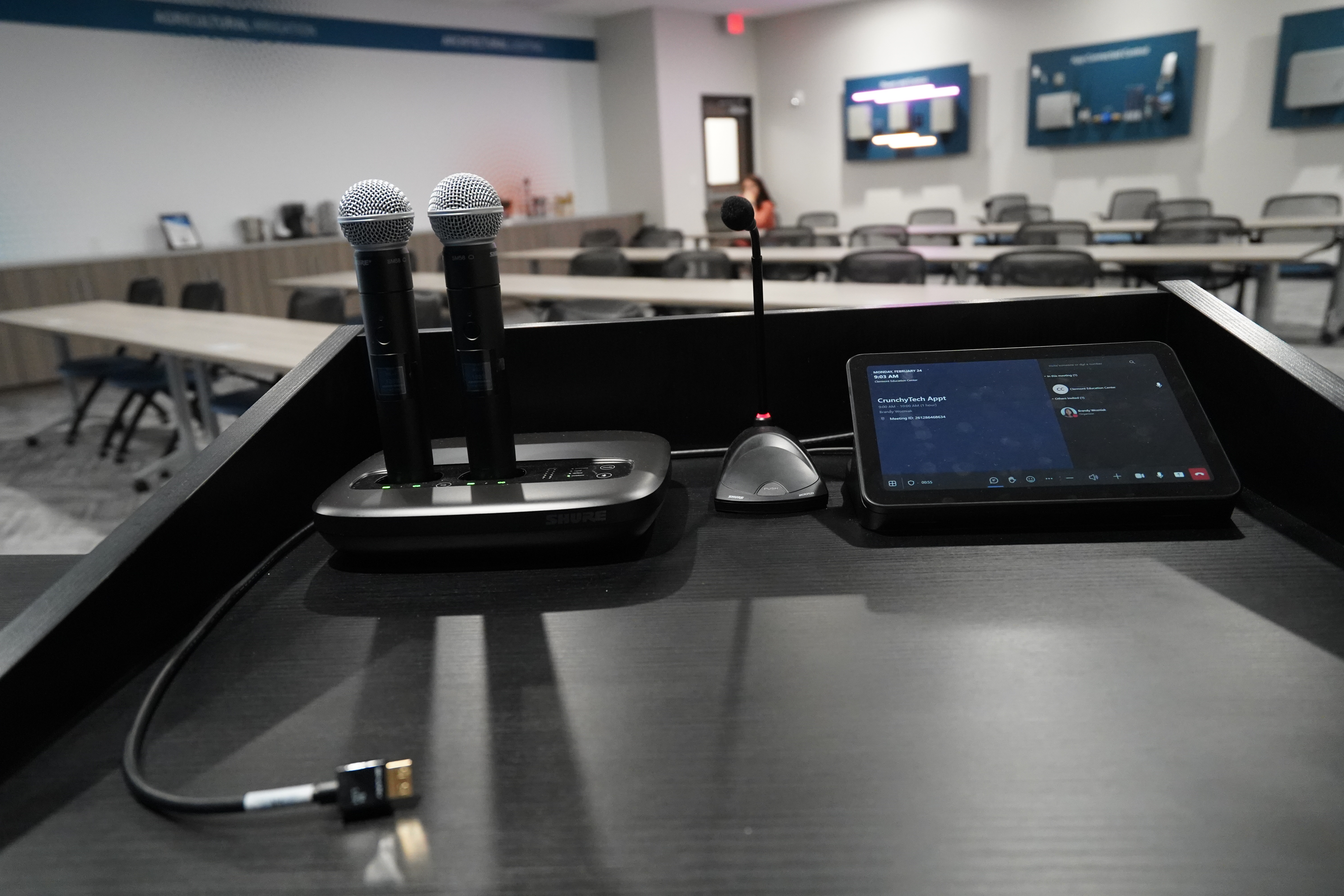
A smart classroom should be simple to run. The instructor brings a laptop or tablet and connects without hunting for an adapter. The display and audio just work. We design platform-agnostic presentation for that: ceiling speakers placed for even coverage, a display or projector sized to the actual room and one-button control in place of a drawer of remotes. When the room is easy, class starts on time.

classroom audiovisual
InstallDesigned to focus on education

Lecture halls and capture

LectureHall Audiovisuals

A hundred seats or five hundred, the back row has to hear as well as the front.

Heard in every row

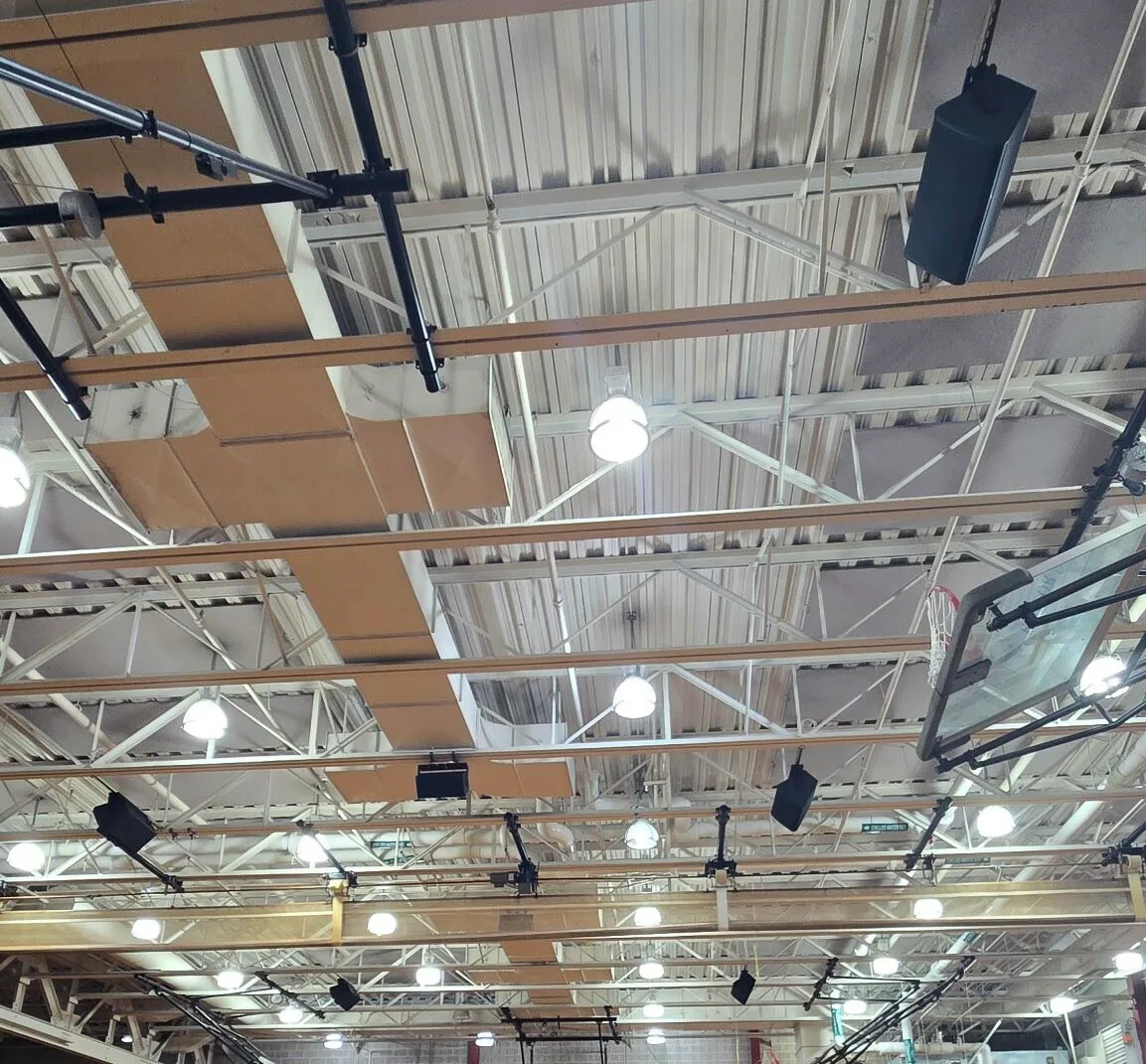
A lecture hall is a different audio problem than a classroom. Sound falls off with distance, hard surfaces smear it and the air handling adds a hum that covers speech. We design the audio for the actual room: the back row and the balcony hear the instructor clearly. Displays or projection get sized for the hall, and microphones cover the podium and questions from the floor.

Lecture Hall AV
InstallLecture Hall Audiovisuals

Hybrid learning

HybridLearningAV for Every Room

The remote student should take part and not watch a security-camera feed.

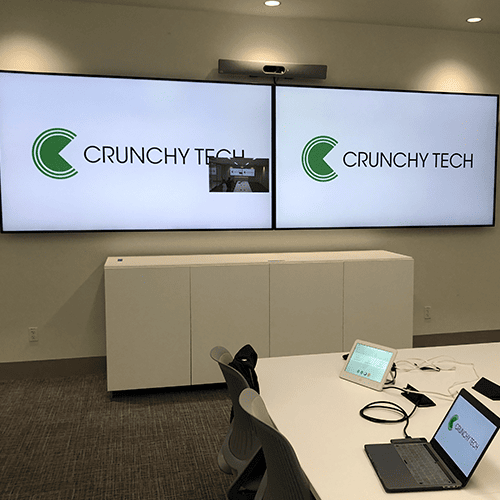
Hybrid is standard now. A remote student deserves to hear the instructor as clearly as the front row, and to be seen when they speak. We design hybrid rooms around three things. 1. a camera that frames the instructor and the content, 2. ceiling microphones that catch the teacher's voice over room noise, and 3. audio that lets the room and the remote side hear each other clearly. It is platform-agnostic and one-touch to join. The instructor never has to configure anything. Whether the meeting runs on Zoom, Teams, Google Meet or Webex, the room simply works.

Hybrid Learning Audiovisual
InstallHybrid Meeting Technology

Campus communication

Campus Digital Signage

A campus runs on information. One alert has to reach every screen at once.

digital signage for schools
InstallEducation Digital Signage

Digital signage that informs and keeps things going

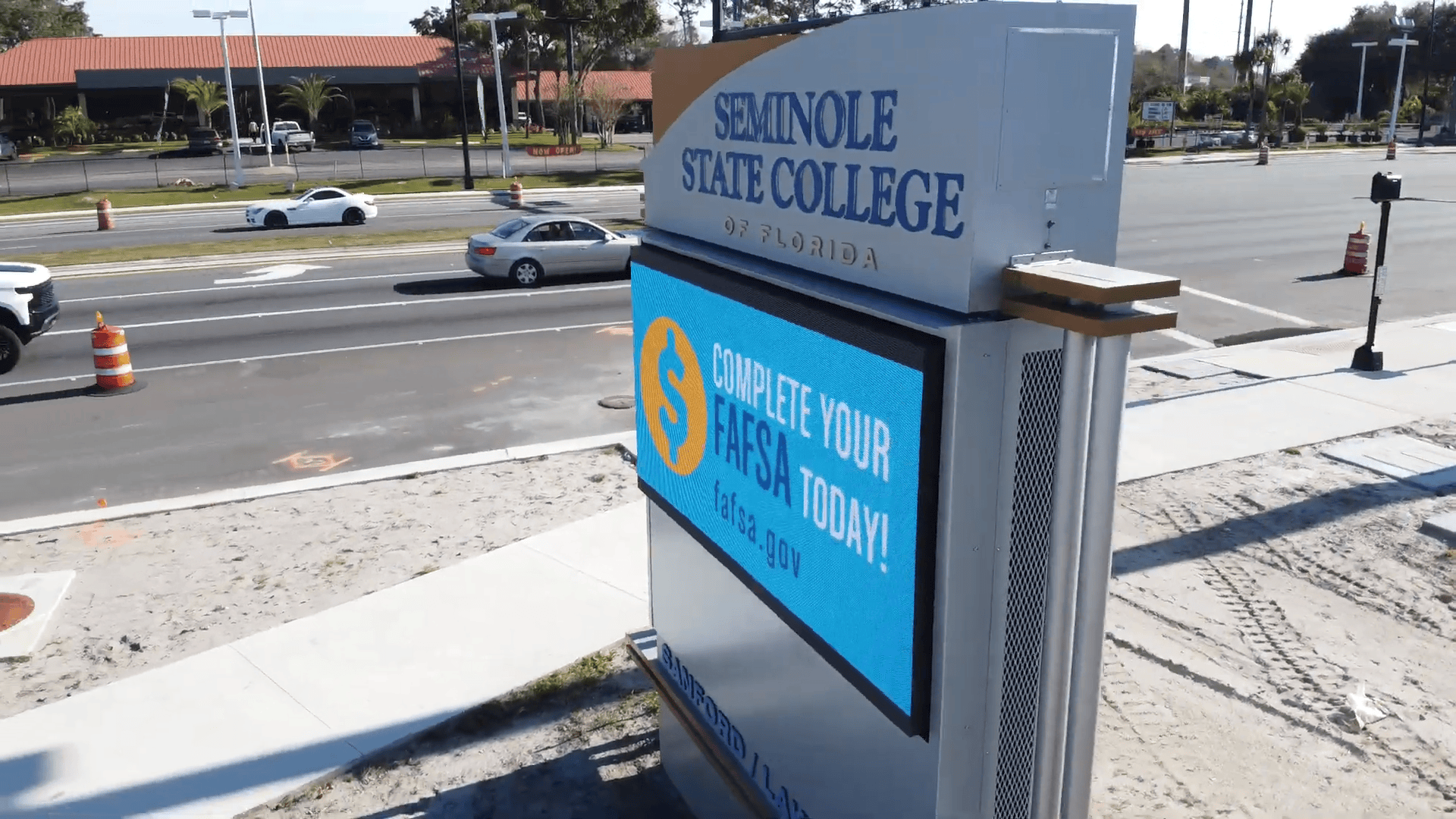
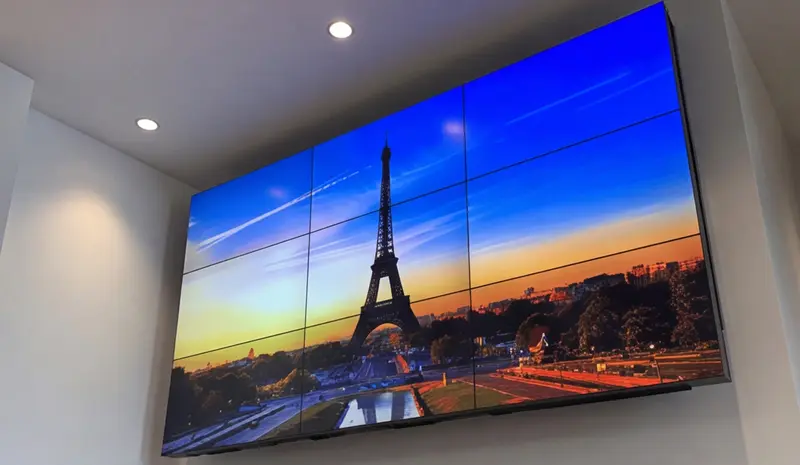
Campus digital signage posts schedules and event information, directs visitors to the right building and carries department and student announcements. One dashboard runs all of it, sorted by building and by department. When campus safety issues an alert, it overrides every screen at once and the message reaches people wherever they are. Meanwhile, wayfinding gets visitors where they're going without having to stop and ask.

Auditoriums and campus sound

Auditorium AV and CampusSound

The room that hosts assemblies and commencement, and the sound that carries the rest of the campus.

One auditorium, many events

A school auditorium hosts assemblies, performances, guest speakers and commencement - each one needs a different setup. We design scene presets for each mode. The facilities team switches with a button instead of rewiring the room. The speaker system itself is engineered for the hall, built to carry a full house.

Sound that reaches every seat, and every student

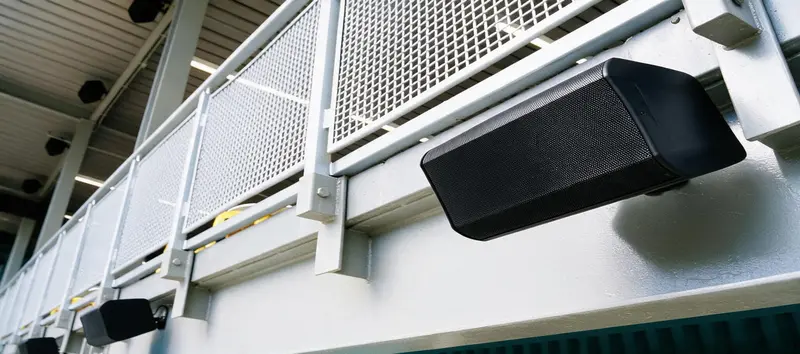
School buildings were not built for amplified sound. We design the audio to cut through hard rooms and air-handling noise and land clearly at every seat. Assistive listening is part of the initial design, covering the students who need it as a baseline ADA requirement. The same platform carries campus PA and emergency notification.


What does an education AV company do?

An education AV firm designs, installs and supports the permanent audio and video systems in learning spaces. As a nationwide design-build education AV integrator, we assess how your rooms are actually taught in and design around that. Then we install and commission the systems, train faculty and staff and support them over time. We build to one campus standard. Every room works the same way.

Can students and faculty cast from their own devices?

Yes. We design platform-agnostic wireless presentation. An instructor or student connects from a laptop or tablet regardless of brand or operating system. It is one of the first things we standardize. A cable that does not fit is the fastest way to lose the start of class.

Can you standardize AV across our entire campus?

Yes, that is the model. The same equipment standard, control interface and management platform apply room by room across campus. Faculty learns the system once and a substitute can walk into any room and start teaching without a tutorial. It is the difference between maintaining fifty one-off installs and running one system.

How do you handle hybrid learning?

We design hybrid into the room as part of the original plan: a camera that frames the instructor and the content, ceiling microphones that capture the teacher over room noise and audio that mixes both sides together so everyone hears each other clearly. It is platform-agnostic and one-touch to join. A remote student follows and takes part as clearly as the front row.

What about ADA compliance and assistive listening?

Accessibility is designed in from the start. Every system includes assistive listening, accessible controls and captioning-ready capability where it applies, covering the students who need them from the first day of class. That is what ADA compliance actually requires.

How much do school or higher education AV solutions cost?

Cost tracks the room type and how far the standardization goes. A single classroom retrofit is a different scope than a lecture hall built for a hundred seats. A campus-wide rollout gets priced differently again, with per-room costs coming down as the same standard repeats building to building. We design around your procurement process from the start - budget cycle, competitive bid requirements and board approval timeline. What comes out the other end is a package a purchasing department can actually use, namely drawings, specifications and equipment schedules, ready before anything gets ordered.

What we build

Services we deploy across campus

An education system pulls several practices together: meeting rooms, control, digital signage, sound, video walls, and consulting, all on one standard.

What clients say

What campus teams say

The same design-build discipline that standardizes one classroom standardizes a whole campus, so every room works the same for faculty, students, and IT.

Being able to reuse the existing structure created a much lower cost for the client and they were ecstatic.

Seminole State College logo
Seminole State College
Facilities · Seminole State College
Talk to an education AV designer

Let's design around howyourroomsteach

Tell us about the campus: the rooms, how they are taught in, the hybrid and accessibility needs, and your IT setup. We will design one standard and come back with drawings, specifications, and clear pricing that holds up in a board presentation.

  • New build, renovation, or standardizing rooms already in use. Every scale fits.
  • Classrooms, lecture halls, auditoriums, hybrid rooms, and campus signage on one platform.
  • One standard across campus: faculty learns one system, IT manages one platform.
  • Accessibility built in: assistive listening and ADA handled in the design.