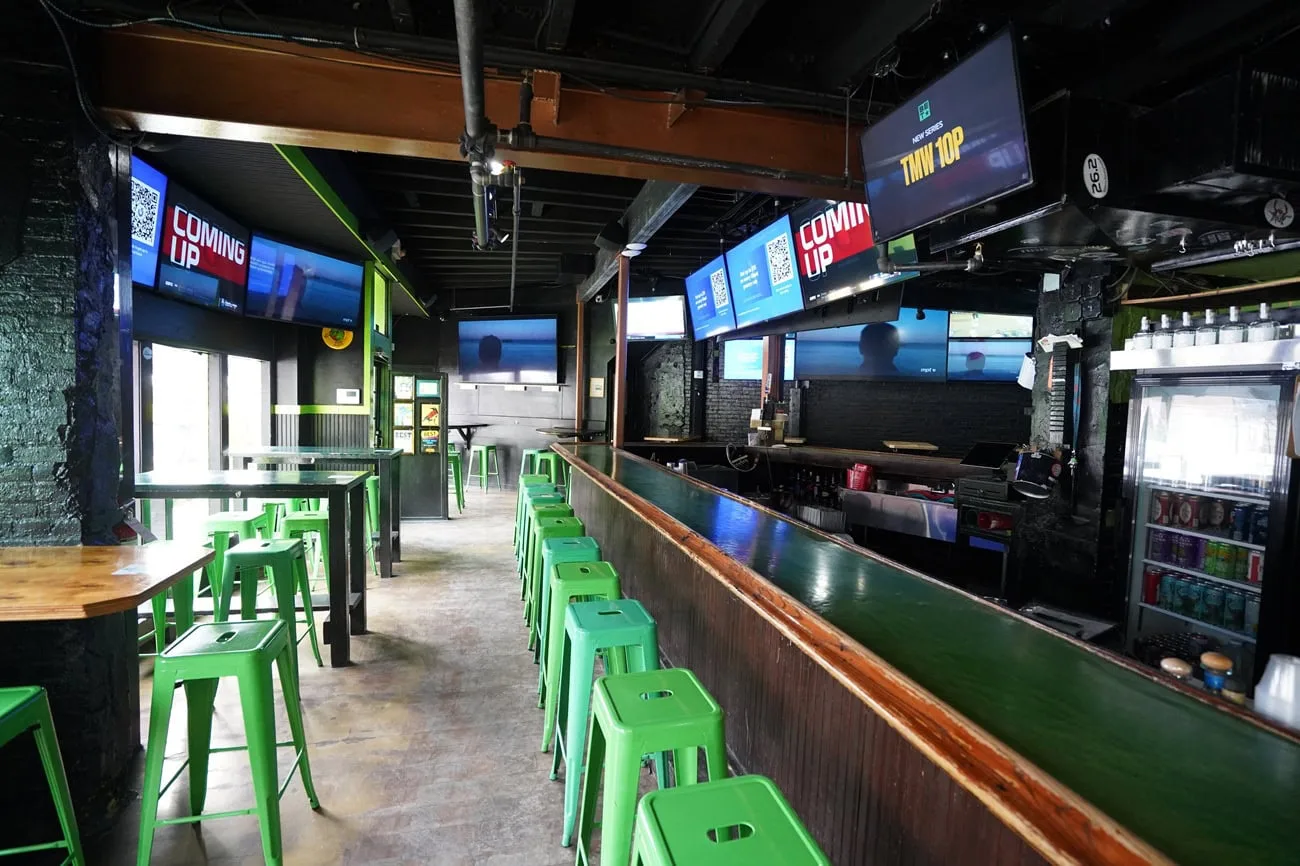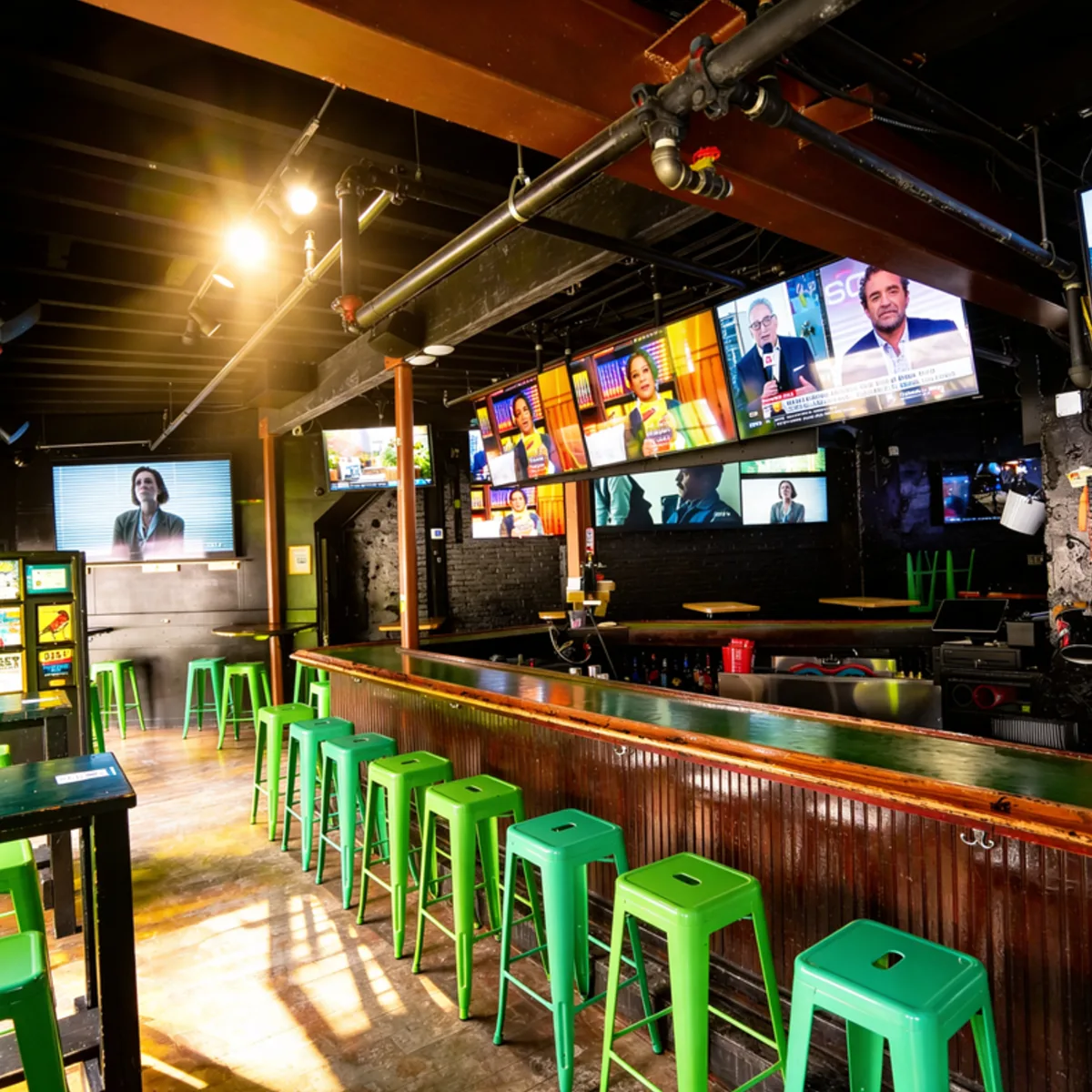

Walk behind the bar at most sports bars and you'll find the problem in a pile. There's a cable or satellite box behind every TV, a remote for each one and a bartender guessing which remote goes to which screen.
A sports bar TV distribution system replaces that pile with a handful of sources in one rack and a way to send any of them to any screen. There are three ways to build one, and the right choice depends mostly on how many screens you run and how many games you carry at once.
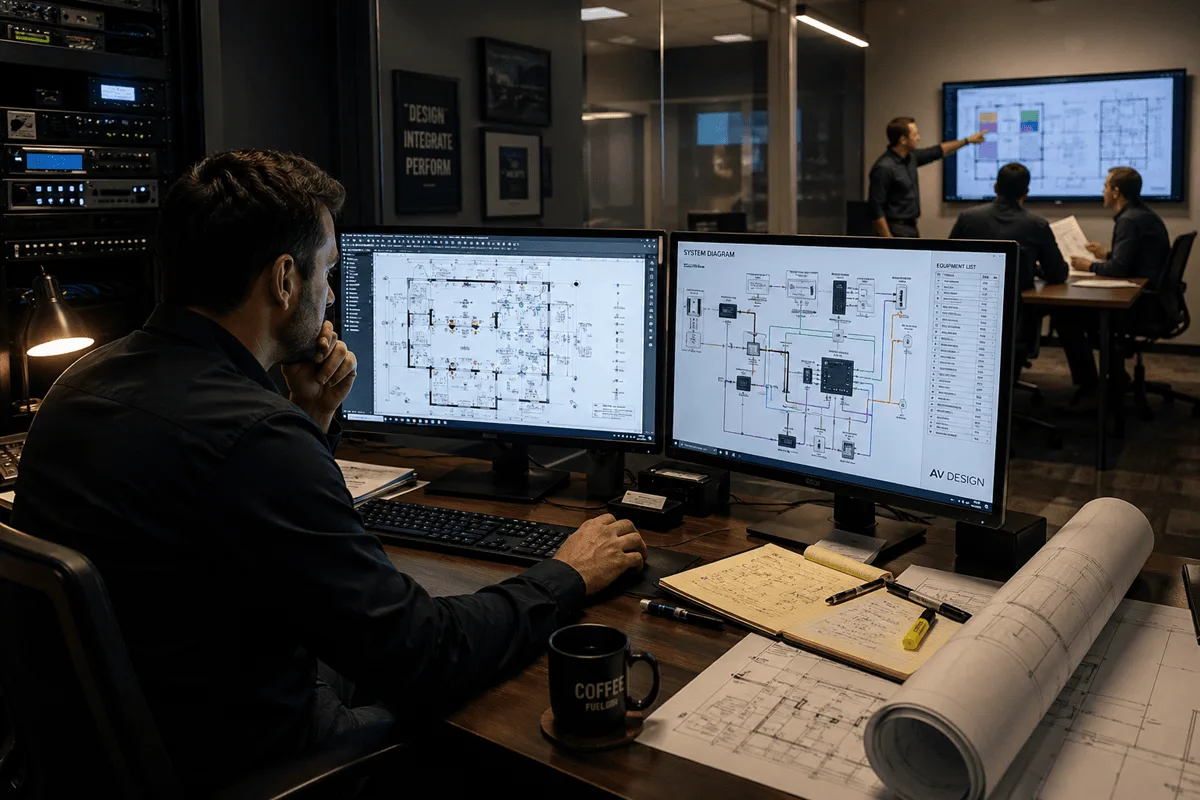
Distribution is one layer of a complete sports bar AV system, the audiovisual setup that runs the whole venue. It sits between your sources and your screens, takes orders from the control system and hands each game's audio to the sound system. When it's designed well, everything downstream gets simpler. When it isn't, every later upgrade inherits the problem.
How a sports bar TV distribution system works
A TV distribution system takes a small number of video sources, sends any source to any screen and lets staff change what's on each screen from one control panel. The pieces are the same in every bar, whatever technology sits underneath.
- Sources. Commercial satellite or cable receivers, streaming boxes and a signage player, all in the rack.
- The distribution core. An HDMI matrix, an AV-over-IP network or an RF modulator head end. This is the part that decides what goes where.
- The path to each screen. Category cable, fiber or coax running from the rack to every display.
- The endpoint. A decoder or extender at each screen, or the TV's own tuner in a coax system.
- Control. The iPad or wall panel that tells the core which source goes to which screen and which audio goes to which zone.
The number that matters most is not screens but sources. You need one source for every different game or channel you want on at the same time. A bar with 60 screens that carries 12 games on a Saturday needs about 12 sources, plus one for signage. Adding screens later is cheap when the core has room. Adding games means adding sources.
HDMI matrix vs. AV-over-IP vs. coax
Every sports bar distribution system is built on one of three methods, or a mix of them. Each one has a real place.
Coax and RF modulation
A modulator turns each source into a TV channel and puts it on the building's coax, and every TV tunes to the channel it wants with its own tuner. It's the cheapest way to reach a lot of screens, especially where coax already runs. The trade-offs are picture quality and control. The signal is compressed to fit a channel, many systems top out at HD, and changing a screen means changing its channel.
HDMI matrix
A matrix switcher is a box with a fixed number of inputs and outputs, and any input can go to any output. The picture is uncompressed and the delay is close to zero, which is why a lot of bars still use a matrix for the main viewing area. The limits are size and distance. When you outgrow the chassis, you buy a bigger one. Distance is capped too: the HDBaseT extenders most matrices use reach up to 100 meters (328 feet) over one category cable, according to the HDBaseT Alliance.
AV-over-IP
AV-over-IP puts an encoder on each source and a decoder behind each screen, all tied together through network switches. To add a screen, you add a decoder and a switch port. There's no chassis to outgrow, and the same system can split one display into four games or stitch several displays into one picture. The catch is the network. It needs switches sized for video traffic, its own network apart from guest Wi-Fi and point-of-sale and a designer who planned it for video. AVIXA's latest industry outlook names AV over IP as one of the main technologies driving growth across pro AV, and that matches what we see in bars.
|
Coax / RF modulation |
HDMI matrix |
AV-over-IP |
|
|---|---|---|---|
|
Best fit |
Lots of secondary screens on existing coax |
Small to mid-size bars and main viewing areas |
Mid-size to large bars and multi-floor venues |
|
Picture |
Compressed, often HD |
Uncompressed, up to 4K |
Varies by system, up to 4K |
|
Delay |
Highest of the three |
Near zero |
Low, depending on the system |
|
Adding screens |
Easy on the coax |
Limited by chassis size |
Add a decoder and a switch port |
|
Multi-view and video walls |
No |
Limited |
Yes, with the right decoders |
|
Network design |
Not needed |
Minimal |
Essential |
What changes at 10, 25, 50 and 100+ screens
Screen count is the fastest way to narrow the choice. These are the rules of thumb we start from, before a site walk changes them.
|
Screens |
Usual starting point |
What to watch |
|---|---|---|
|
Up to about 10 |
A receiver per TV, or a small matrix once you want one-panel control |
Remote sprawl and no shared audio routing |
|
10 to 25 |
An HDMI matrix with spare inputs and outputs |
The chassis you buy is your ceiling |
|
25 to 50 |
AV-over-IP, or a matrix on the main wall with AV-over-IP for the rest |
Network design starts to matter |
|
50 to 100+ |
AV-over-IP on a network built for video |
Switch capacity, cooling and redundancy |
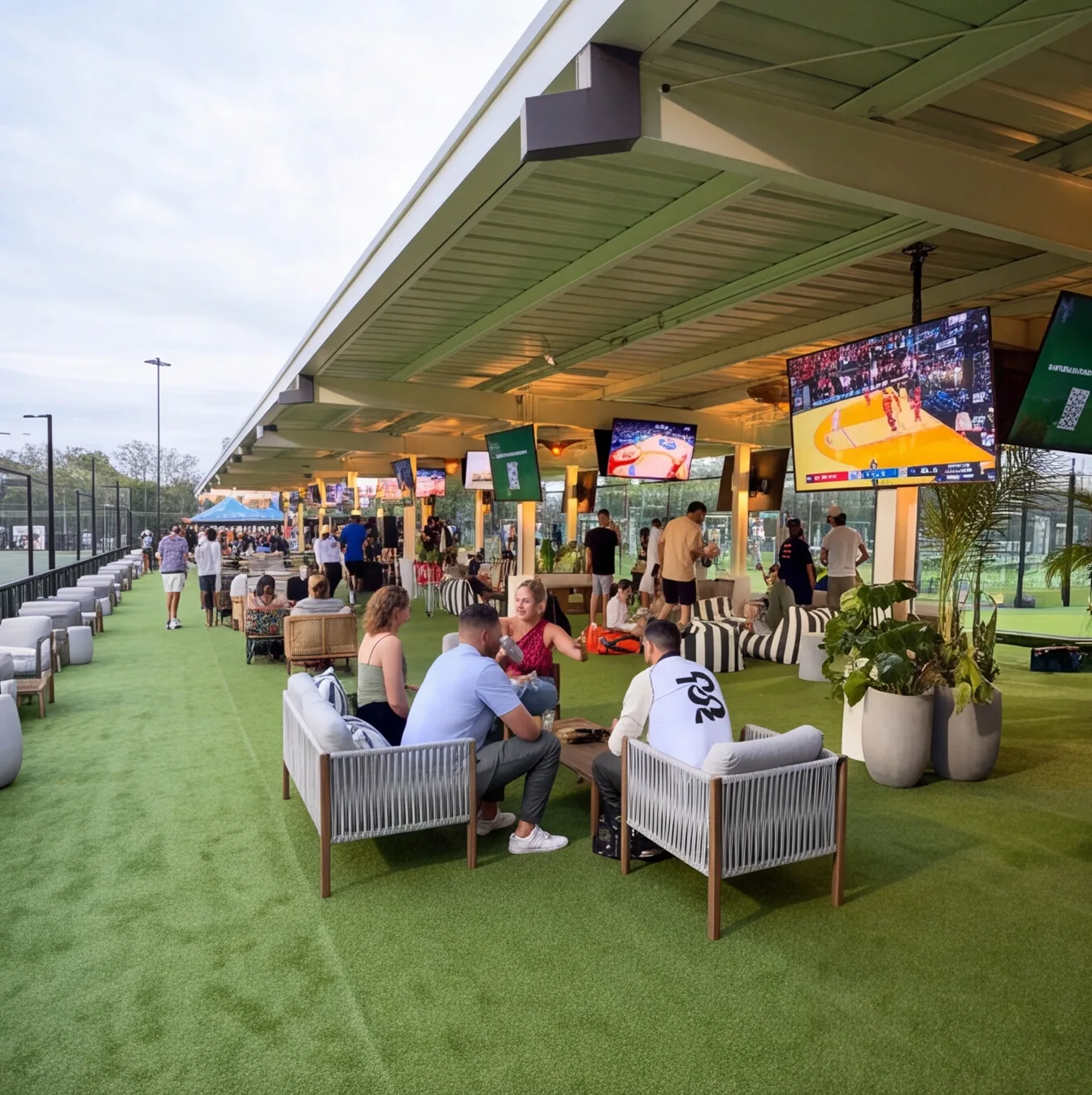
At the big end, Tom's Watch Bar in Orlando runs 124 TVs and nine projectors on AV-over-IP across two rooftop floors. A matrix that size would have filled a closet with chassis. At the small end, a ten-screen dog bar we built in Orlando feeds each display from its own receiver, with no matrix at all. At that size, direct feeds did the job.
Plans also change mid-build. On one opening tied to March Madness, the original equipment vendors couldn't deliver on time. We redesigned the system architecture in the middle of the project, and the bar still opened with every system running.
In Good, Better and Best terms, Good is a matrix sized for today with one-panel control. Better adds spare capacity and lets each game's audio follow its screens into the right zone. Best is AV-over-IP across the venue, with multi-view layouts and video wall processing on the screens that anchor the room.
Encoders, decoders and modulators: what "best" means for a bar
The best encoder for a sports bar is the one that matches your distribution method, your screens and your sources. Four questions rule out most of the options.
- Which method is it built for? An AV-over-IP encoder usually only talks to decoders from the same system, and an HDMI modulator only makes sense on a coax network. Pick the method first, then the box.
- Will it pass your sources? Some sources carry copy protection (HDCP) that stops certain encoders and modulators from passing the picture. Test every source you plan to use before buying in quantity.
- What resolution and delay can you live with? A modulator that outputs HD is fine on a patio screen across the yard and weak on a 98-inch main display. Delay matters when two screens showing the same game sit side by side.
- Can your control system drive it? If the control panel can't switch it, your staff are back to remotes.
Sources: receivers, streaming and how many you need
Your sources are the commercial receivers, cable boxes and streaming devices that bring the games in. Add anything you play yourself, like a signage player or a wall plate for a private event's laptop. Count them by your busiest day. One of our Indianapolis builds runs 21 sources to 128 HDMI endpoints. A lot of screens can share a small set of sources when the core routes them well.
More commercial TV service now arrives as streaming or IPTV instead of a satellite box. It still enters the system as a source. What changes is the network, since each stream needs bandwidth and IPTV channels ride the same switches as your video. The service itself is a contract between you and your provider. We build the rack so whatever you subscribe to plugs in cleanly and reaches every screen.
Keeping every screen in sync
On a wall of eight screens showing the same game, it's easy to end up with the left side cheering half a second before the right. Fans notice. It happens when the same game reaches screens through different paths, because every encoder, modulator and decoder adds its own delay, and so does each display's own picture processing.
The fix is consistency. Feed every screen in a sightline through the same type of path, so an AV-over-IP decoder never sits next to a coax TV showing the same game. Keep the same display model within a cluster. Then line up the audio in the DSP so the call matches the picture in each zone. Most spec sheets skip this detail, and it's one of the first things we check at commissioning.
Network, rack and cooling
A distribution system is only as reliable as what it sits on. We run video on its own network, separated from guest Wi-Fi and point-of-sale, and size the switches for the video traffic with room to grow. Everything mission-critical is wired, and Wi-Fi stays with the guests' phones. Wireless dropouts have a habit of arriving during the busiest hour of the night.
The rack needs isolated power, since amplifiers and a stack of switches draw a lot of it, and it needs cooling. Keep the AV room at 75°F or cooler, sealed and clean. We've seen a client's rack look fifteen years old after three months because the room had no air conditioning and dust caked every surface. That kind of damage is preventable and expensive.
Plan the distribution before you buy boxes
If you're weighing a boxed kit instead, our comparison of sports bar TV packages and designed systems shows where a kit is enough.
The expensive mistakes in sports bar distribution happen before anything is installed: a matrix that's too small, a network nobody designed for video, sources nobody tested. In 18 years of commercial AV, we've found those fixes are cheap on paper and expensive after drywall. Tell us your screen count, your busiest day and what's behind the bar now. Book an AV consult and we'll map the distribution for your bar and quote it before you buy a single box.